Quady3D

AI 3D Model Generator

Quady3D AI turns images, text, sketches, or multiple views into 3D models you can preview and download.

30 free credits once after email verification. Preview your result; unlock AI file downloads with a credit pack or subscription. See plans.
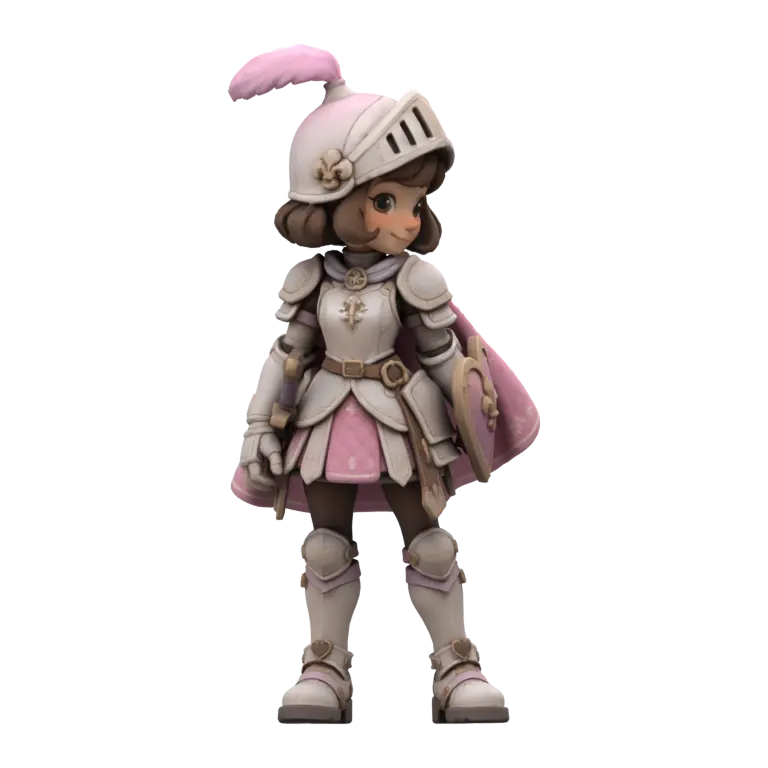
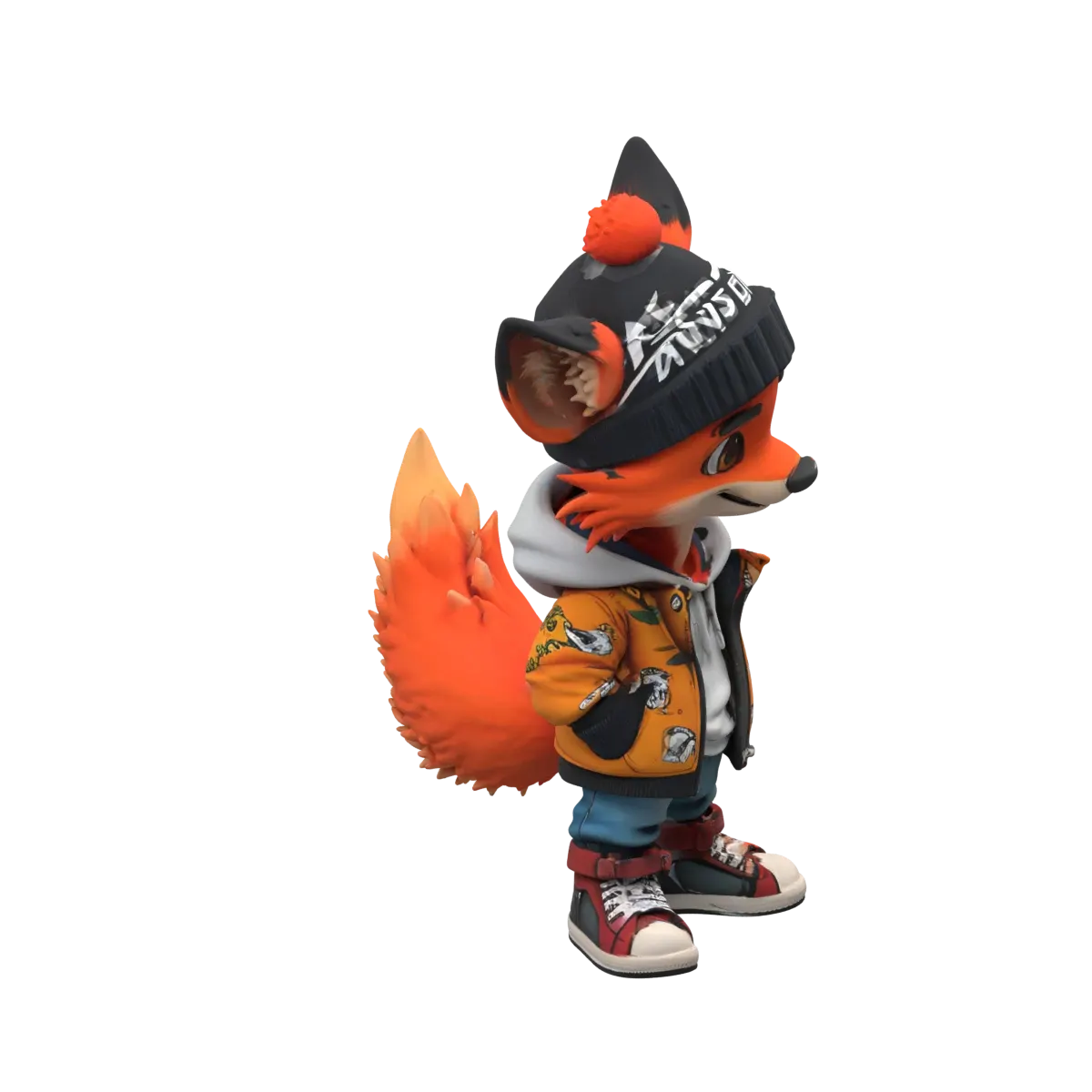
Pink knight 3D model generated with Tripo H3.1
Choose your input

Start with what you have.

Compare 3D models
See what the models make

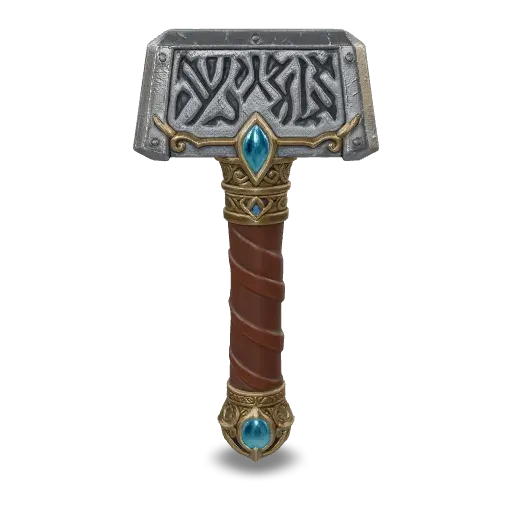
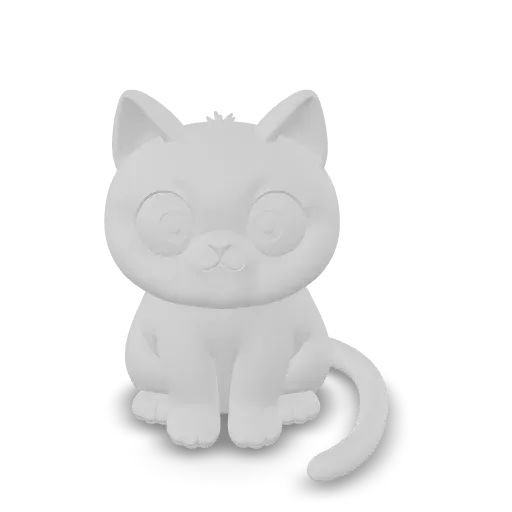
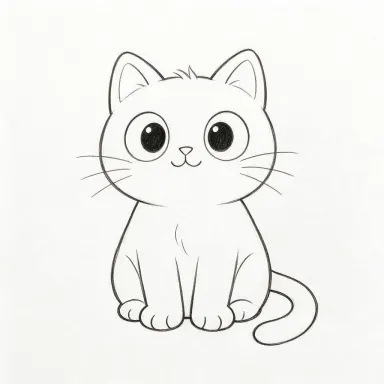
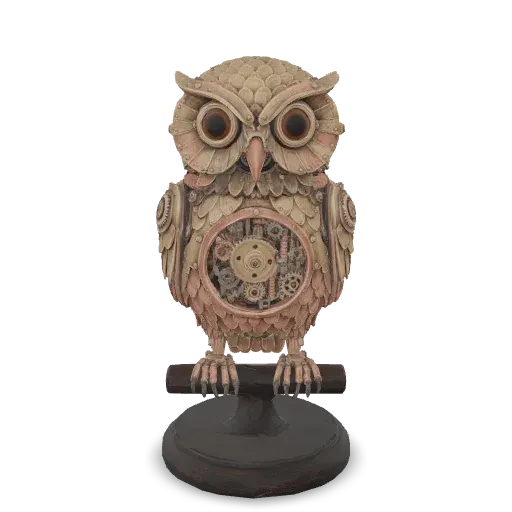
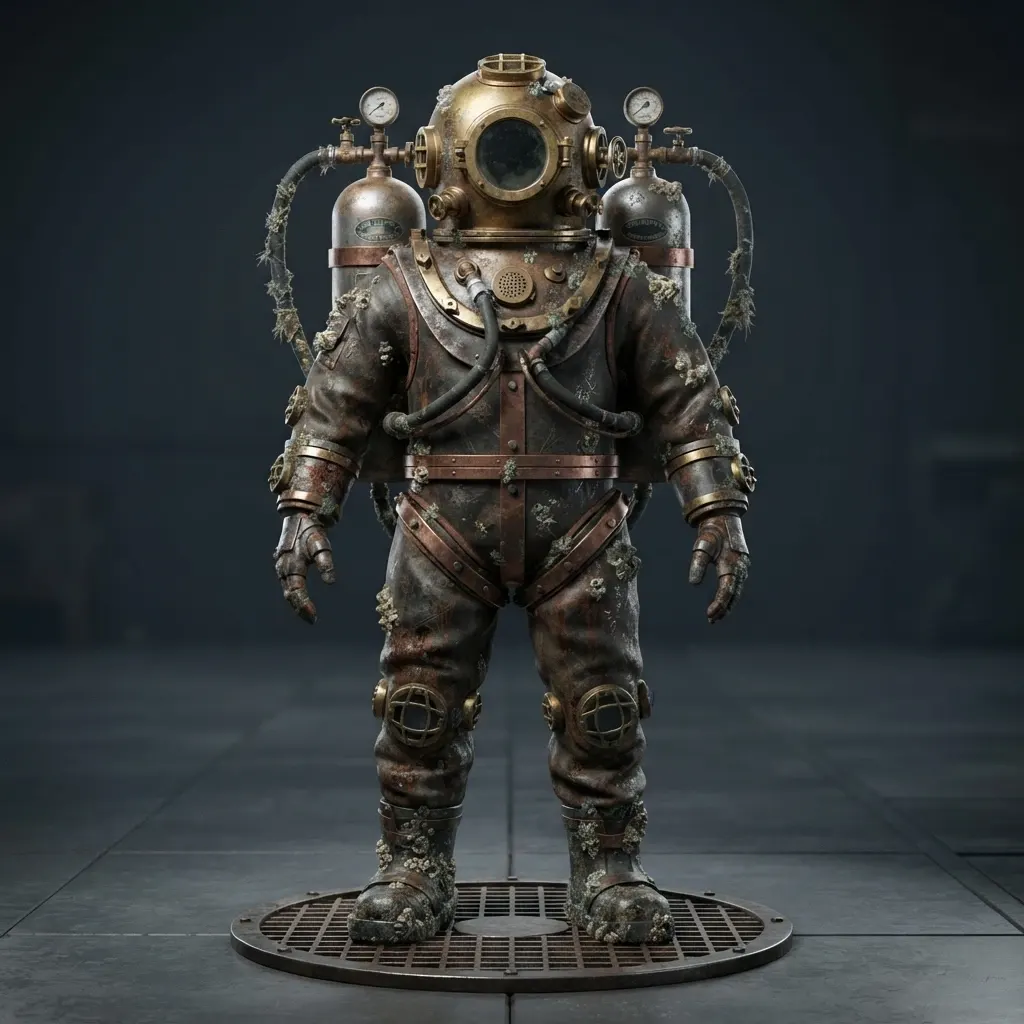
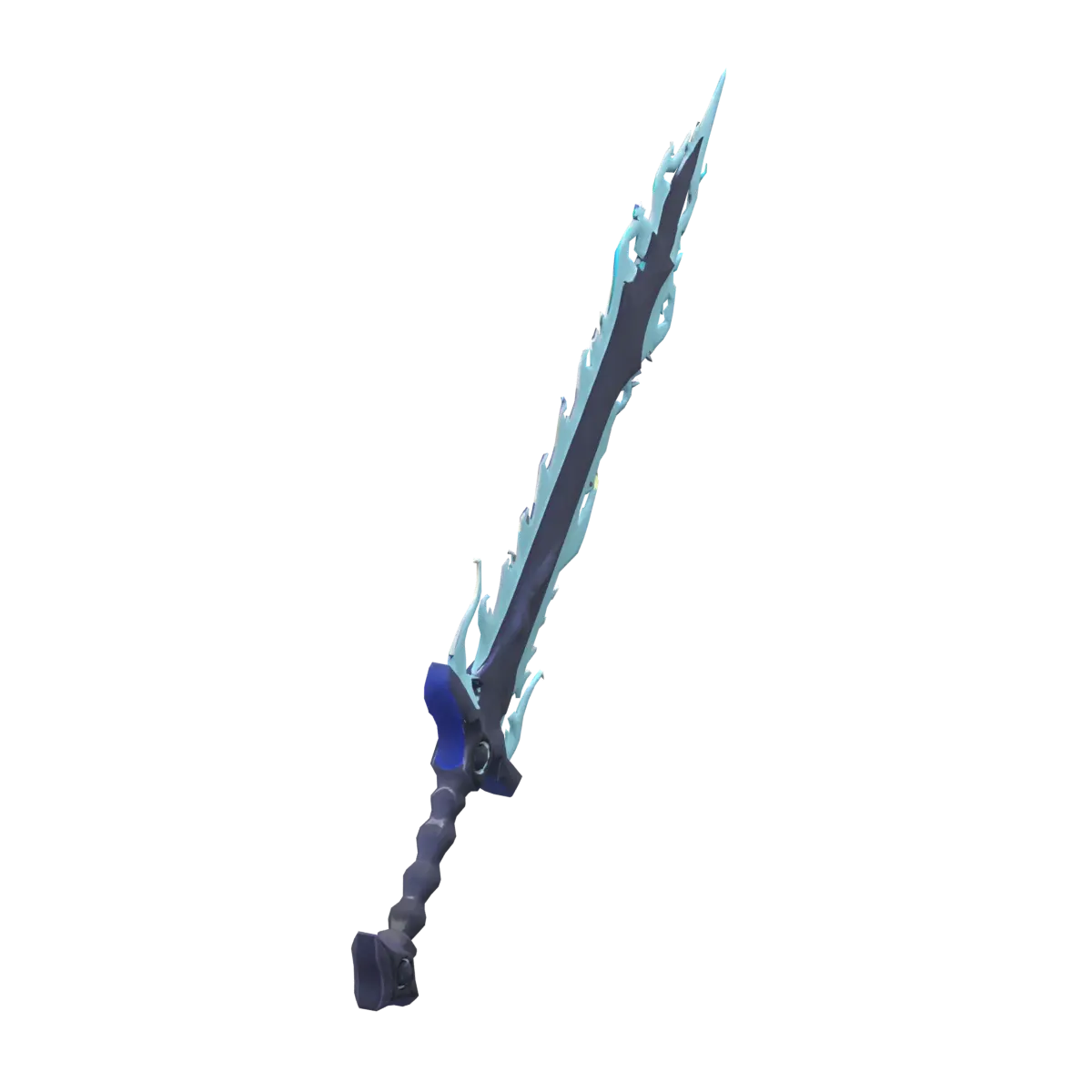
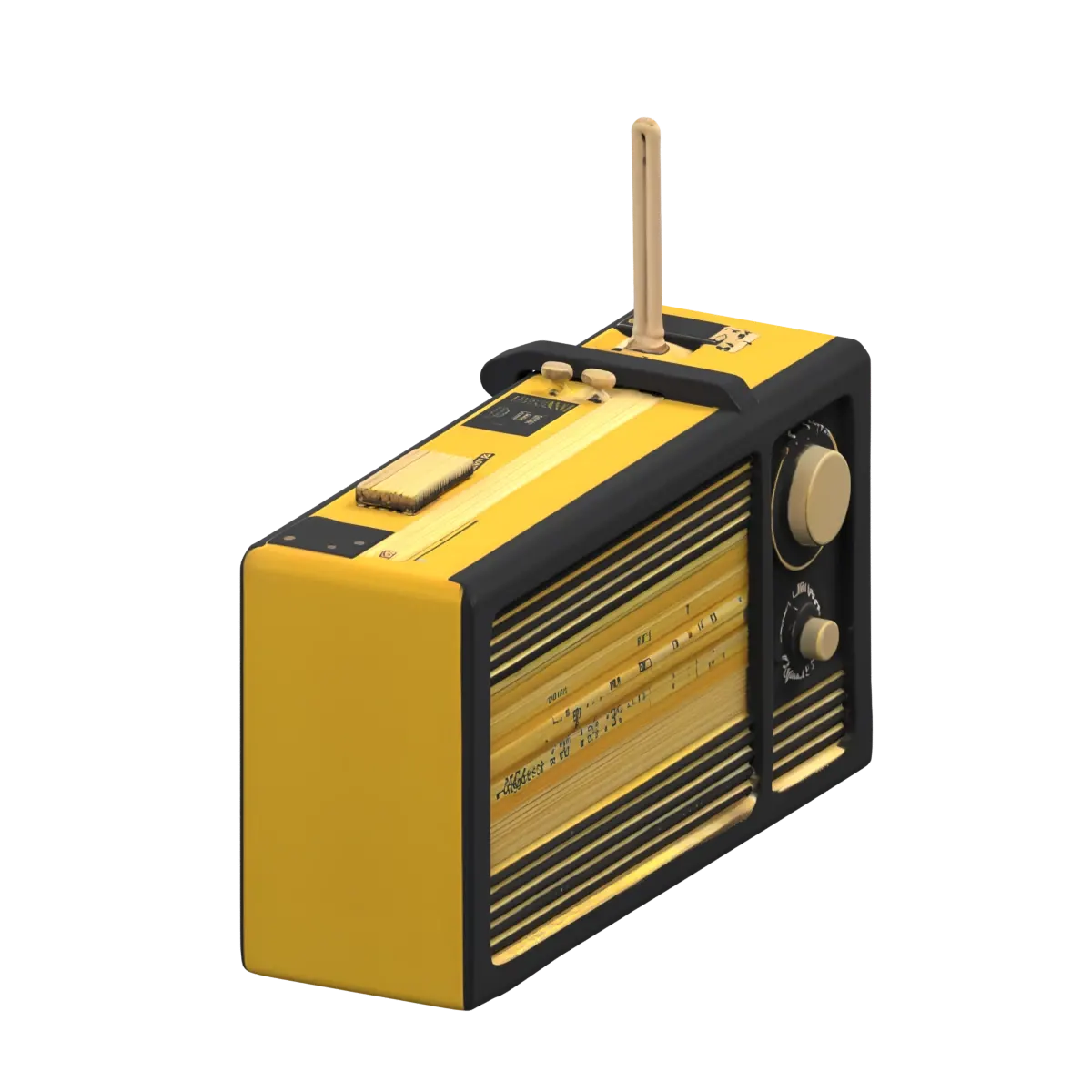
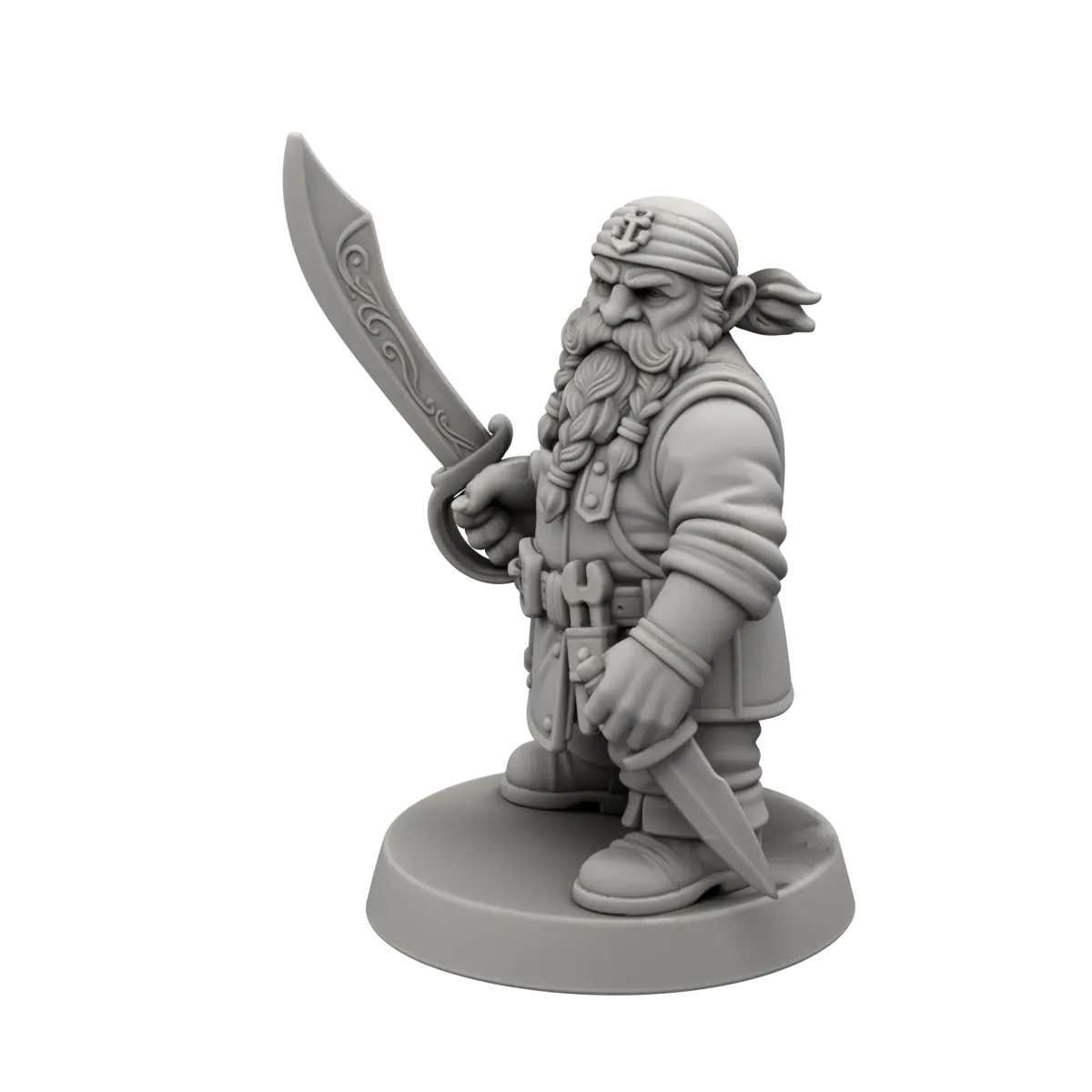
Explore 3D model examples

See the input beside its 3D result. See the full image to 3D walkthrough.

Find the right model

Choose your AI 3D model

Use Meshy, Tripo, Rodin, and more in one workspace.

Made for your next project

Take your model further

Browse community models ↗
Export optionsGLB ↗OBJ ↗STL ↗Textures ↗Available files vary by model.
How it works

From idea to 3D in three steps

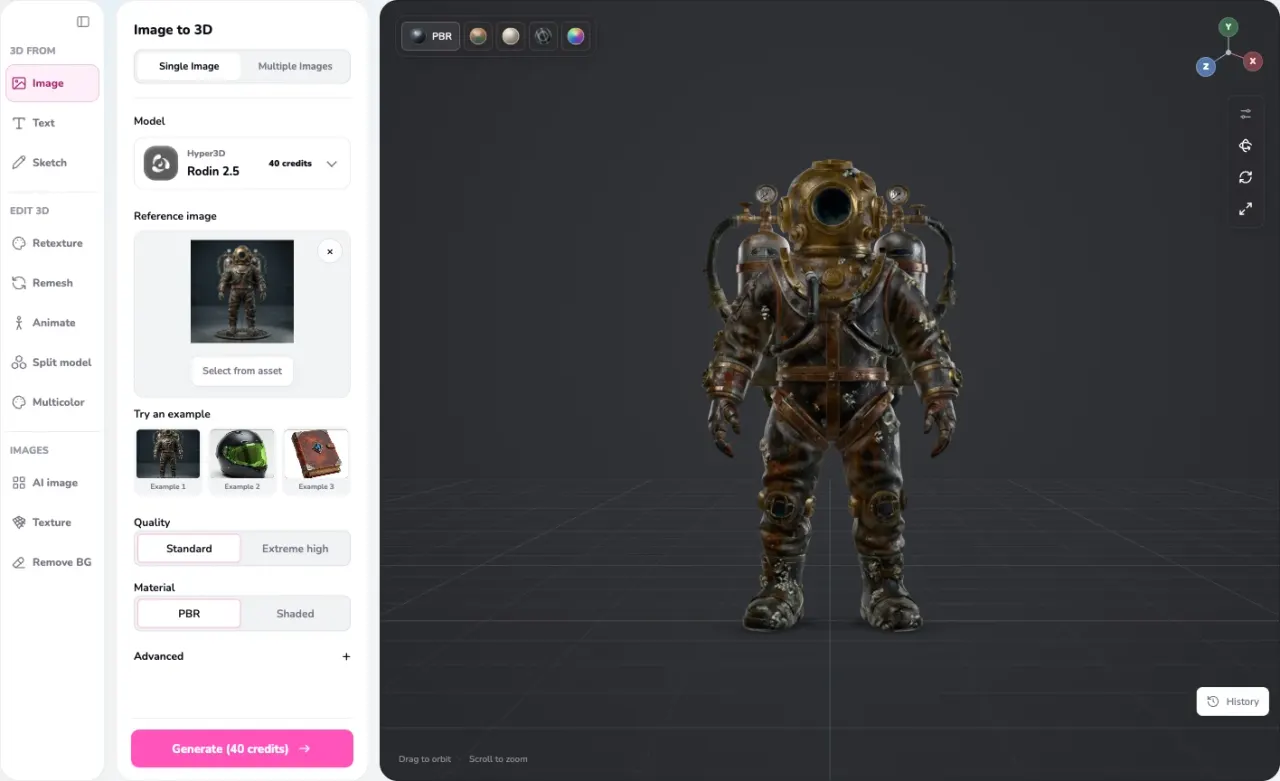
Quady3D image to 3D workspace with a reference image, model controls, and 3D preview
Turn a photo into a 3D model with the Image to 3D workspace in Quady3D.
  1. 01

    Add a reference

    Upload an image or sketch, describe your object, or add views of the same subject.

  2. 02

    Choose a model

    Set the detail and texture options. Check the credit cost, then generate.

  3. 03

    Inspect and download

    Rotate your result and check its shape and textures before downloading.

Plans for your projects

Start free. Grow with your next project.

Compare full pricing
Subscription

Basic

For getting started with regular 3D creation.

$10.00/ month$11.99/month
$119.99 billed yearly · Save $23.89/year
Included600 credits every month

60 3D assets / month

  • 2GB storage while subscribed
  • 1 active generation task
  • Full downloads & professional toolsRig & Animate, AI Split & AI Multicolor. Generation uses credits.
  • 100 personal folders
Renews yearly. Credits are added each month.
SubscriptionRecommended

Creator

For regular projects across the Quady3D model library.

$24.92/ month$29.99/month
$299 billed yearly · Save $60.88/year
Included2,000 credits every month

200 3D assets / month

3.33× Basic’s monthly credits
  • 10GB storage while subscribed
  • Up to 2 active generation tasks
  • Full downloads & professional toolsRig & Animate, AI Split & AI Multicolor. Generation uses credits.
  • 100 personal folders
Renews yearly. Credits are added each month.
Subscription

Studio

For production projects with our largest monthly credit allowance.

$99.92/ month$119/month
$1,199 billed yearly · Save $229/year
Included8,500 credits every month

850 3D assets / month

4.25× Creator's monthly credits
  • 50GB storage while subscribed
  • Up to 4 active generation tasks
  • Full downloads & professional toolsRig & Animate, AI Split & AI Multicolor. Generation uses credits.
  • 100 personal folders
Renews yearly. Credits are added each month.

Start free · 30 credits once after verification. Choose a monthly or yearly plan, or add a credit pack when you need more.

Good to know

Before you
dive in.

Read the getting-started guide
What is Quady3D AI?

Quady3D AI, also known as Quady AI, is an AI 3D model generator for images, text, sketches, and multiple views. Choose a model and settings, preview your result, and download its available files.

Can I generate 3D models from both text and images?

Yes. Describe an object in the Text to 3D workflow or upload a reference in Image to 3D. You can also start from a sketch or several views of the same object.

Can I try Quady3D for free?

Yes. Verify your email to receive 30 welcome credits once. Each generation uses credits based on the model and settings; full AI 3D downloads and professional tools need Unlock through any credit pack or subscription. Welcome credits do not renew monthly.

Which AI 3D model should I choose?

Use Hunyuan3D for a sketch, or Tripo for several views of the same object. For a text prompt, explore Meshy, Tripo, or Rodin. For one image, compare the sample results and texture controls to find the look you want.

How long does AI 3D generation take?

It varies by model, settings, and queue. You can follow the job's progress in the workspace.

Which file formats can I download?

A completed job shows the files it produced, such as GLB, OBJ, or STL when available. Formats vary by model and settings.

Can I use the result in Blender, Unity, Unreal, or 3D printing?

Yes, when the result includes a file those tools accept. Inspect geometry and scale first; 3D printing also needs a mesh check before slicing.

Can I use generated models commercially?

Commercial use depends on your rights to the source images or prompts and the terms of the model used. Check those terms before publishing, selling, or sharing a result.

Are AI-generated models ready for games or 3D printing?

Treat the result as a starting point. A single image cannot show every hidden surface, and small details or textures may need editing. Games may need simpler geometry or rigging; printing needs checks for gaps, thin parts, and scale.

Do I need to install 3D software?

No. You can generate and inspect a model in your browser. Use Blender, a game engine, or a slicer later if your project needs more editing or preparation.

Are my uploads private?

Your uploads and saved results stay in your account unless you choose to publish a creation to the community. You can permanently delete your account and files in Account settings.

Turn the next idea
into a model.
Create a 3D Model