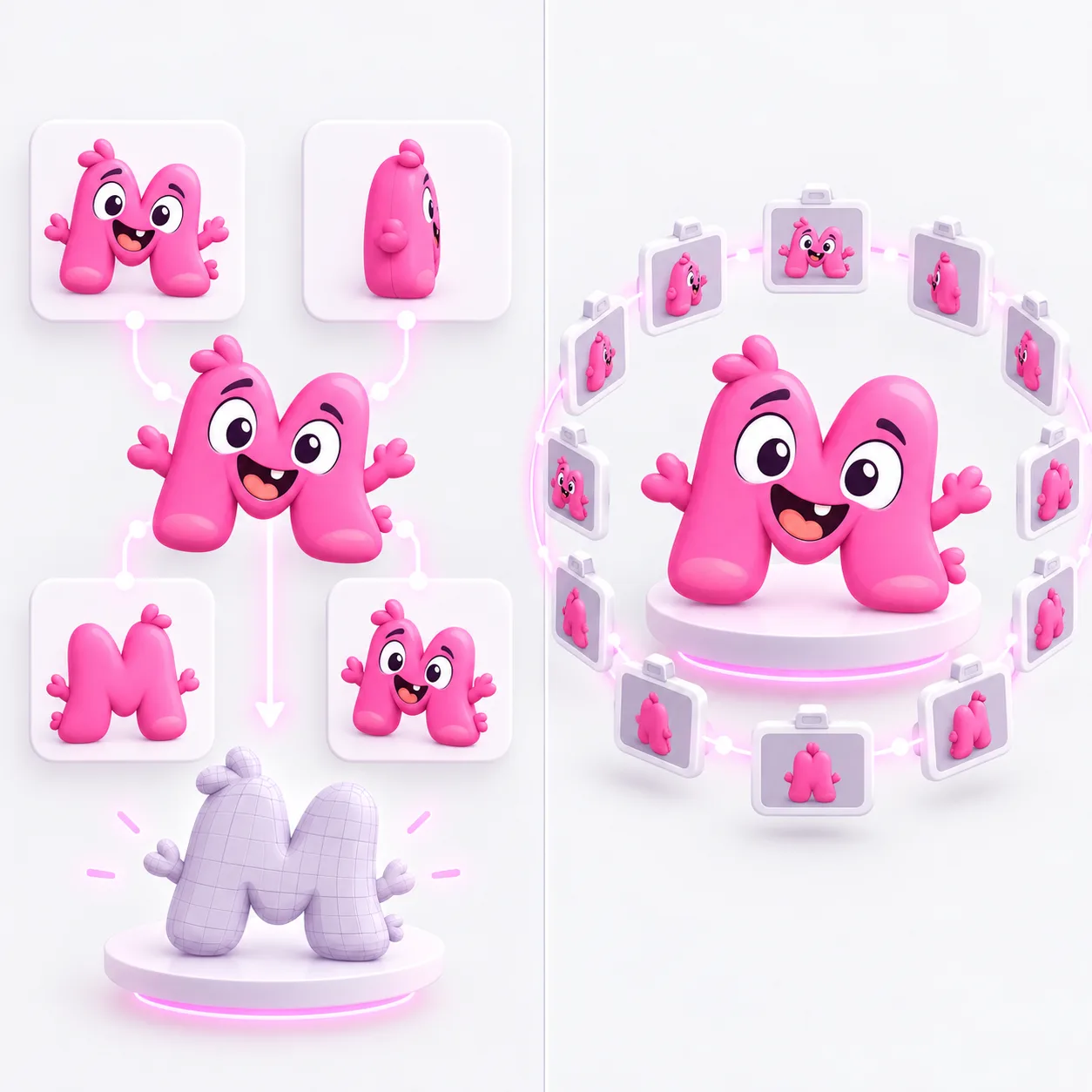
Turn multiple images of the same object into one 3D model. Use consistent views that show different sides. Choose a model below to see which angles and how many images it needs.
Each example shows its reference views and corresponding 3D result. Open one to inspect every input angle and rotate the model.
Start with front and side views; add a back or three-quarter view when it reveals hidden surfaces. Keep the subject, scale, lighting, and background consistent.
Add your views →Tripo needs at least two views. Hunyuan 2 Multi requires front, back, and left in that order. Meshy accepts one to four, though multiple distinct angles better serve this workflow.
Choose a model →Look for mismatched features, guessed hidden geometry, texture seams, and thin parts before downloading the files your job returns.
See costs and files →Quady3D generates a model from a few consistent views. Photogrammetry reconstructs the subject from dozens or hundreds of overlapping photographs.

Use views that show different sides of the same object.
Faster setup, but hidden surfaces are inferred.
Early drafts and simple subjectsAdds evidence for the back and sides, but conflicting views can reduce coherence.
Products and asymmetric objectsUse complementary views to describe one object. The model can draw on more of its visible surfaces, but conflicting poses, proportions or lighting can still change the result.
Have a short video of your object? Extract clear reference views from video, then add them to this workspace.
Use front, side, back, or three-quarter views of one unchanged object. Keep scale, lighting, lens perspective, and background consistent so the views describe one form.
Need help choosing useful angles? Read the multi-view reference guide.
Have only one clear photo? Start with image to 3D. Working from a line drawing? Use sketch to 3D.
This AI multi-view workflow is designed around the image count and order accepted by the selected generation model. Traditional photogrammetry usually uses dozens or hundreds of overlapping photographs to recover camera positions and measured surface detail. If you need scan-style capture, use a dedicated photogrammetry workflow instead of forcing a large photo set into this page.
Triangles are a practical default for rendering and real-time use. Quads may be preferable when the selected model supports them and the result will be sculpted, retopologized, or animated.
Compare the available Meshy and Tripo model families before choosing your settings. Review Hi3D V3.0 for its reference-view, face-count and surface options.
Rotate the output and check whether shared landmarks align, whether hidden surfaces remain plausible, and whether textures jump between viewpoints.
Reopen a downloaded mesh in the 3D model viewer to inspect seams and hidden surfaces.
Tripo H3.1 starts at 30 credits with the default settings. The workspace shows the cost for your chosen model and settings before you generate.
For a useful multi-view set, start with two to four distinct views of the same object. Tripo H3.1 requires at least two, Hunyuan 2 Multi requires exactly three in front/back/left order, and Meshy accepts one to four. Follow the selected model's upload guidance.
No. Multi-view reconstruction expects every image to describe the same subject.
No. This multi-view workflow combines several angles of one object into one model. To create separate models for unrelated photos, start a new image-to-3D job for each photo.
Only when the views are consistent and reveal useful new surfaces. Conflicting images can reduce coherence.