How do I convert GLB to STL?
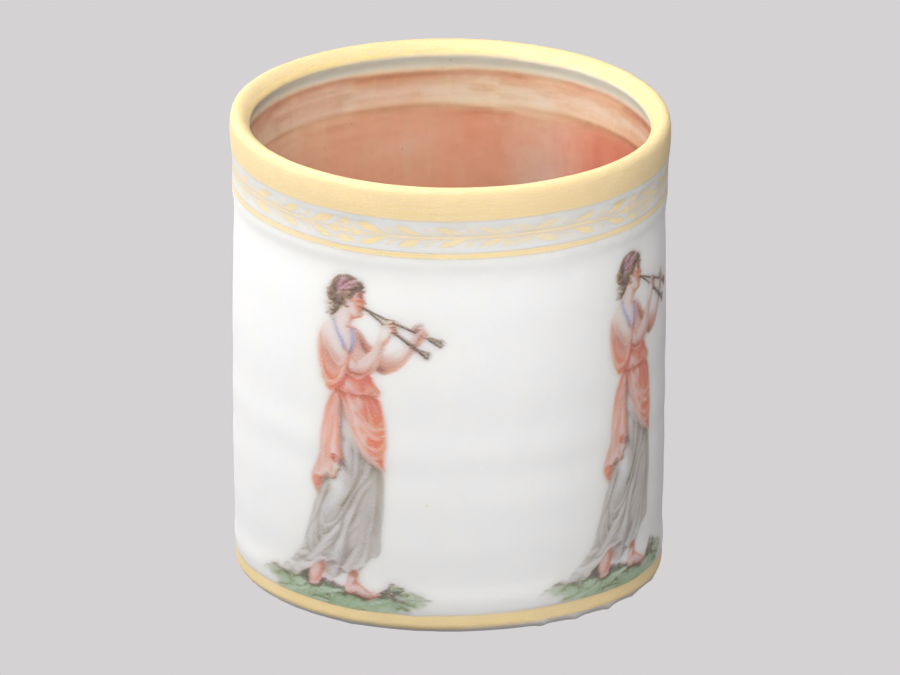
Choose Open GLB or try the cup sample. Review the model and its size, enable Set print size if you want to choose the longest side in millimeters, then select Download STL.
Can I convert an AI-generated GLB to STL?
Yes, if the GLB contains triangle mesh geometry and is within the 32 MB input limit. Inspect all visible parts, choose the intended print size and download STL. Generation or conversion does not certify printability.
What happens if my GLB has several parts?
Visible parts keep their position, rotation and scale in one STL. Separate or overlapping parts can remain; combining them in one file does not join them into one solid object.
Will the converted model keep its textures or animation?
No. STL keeps the shape but removes textures, colors and animation. The model is exported in its loaded pose; this tool does not let you choose a frame from an animation.
Does conversion repair the model?
No. Holes, intersecting surfaces and disconnected parts can carry into the STL. Review the exported mesh and sliced layers before printing; use a mesh editor or slicer repair when needed.
Are my files uploaded, and is this free?
Your selected file is parsed and converted in this browser tab. It is not uploaded for processing. These local tools require no account or generation credits. Reloading the page clears your selected file.