












3MF vs STL: which file should you use?
The same geometry can travel with very different information. Compare real files, inspect what they preserve, and choose a format for your next handoff.
STL vs 3MF: what each file preserves
| What matters | STL | 3MF |
|---|---|---|
| Surface geometry | Triangle mesh | Triangle mesh; changing formats does not add detail |
| Physical units | No standard unit declaration | Declared unit, such as millimeters |
| Multiple parts | Can contain disconnected shells; no standard object hierarchy | Named objects, components and placement transforms |
| Colors and materials | No standard material or color system | Supported by the format; export and import support varies |
| Print settings | Not stored | A slicer project can store them; a model 3MF need not |
| File size | Binary STL repeats triangle coordinates; ASCII STL is usually larger | Vertex reuse and compression can help; extras can increase size |
| Compatibility | Widely accepted for geometry exchange | Check both mesh support and project-setting compatibility |
| CAD design history | Not preserved | Not preserved by the mesh models compared here |
Keep the original CAD file for parametric editing. Neither of these triangle-mesh samples retains sketches or feature history.
Which format fits your next step?
Use the format your recipient accepts
STL is useful when a print service or older app asks for geometry alone. Tell the recipient the intended units and dimensions. Use model 3MF if they support it and need explicit units or separate parts.
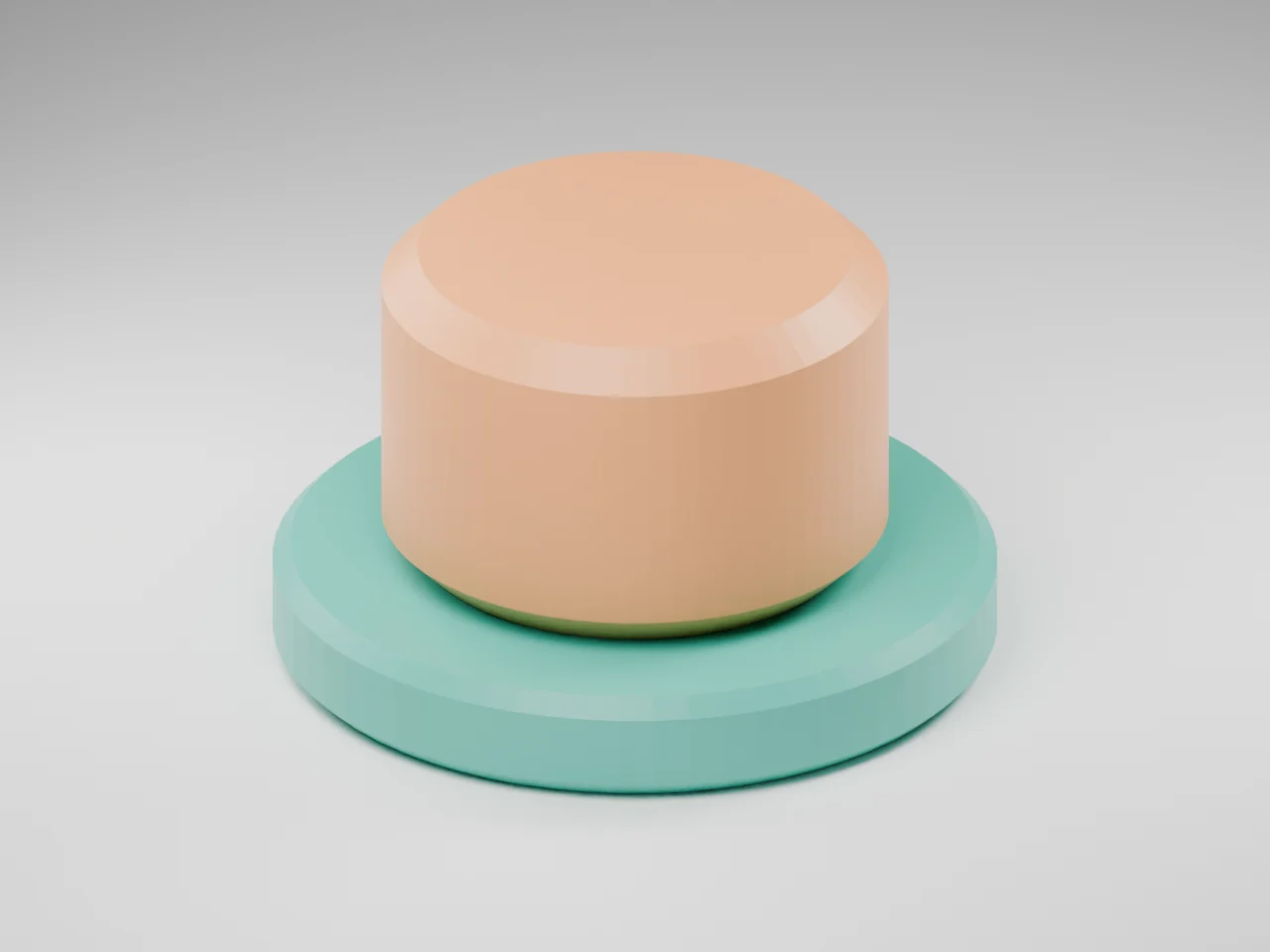
Compare the downloadable samples ↓The same desk marker in 3MF and STL
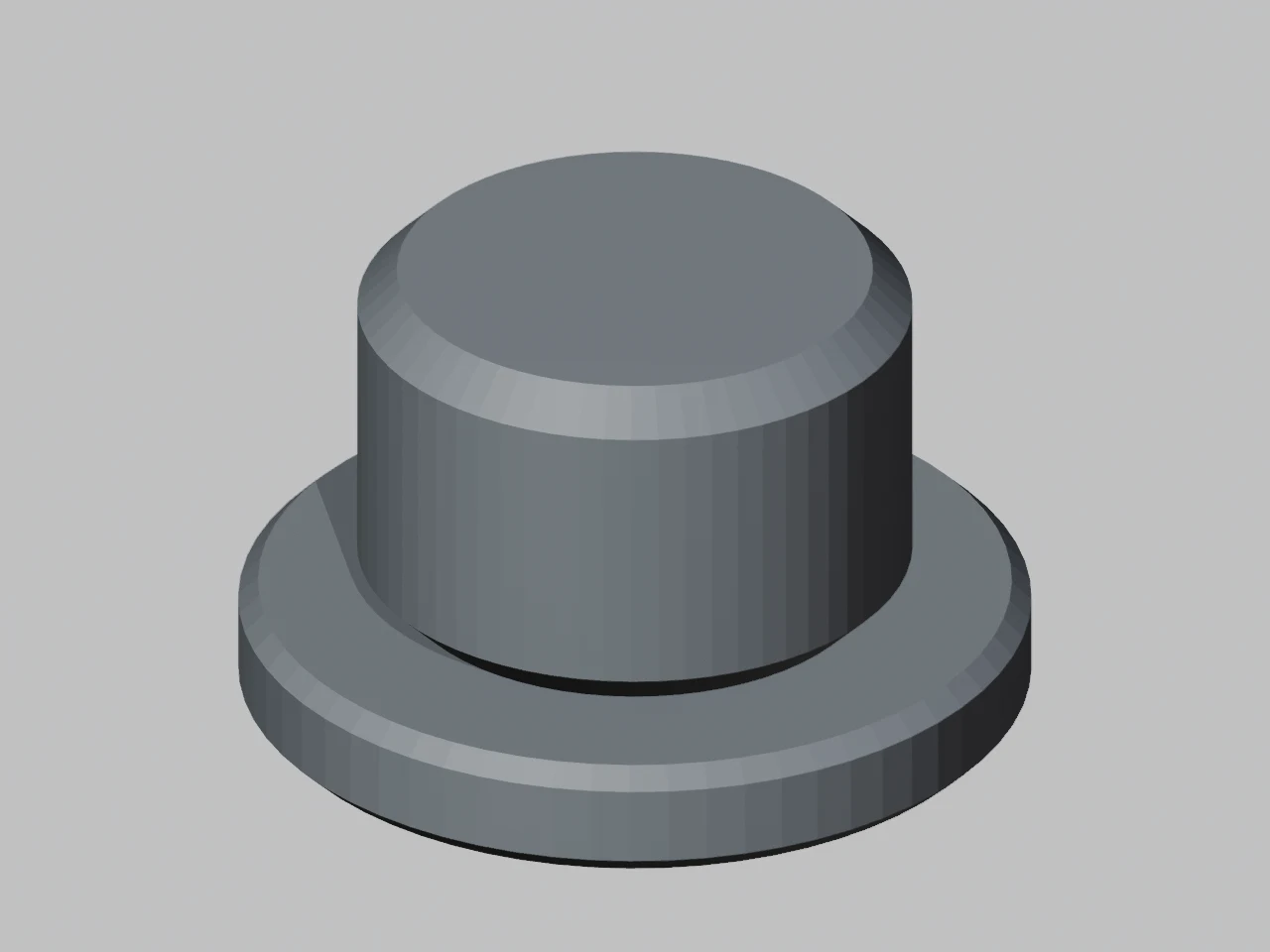
The same 1,024-triangle model: 3MF keeps its base colors; STL keeps the surface.
- Physical dimensions
- 40 × 40 × 24 mm
- Triangle surface
- 1,024 triangles
- Source mesh parts
- Base + cap
- STL display colors
- Not stored
How this example was made
What the images show
The 3MF has teal and orange base display colors. The STL image uses a neutral material because those colors are not part of its standard mesh data. The apparent change in shading is not extra geometric detail.
Choose the handoff
Keep a model 3MF for declared units and parts. Use the STL for a geometry-only handoff and import it at millimeter scale. Preserve the slicer project separately when printer and process settings matter.
Original geometry by Quady3D AI, CC0. Images are digital renders of the source and actual converted geometry; no physical print is shown.
Compare the files yourself
Three packages of the same 40 × 40 × 24 mm desk marker. Each contains 1,024 triangles.
Binary STL
50.1 KiBThe same 1,024 triangles. Import as millimeters; no colors or printer settings.
Download Binary STL ↓Model 3MF
6.4 KiBMillimeter units, two named parts and two base colors. No printer settings.
Download Model 3MF ↓Bambu project 3MF
24.6 KiBBambu Studio 2.8.2.61 project: X1 Carbon, 0.20 mm layers, 15% infill, one PLA. Unsliced.
Download Bambu project 3MF ↓Compare file size without changing the geometry
All three contain the same 1,024 triangles. Compression and included resources affect size; these measurements are specific to these downloads.
Rotate the original model
Model 3MF or slicer project?
Model 3MF
Geometry, units, parts and base colors. Choose your printer and process in the slicer.
Project 3MF
Can include printer, filament and process settings. Those settings may be specific to the app.
The extension alone does not establish printer compatibility or editable mesh content.
One package can contain an assembly of parts
Show or hide
Inspect existing parts without deleting source geometry.
Measure visible bounds
The displayed size follows the parts currently shown.
Keep project context
Base display colors are separate from slicer filament assignments.
Bambu Studio import results and example method
Bambu Studio 2.8.2.61 re-imports reported 40 × 40 × 24 mm and 1,024 facets; both 3MF files retained two mesh parts. Standard base colors did not become two filament assignments: the saved project uses one PLA filament.
The project stores an X1 Carbon 0.4 mm profile, 0.20 mm layers and 15% infill. Choose your own printer and filament, inspect the plate and slice again. The download has no G-code.
These are file and import checks, without a physical print test or verified imports in OrcaSlicer, PrusaSlicer or Cura. Keep original CAD files for design history.
Continue with your file
STL exports drop colors and project settings. Converting back to 3MF cannot recover them.
Questions about 3MF vs STL
Is 3MF better than STL for 3D printing?
Use 3MF when your software supports it and you need declared units, named parts or supported color information. Use STL when the receiving software or print service requests a simple mesh. Keep a slicer project as well if you want to preserve its print setup.
Does 3MF print better than STL?
Changing the container does not add geometry detail or repair a mesh. With identical triangles, physical size and slicing settings, the format alone does not improve the surface. Export resolution, walls, orientation, material and slicing still matter. Our downloadable STL and model 3MF contain the same 1,024 triangles; we have not physically printed this sample.
Why is a 3MF file often smaller than an STL?
A 3MF can reuse vertex coordinates and compress its contents. A binary STL repeats three vertices for every triangle. Our sample model 3MF is smaller than its binary STL, but thumbnails, textures and project settings can make other 3MF files larger. There is no fixed compression ratio.
Does converting STL to 3MF add colors or printer settings?
No. A converter can package the existing mesh and declare an intended unit, but it cannot recover information absent from the STL. Add colors, filament assignments and print settings deliberately in compatible software, then save the project.
More questions (5)
Is every 3MF a slicer project?
No. A model 3MF can contain meshes, units and materials without any printer profile. A slicer project may add its own printer, filament, support and process settings. A toolpath package is another possibility. The .3mf extension alone does not identify what was saved or guarantee compatibility.
Can an STL contain multiple parts?
Yes. Its triangles can describe several disconnected shells, but STL has no standard named-object hierarchy or per-part transforms. A slicer may split those shells into objects. A 3MF can explicitly describe separate objects and their placement.
Why does my model open at the wrong size?
Check the source unit and the unit used by the importing app. STL has no standard unit declaration; coordinates intended as inches can be interpreted as millimeters. 3MF declares a unit, but you should still check the imported bounds and any applied scale. The desk marker in this guide should measure 40 × 40 × 24 mm.
Do 3MF files include supports or G-code?
Some slicer projects store support choices, support geometry or sliced toolpaths; a plain model 3MF need not include any of these. Our model 3MF has no slicer settings. The downloadable Bambu project contains a process profile and is unsliced, with no G-code. Review and slice it for your own printer.
Can I open a Bambu Studio 3MF in PrusaSlicer or OrcaSlicer?
Mesh import and project-settings import are different operations. An app may read the geometry while ignoring or rejecting another slicer's settings or extensions. Keep the original, try a geometry-only import when offered, select your own printer profile, and verify dimensions and parts. This guide's import checks were run in Bambu Studio 2.8.2.61; other slicers have not been tested here.
Format references
3MF specifications · Library of Congress STL description · Prusa project documentation. Original Quady3D files reviewed October 18, 2026.