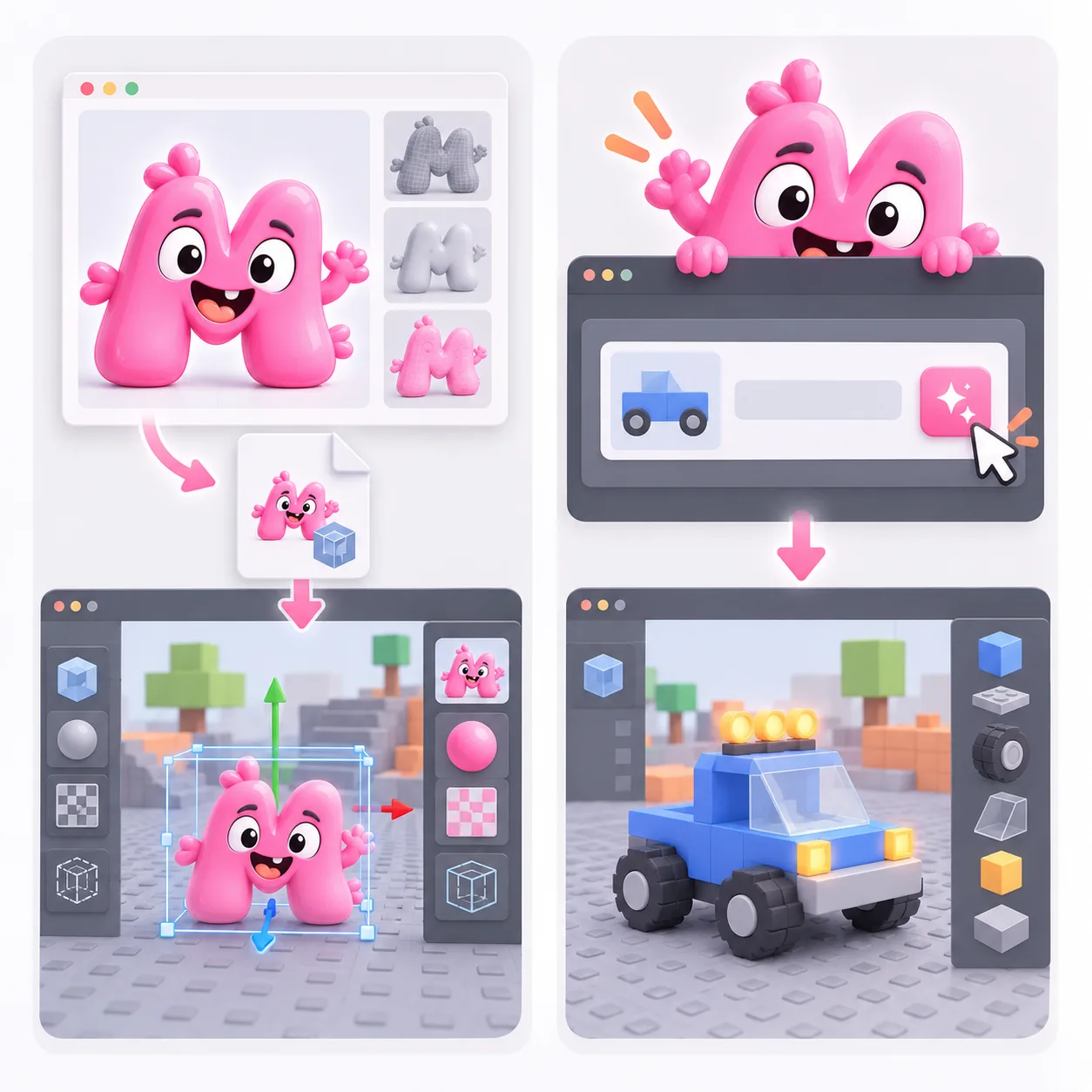
Generate an AI 3D prop draft, inspect its mesh and textures, then prepare glTF, OBJ or FBX for Roblox Studio's Importer.
Quady3D generates an external mesh draft. It does not create Roblox scripts, place an accessory's attachments, publish UGC or guarantee Roblox review acceptance.

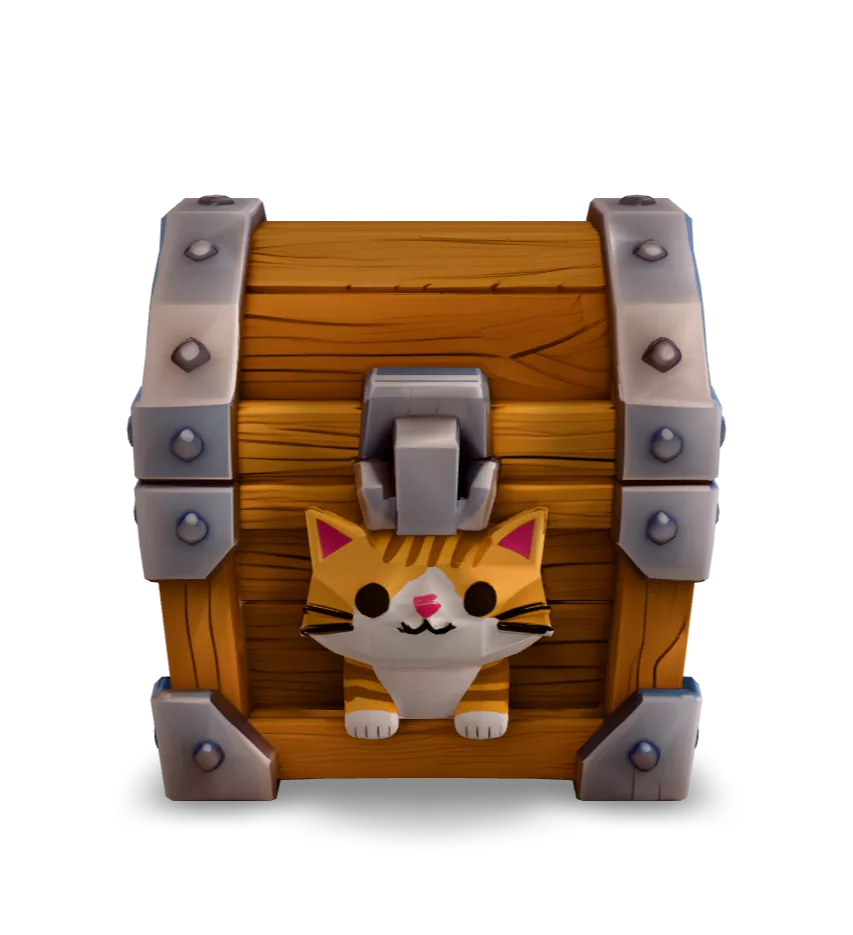
Rotate the original model, inspect its hidden sides and download the same GLB. The measurements below come from importing this file in Blender.
GLB · 15.8 MB · Loads when you choose to inspectThe unchanged GLB was imported in Blender 4.5.10 LTS. A working .blend file and FBX / glTF Separate exports were produced during this check.
This is a source asset example. It has not been imported or performance-tested inside Roblox Studio. Follow the checklist below in your own project.
Its triangle count fits the general mesh limit, but exceeds the rigid-accessory limit. The 4K texture and file size also need review for your experience.
Download original GLB ↗Use a Roblox model generator to explore Roblox 3D assets such as environment props. A Roblox UGC generator workflow also needs the correct accessory category, size, attachment and marketplace checks. Decide which job you are doing before choosing the model budget.
Roblox documents .fbx, .gltf and .obj mesh imports. For a returned GLB, open it in Blender and export glTF Separate with its .bin and texture files, or export FBX. The Quady3D OBJ ZIP is another static-mesh route. Keep dependent files together; renaming .glb to .gltf is not a conversion.
As reviewed October 1, 2026, Roblox's general mesh specification caps an individual mesh at 20,000 triangles; rigid accessories have a separate 4,000-triangle limit. The shown cat chest has 5,443 triangles. Its triangle count is below the general mesh cap and above the rigid-accessory cap; this does not validate its other import requirements.
Use Studio's Importer and compare the model with an avatar or known stud dimensions. Check pivot placement, textures and collision behavior while moving around the object. Review the result on the devices your experience targets. This case has not been imported or playtested in Roblox Studio.
For wearable items, review the current category specifications, fit and attachment requirements, then follow Roblox's submission process. A low-poly prompt does not supply correct attachment points or prove marketplace eligibility. Use the prop case here as a mesh example, not as an approved wearable.
Prepare a format supported by Studio's Importer. The documented mesh formats are FBX, glTF and OBJ. Use Blender to export glTF Separate or FBX from a returned GLB, or use the static OBJ package. Validate the actual imported asset.
Quady3D creates a mesh draft. Accessory fitting, attachment placement, category budgets, submission and review remain separate Roblox tasks. No automatic publishing or marketplace acceptance is promised.
Its 5,443 triangles are below the current 20,000 limit for a general mesh, but above the separate 4,000 limit for a rigid accessory. Count alone does not prove correct scale, geometry, textures or acceptance.
It is a real generated GLB inspected in the browser and imported in Blender. No Roblox import, playtest or marketplace approval is presented. Test it in a place before using it in your experience.
No. Inspect the returned triangle count, texture sizes, material layout and file size. Reduce or rebuild the mesh as needed, then test appearance and performance in Studio.