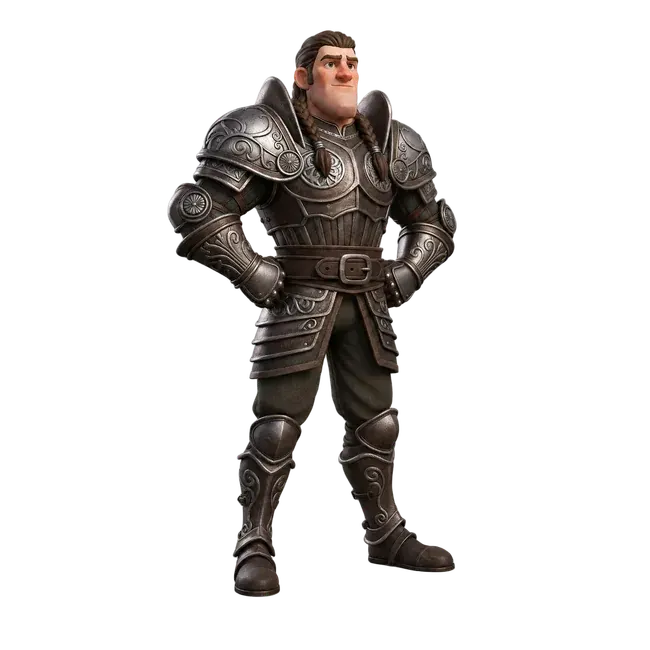
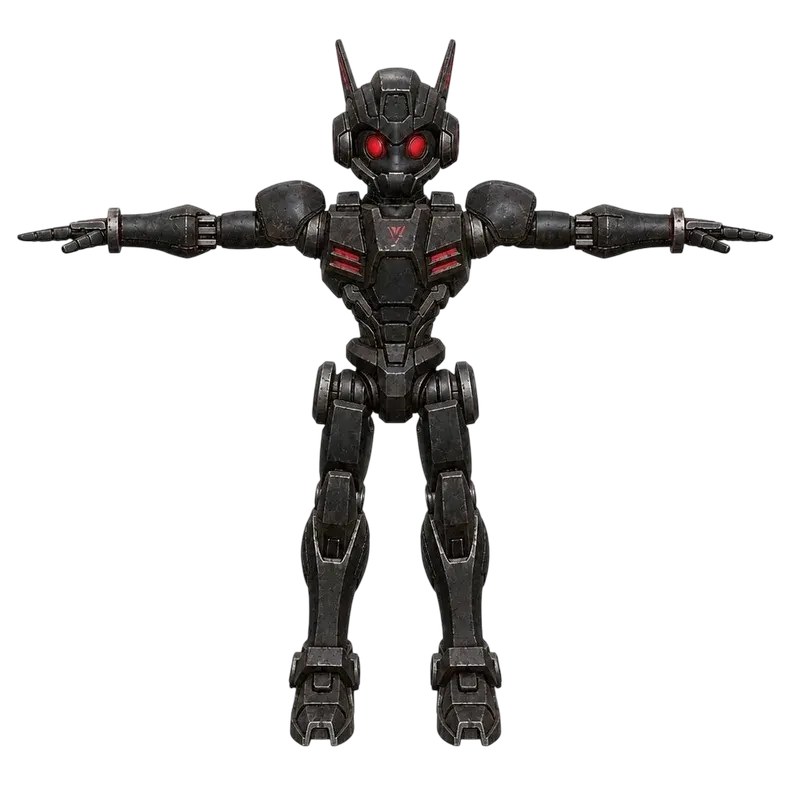
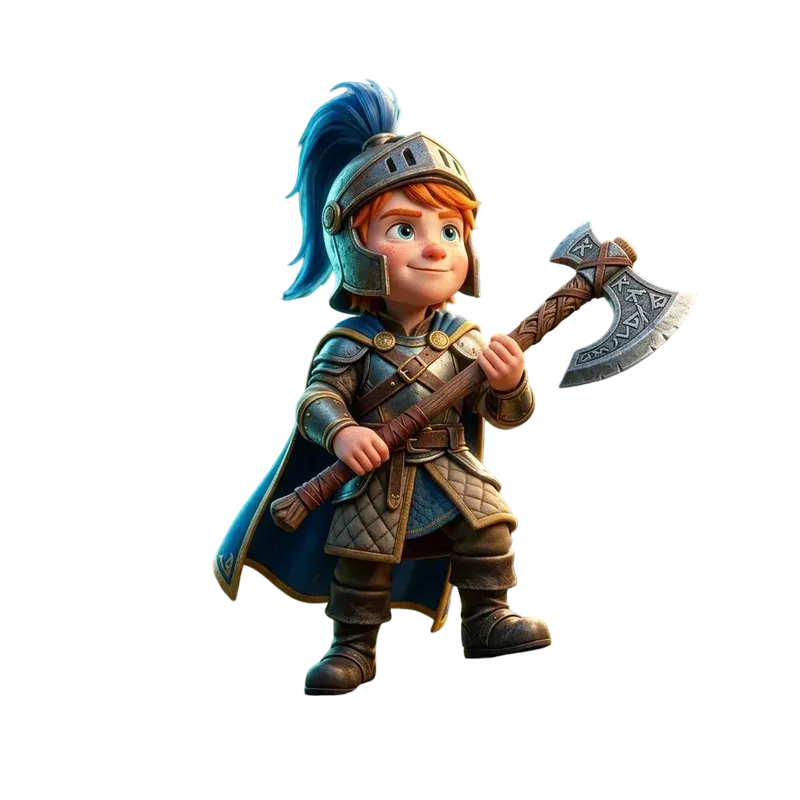
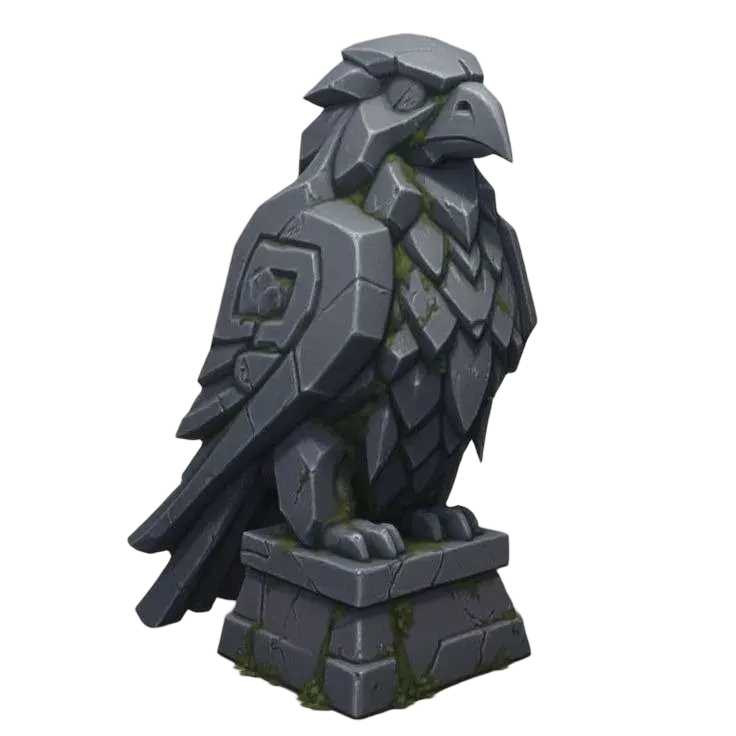
The treasure-room study combines a generated prop with manually built floor and wall pieces. Use that division to plan a room: decide what needs a new model, what can share an existing mesh and what needs measured dimensions.
An asset plan for a small treasure room
Scene element
Preparation task
Review before reuse
Chest or decorative prop
Generate one object; reuse placements of the source model
Silhouette, hidden surfaces and texture detail at the game camera distance
Floor and wall modules
Choose a grid and author deliberate dimensions in Blender
Snapping, pivots, door clearance and separate editable objects
Wall trim material
Apply saved PBR maps to the chosen surface
UV scale, seams, normal direction and lighting
Playable setup
Add and test collision, LOD and the game's own components
Contact behavior and frame time on the target device
The room is a worked assembly example. It does not demonstrate generating a complete modular kit or finished level from one prompt. Keep the model's usage terms and the rights to your reference material with your project records.
Choose the job before generating
Props and equipment
Chests, tools, pickups and weapons are useful first tasks. Decide whether the object is decoration, a physics prop or an item that must attach to a character. Check the silhouette at the actual camera distance.
Generate one rock, building or vegetation piece at a time. Modular wall kits need consistent dimensions, snapping points and repeatable borders; a good looking isolated building does not establish those properties.
Check the face, hands and hidden costume details. A static character mesh still needs deformation topology, a skeleton, skin weights and motion review for gameplay. Use the dedicated character workflow for that task.
Write a budget for the scene, then measure the file
Camera distance, target device and visible instance count matter more than a universal triangle limit. Record triangles, vertices, material slots and texture sizes separately. UV seams and hard edges can add render vertices. One material does not guarantee one draw call in every renderer.
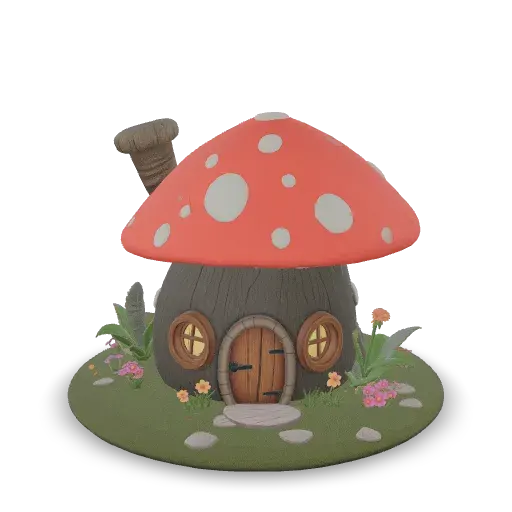
The real cottage below has 30,900 triangles and a 2K color texture.
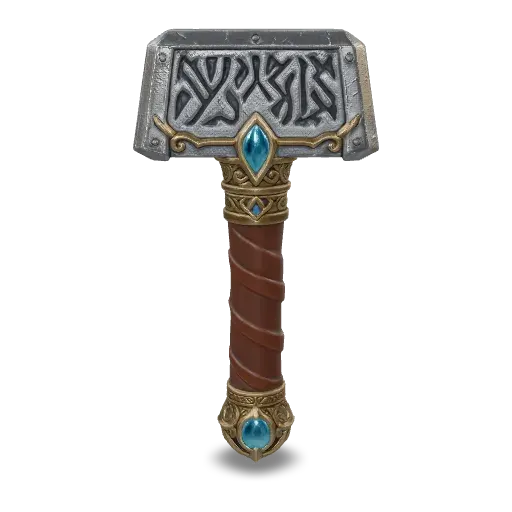
The war hammer has 35,586 triangles and three 2K material textures.
The saved LowPoly chest has 5,443 triangles but a 4K color texture; fewer triangles do not imply a small texture budget.
Keep the original asset and make a working copy. Set units, orientation and an intentional pivot. Use a simple collider for the intended interaction, prepare any separate moving parts, and compare LOD copies at gameplay distance. Reducing triangles does not fix UVs, restore missing details or create a rig.
For Unity, use a compatible glTFast package for GLB or prepare FBX in Blender. For Roblox Studio, follow its documented glTF, OBJ or FBX import route and the limits for your asset category. Check missing textures, color spaces, shadows, collisions and frame time with the number of copies your game will use. These source examples have not been performance-tested in Unity or Roblox.
Where do AI-generated 3D assets fit in game development?
They can help explore props, set dressing and character concepts during prototyping. Whether a draft belongs in a finished game depends on the art direction, technical checks and testing in the actual project.
How many triangles should a game asset have?
Set a budget for its role, camera distance, target device and visible instance count. Measure the returned triangles and render vertices, then test the representative scene. There is no single safe number for every game.
Does a low-poly asset always use less memory?
No. Texture resolution, map count, compression, materials and animation also affect memory. The saved 5,443-triangle chest still carries a 4K color texture, which needs its own review.
Can I use the generated visual mesh as a collider?
Use a collider suited to the interaction. A box, capsule or simplified shape is often sufficient for a prop. Validate contact behavior and cost in your engine before using a detailed visual mesh for physics.
Can I generate a complete modular level or animated character at once?
Start with individual assets. Modular levels need deliberate dimensions, pivots and connections; animated characters need deformation topology, a rig, weights and motion checks. A static generated mesh does not prove those requirements are met.
Can generated assets be used in a commercial game?
Review the terms for the model and plan you use, the rights to your reference material, and the rules of your intended distribution platform. Keep source, settings and editing records with the asset. A generated download alone does not settle those questions.