










Tencent · Model guide
Hunyuan3D 2.1
Explore Tencent's image-to-3D release with separate shape and PBR texture stages. Official code and model weights are available under the Tencent community license.
Evaluate 2.1 with the official project
Hunyuan3D 2.1 is not selectable in current Quady3D creators. Our saved cases remain available below.
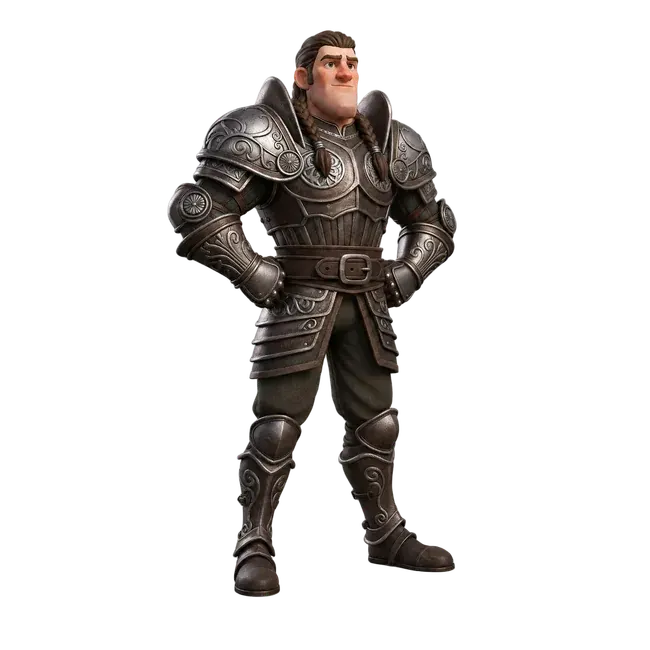
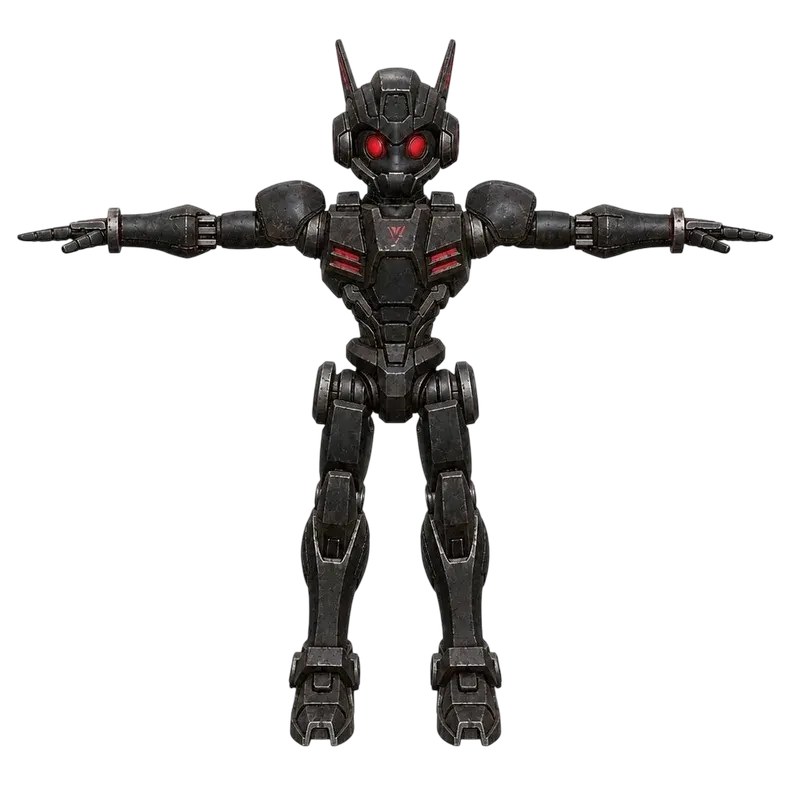
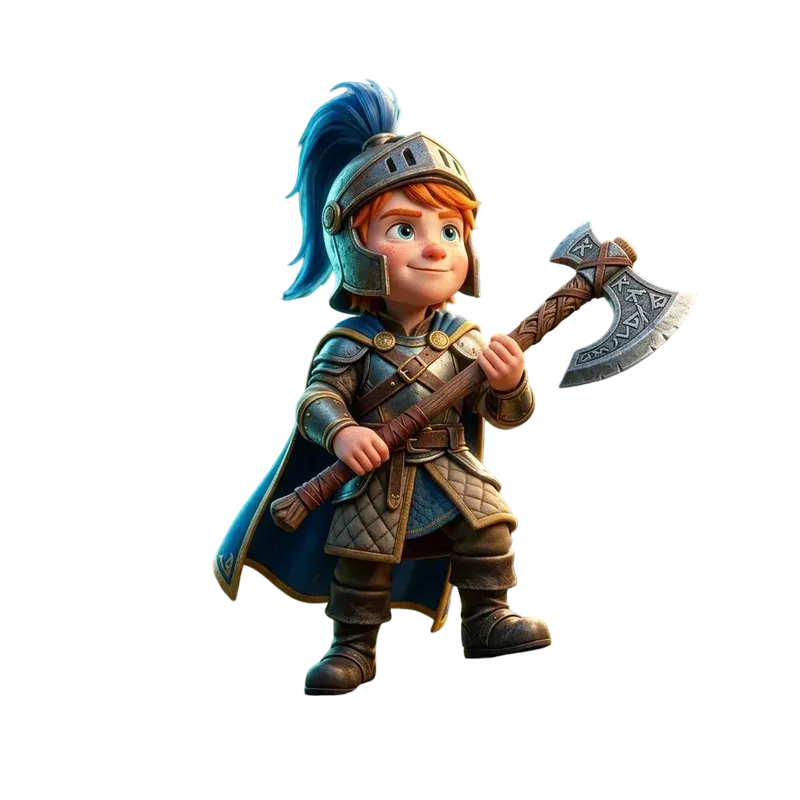
Inspect our saved 3D cases
Before running locally
Shape, then PBR texture
Start with a reference image. Review the shape stage before applying the texture stage, so an attractive surface does not hide missing geometry.
Plan for local hardware
The official repository reports 10 GB VRAM for shape, 21 GB for texture and 29 GB for both stages in total. It documents Python 3.10 and PyTorch 2.5.1 with CUDA 12.4; check the current setup instructions.
Read the license
The code and weights use Tencent's community license with use and territory conditions. Availability of weights does not mean unrestricted use. Review the official agreement for your project.
Which Hunyuan version fits?
| Version | Input | Choose for |
|---|---|---|
 Tencent3.0View version guide → | Image · Text · Sketch | Face target and material choices |
| Tencent3.1 RapidView version guide → | Image · Text | Simple textured drafts |
| Tencent3.1 ProChoose Pro in the directory → | Image · Text · Multi-view | Separate Pro creator controls |
| Tencent2.1 | Image | Local code and weights; saved cases only here |
Questions about Hunyuan3D 2.1
What is Hunyuan3D 2.1?
Hunyuan3D 2.1 is Tencent's image-conditioned 3D system with separate shape generation and PBR texture synthesis. Official code and weights are available for local evaluation under Tencent's community license.
How does Hunyuan3D-Omni differ from 2.1?
Omni is a separate Tencent project built on the 2.1 architecture. It adds controls based on point clouds, voxels, skeletons or bounding boxes. This page provides saved 2.1 image-to-3D cases and local setup resources. Use the official Omni project linked below when evaluating its additional controls.
Where can I get the code and weights?
Use Tencent's official Hunyuan3D-2.1 GitHub repository for setup and its Hugging Face model repository for weights. The linked technical report explains the shape and texture pipeline.
What GPU memory does local use require?
The official README reports 10 GB VRAM for the shape stage, 21 GB for texture and 29 GB for both stages in total. These are documented requirements, not measurements from this Quady3D page; check the current README before setting up.
What can I do with a saved Hunyuan3D 2.1 case?
Open a case to compare its source image and 3D result, rotate the model, or download the GLB for inspection and editing in Blender.
Is Hunyuan3D 2.1 free for unrestricted commercial use?
Do not assume unrestricted use from the availability of code or weights. Tencent's community license contains use and territory conditions. Read the linked official license for your intended use. Local computation and setup also have costs.
Does 2.1 accept a text prompt on this page?
This page covers the official 2.1 image-to-3D pipeline and our saved image cases. It does not offer a text creator for 2.1. The current Hunyuan3D 3.0 and Rapid pages provide separate text creation paths.