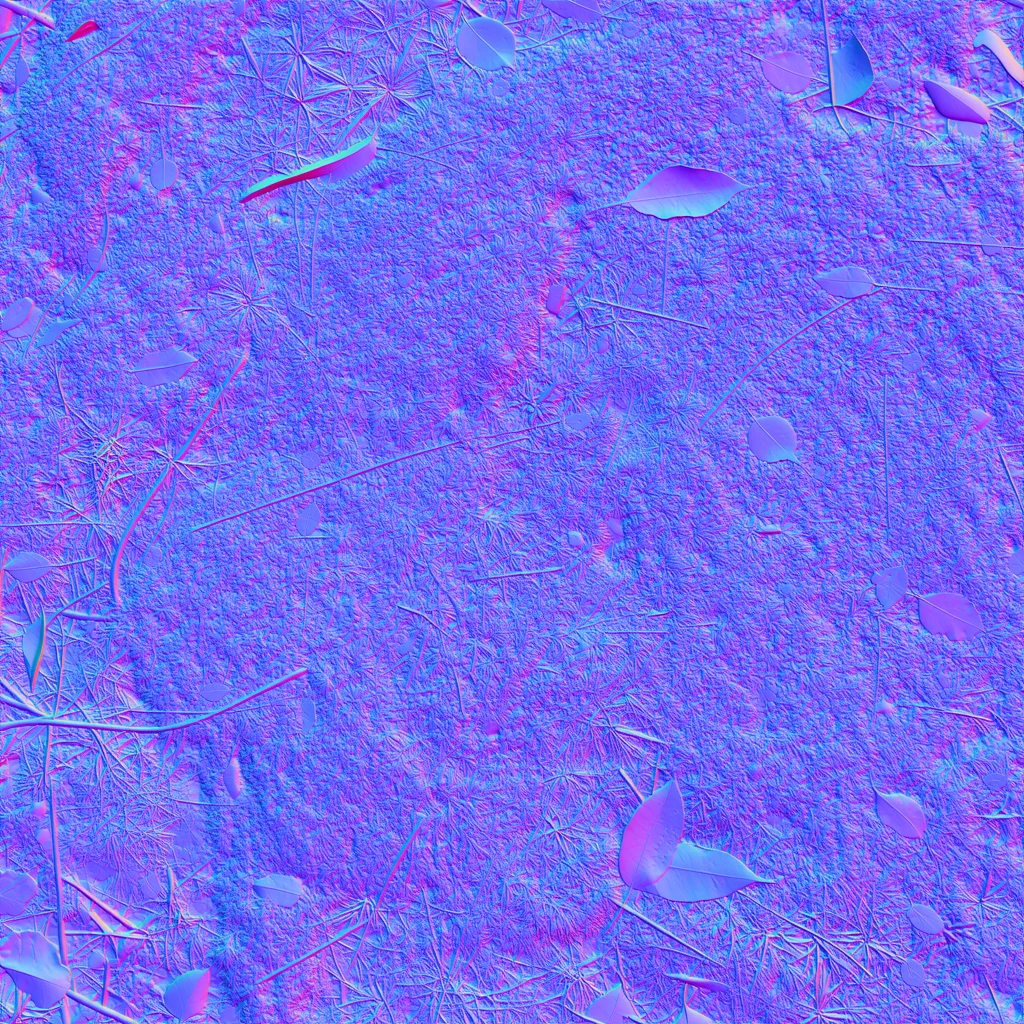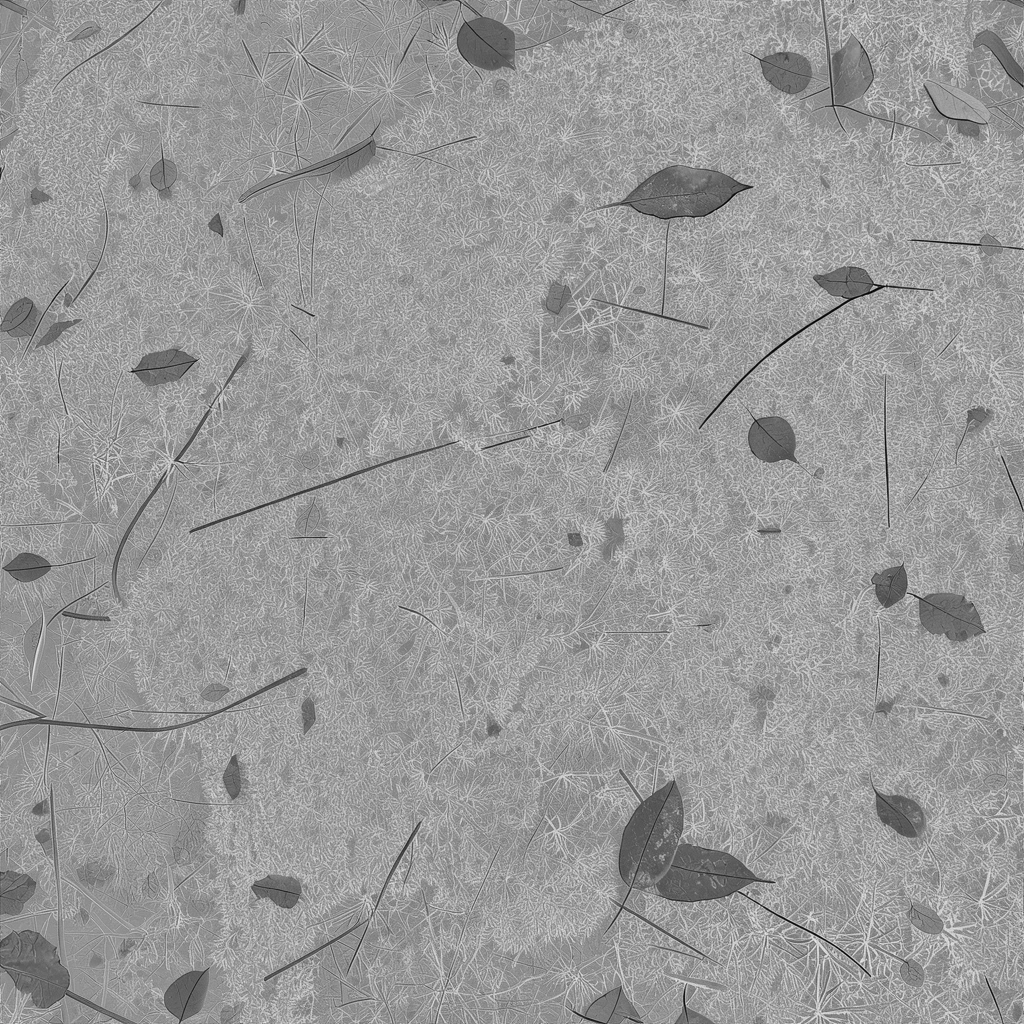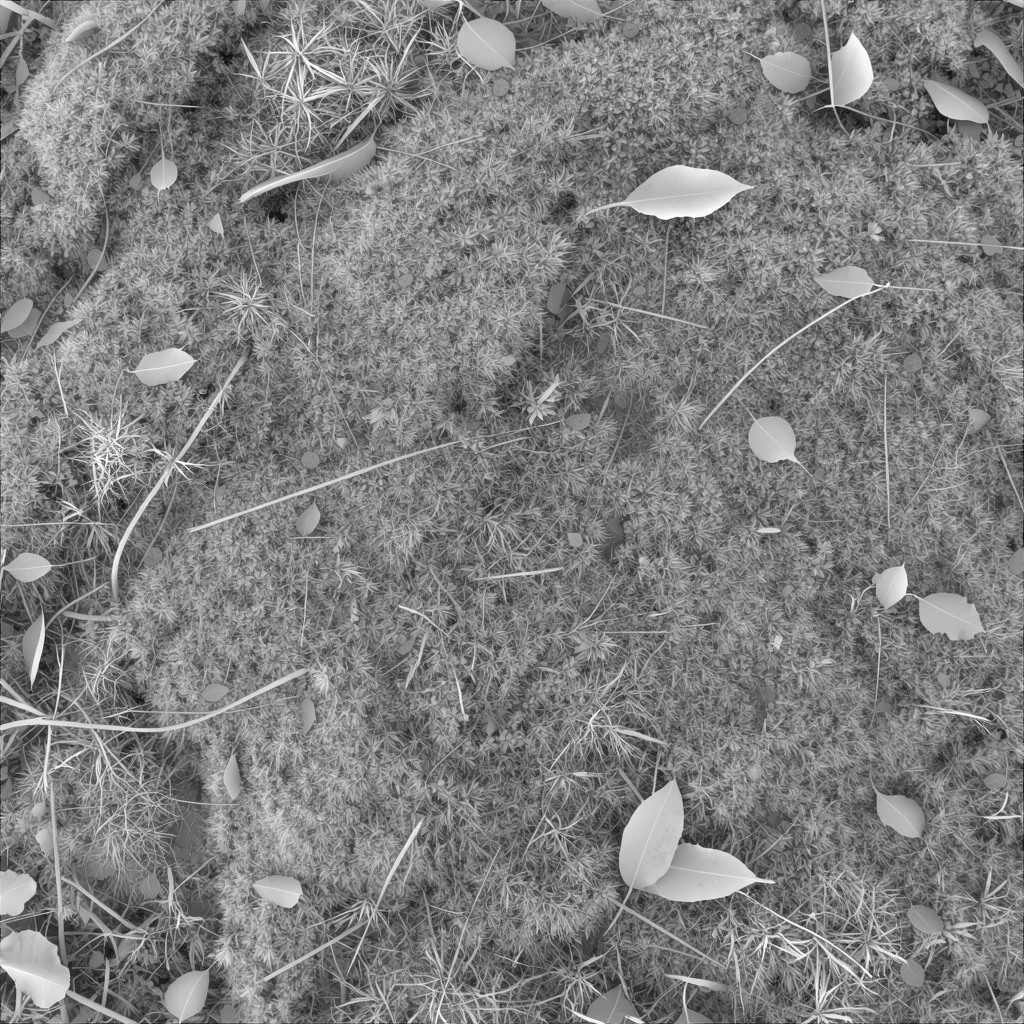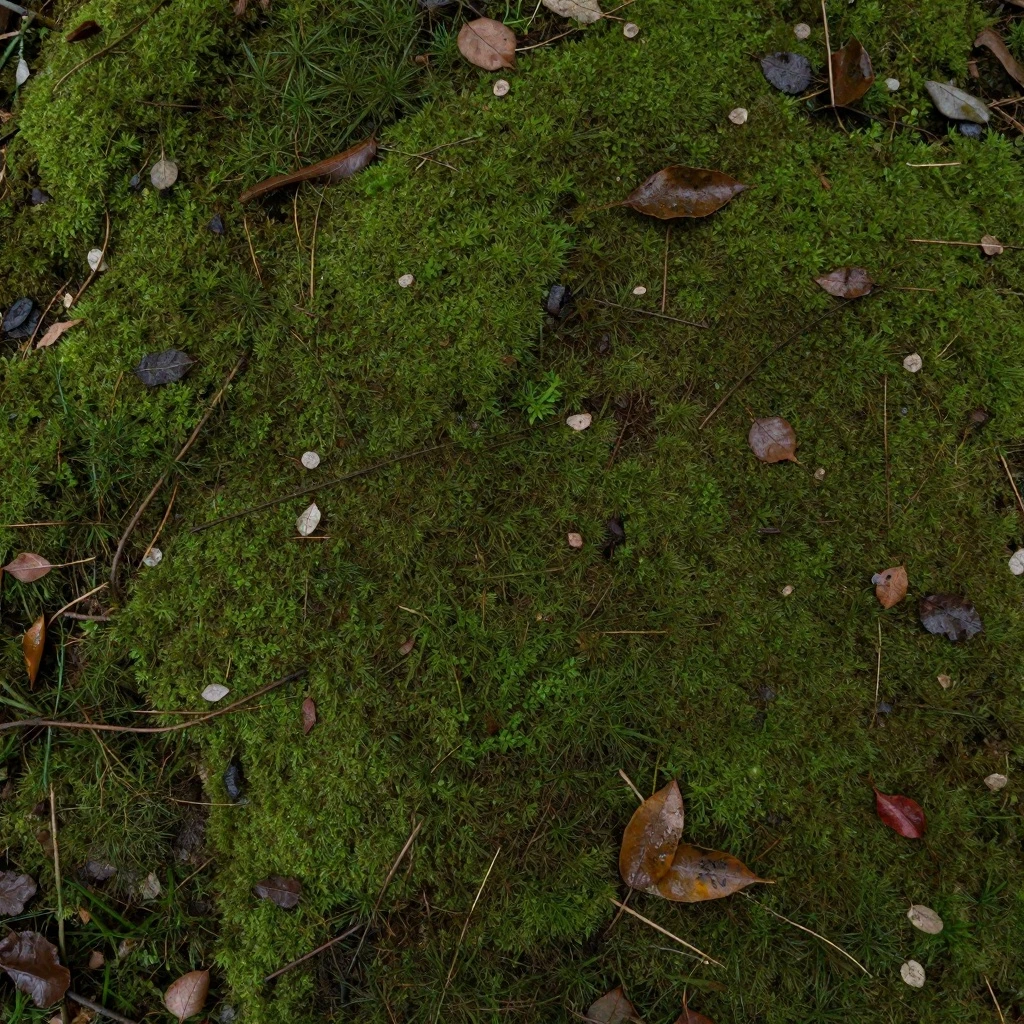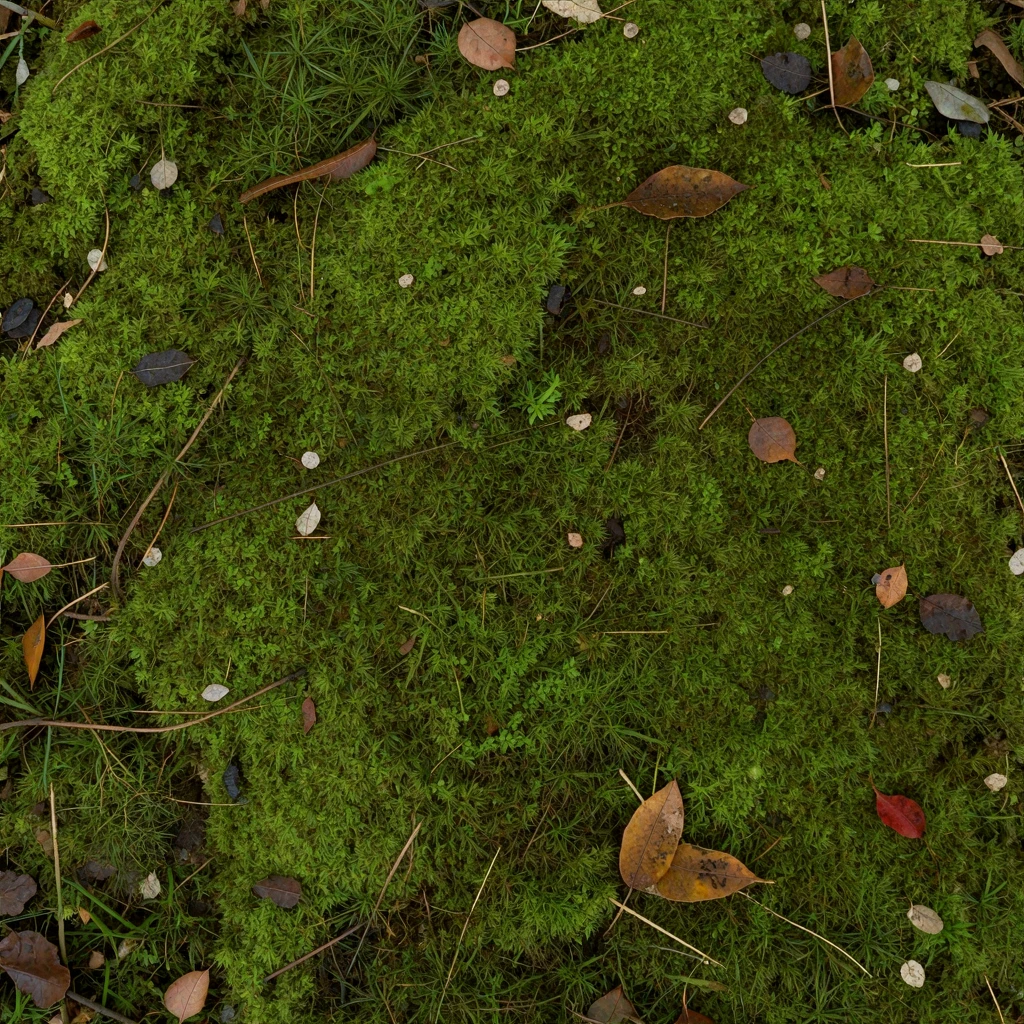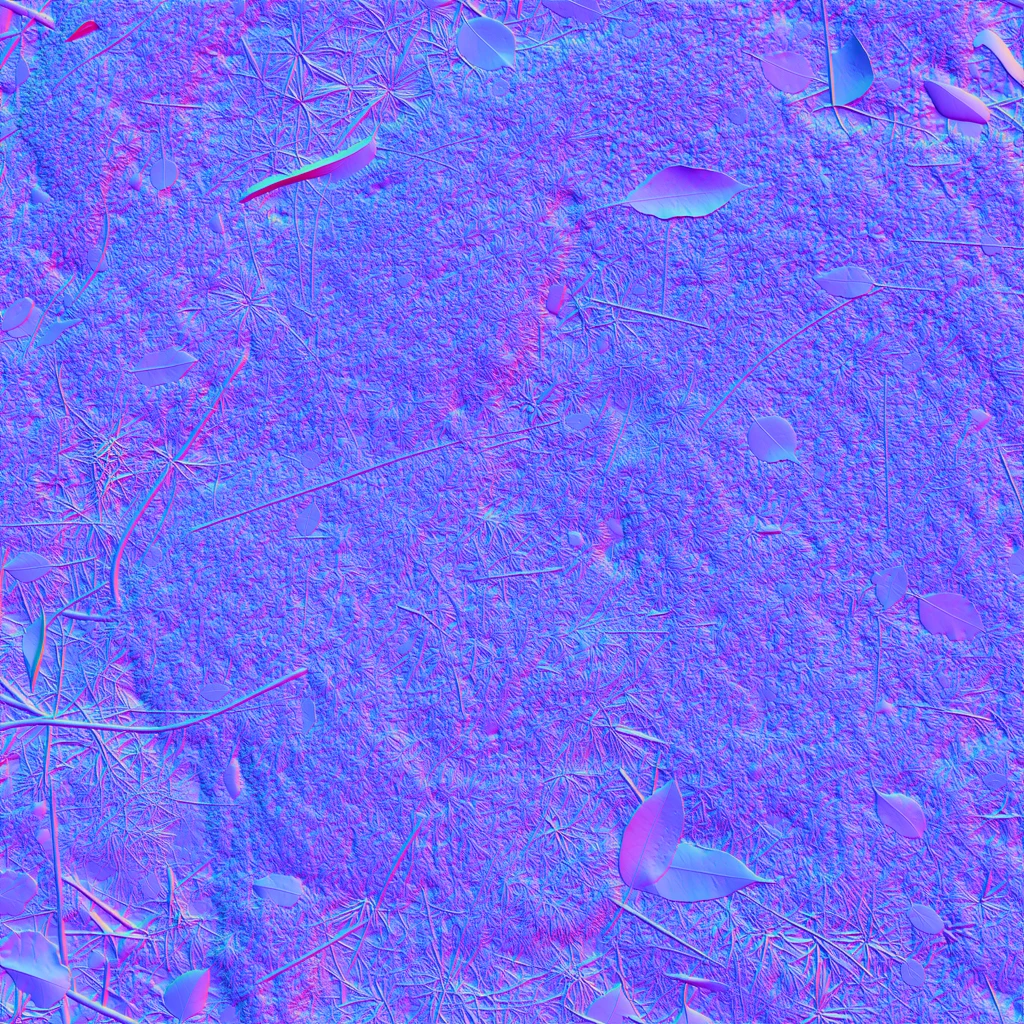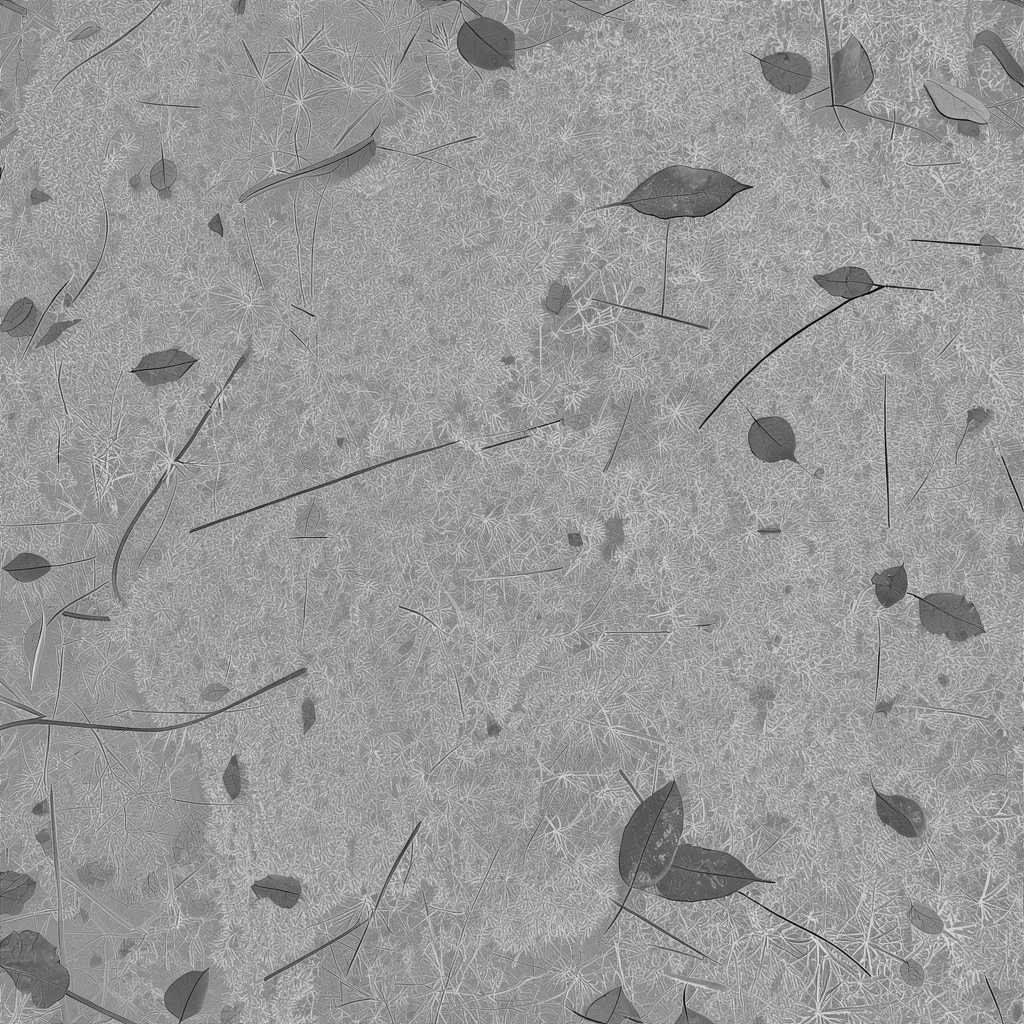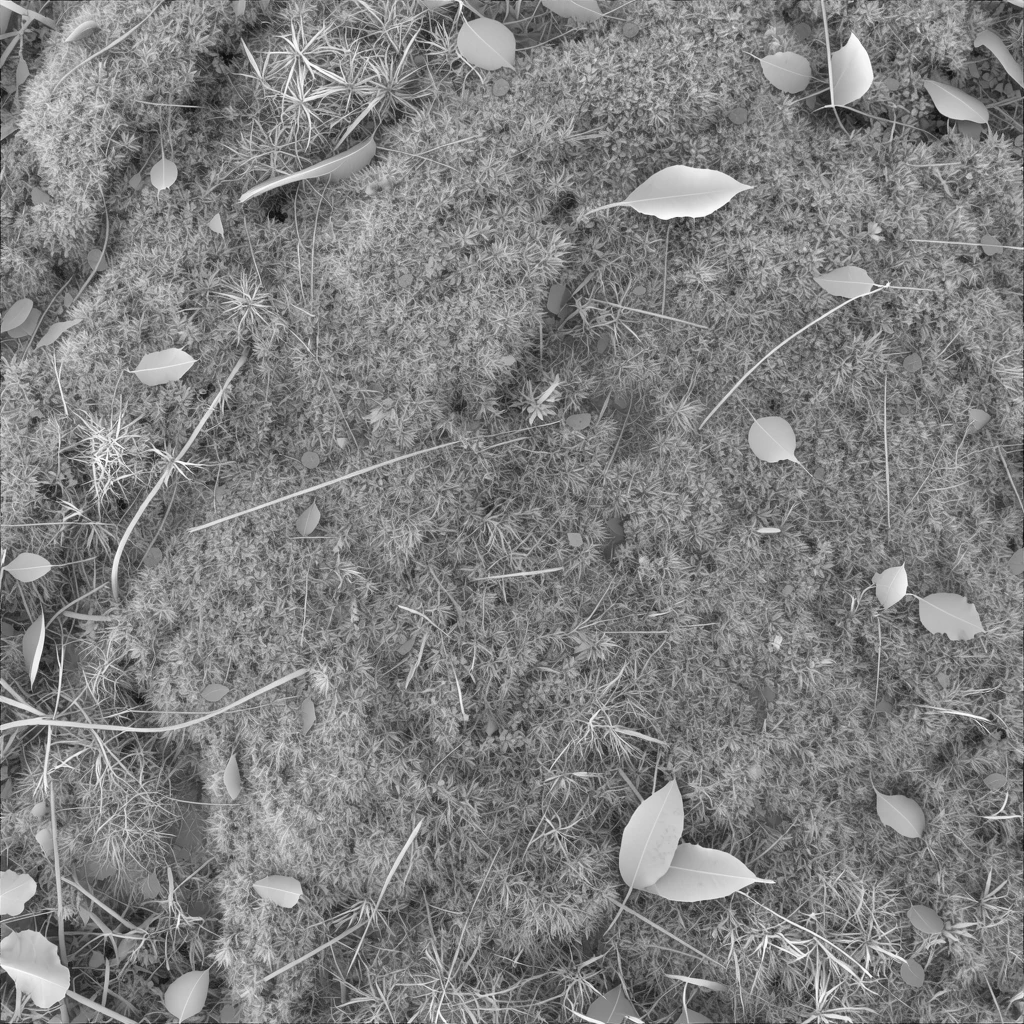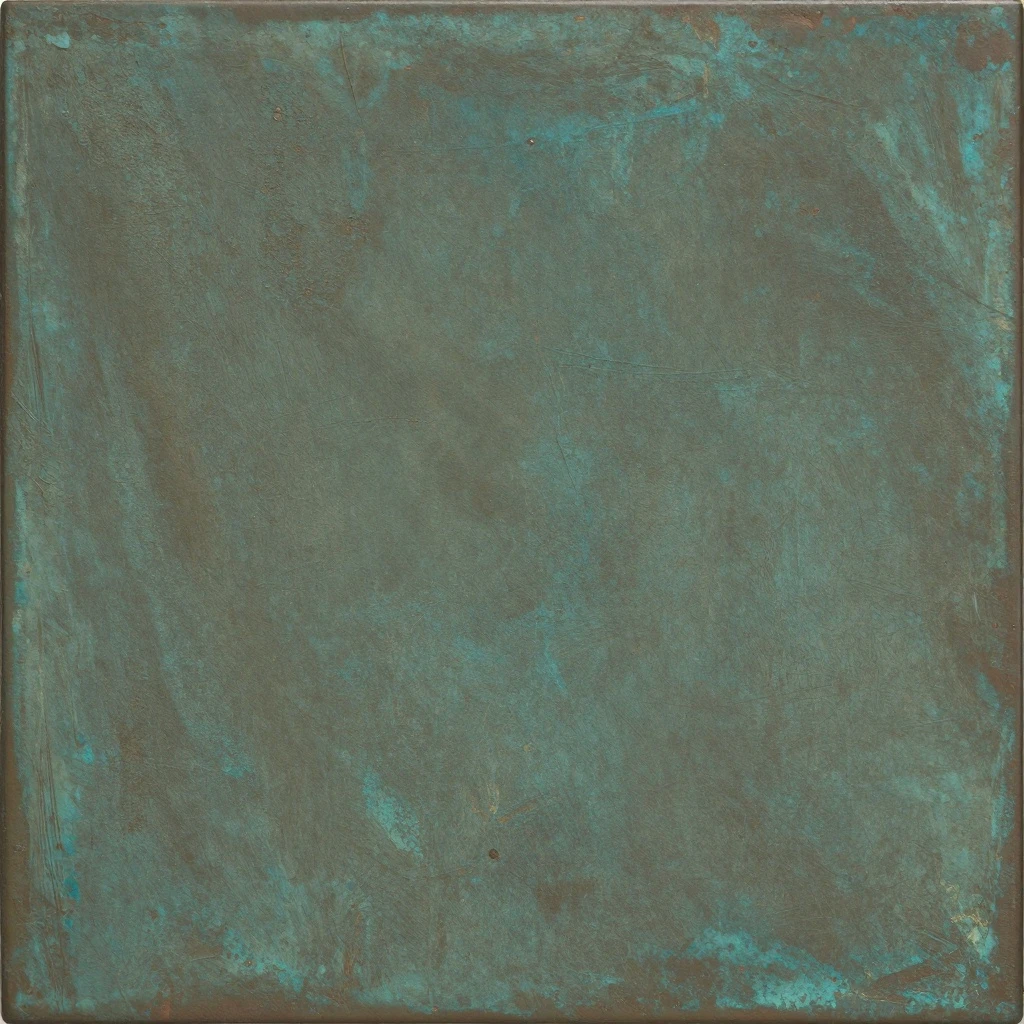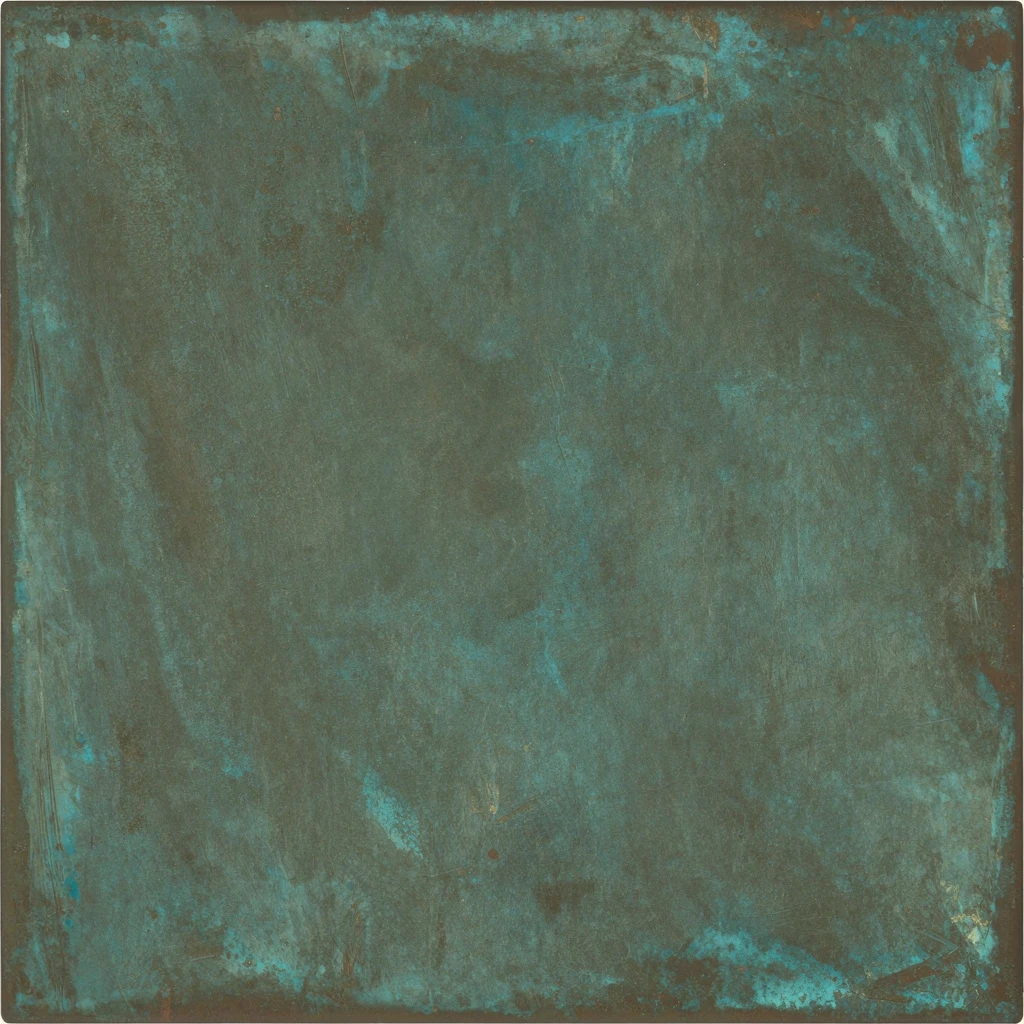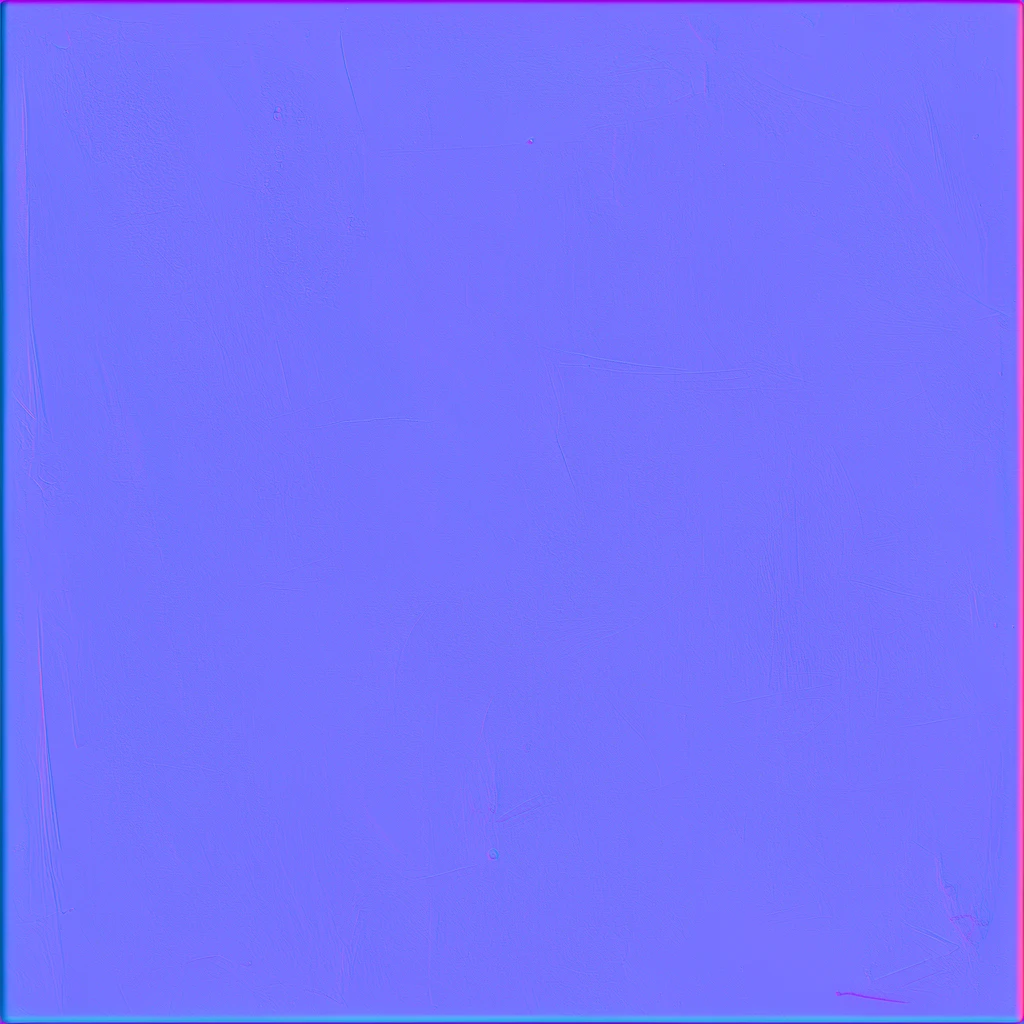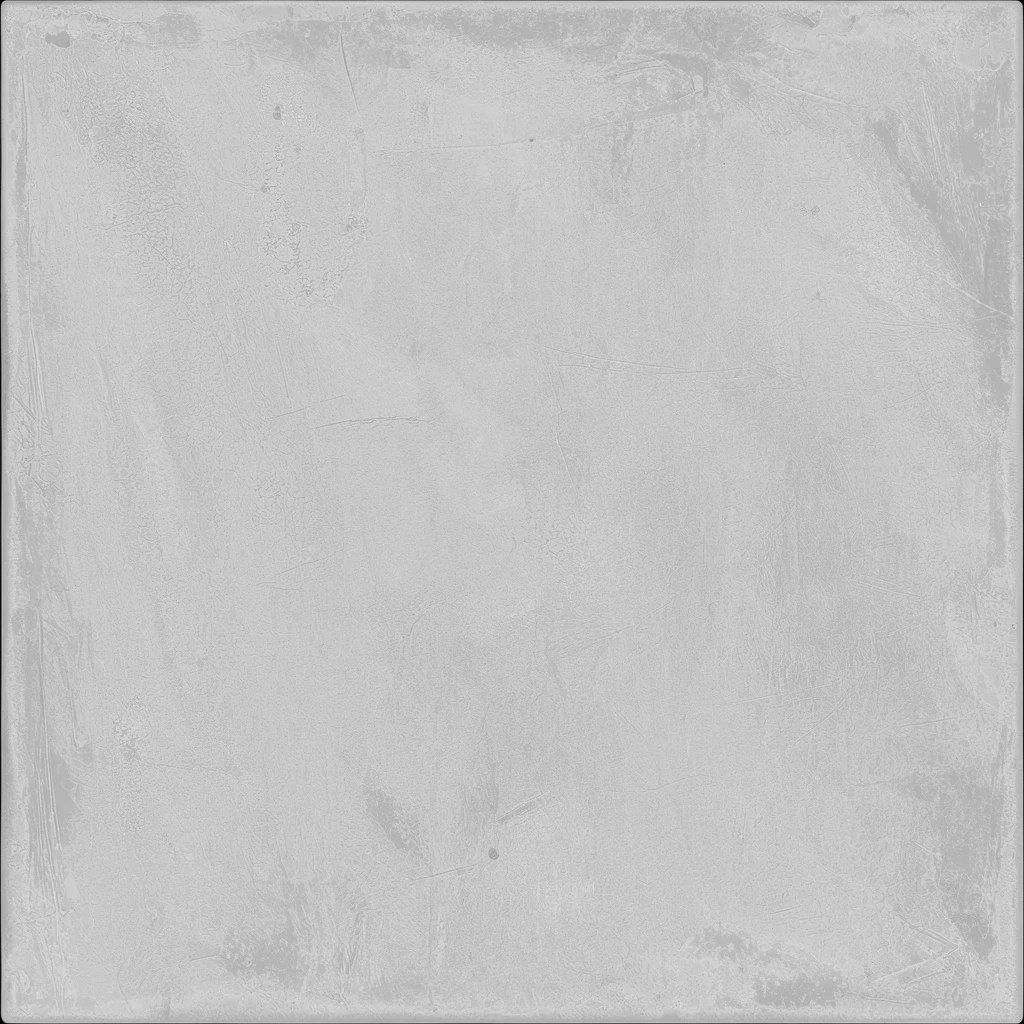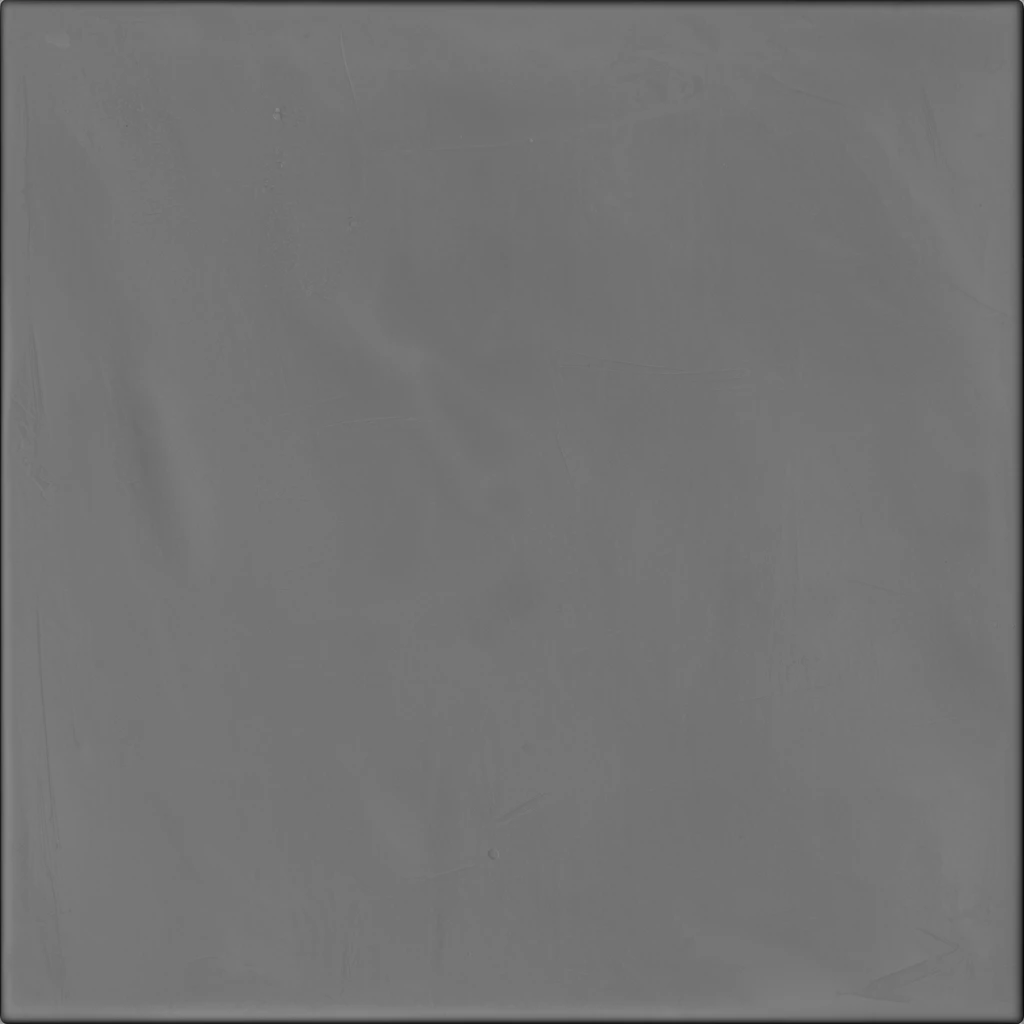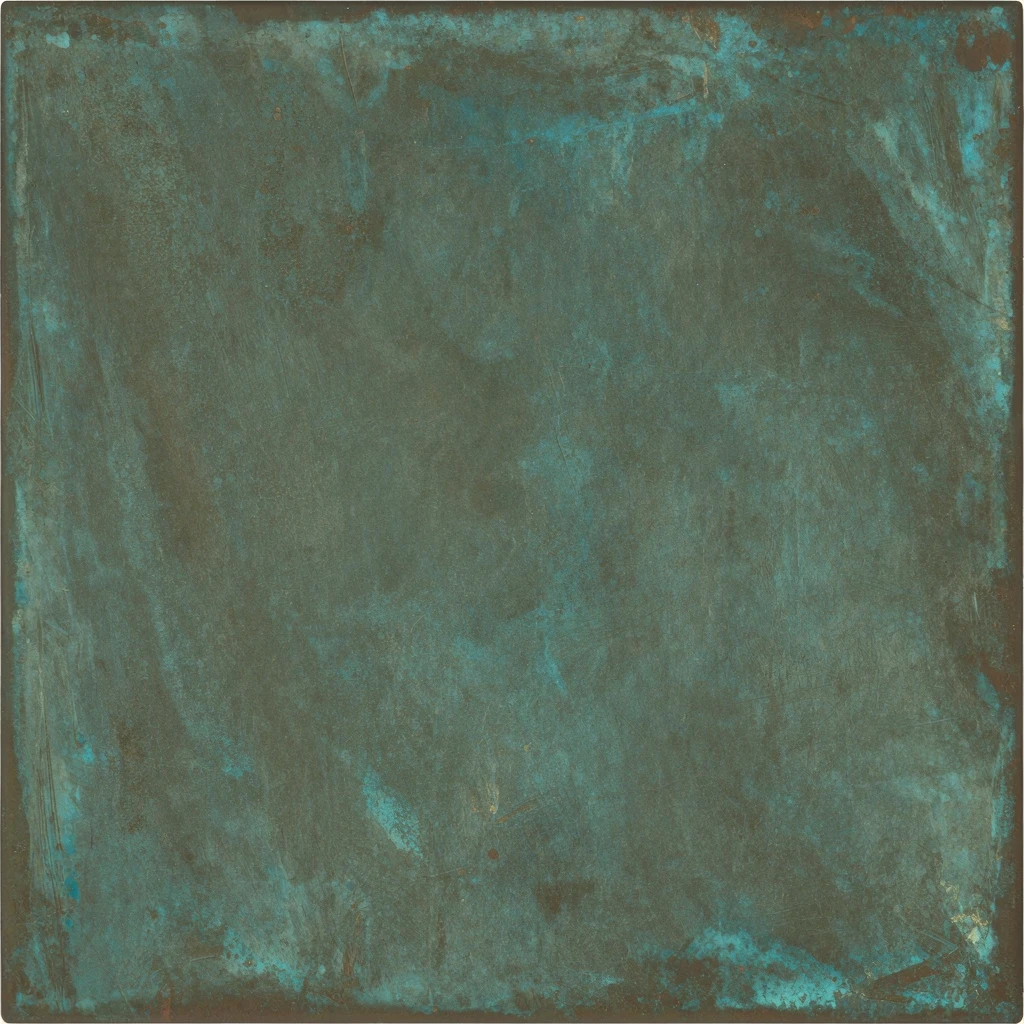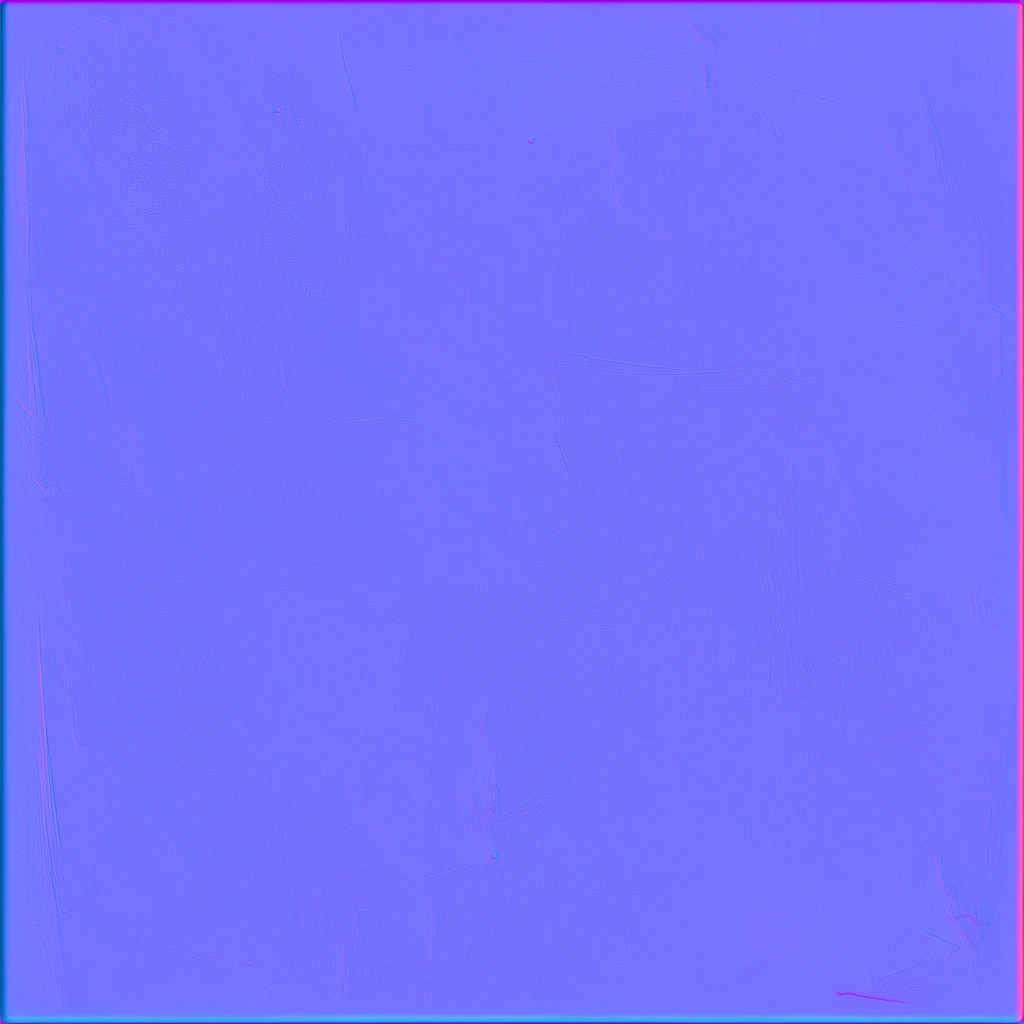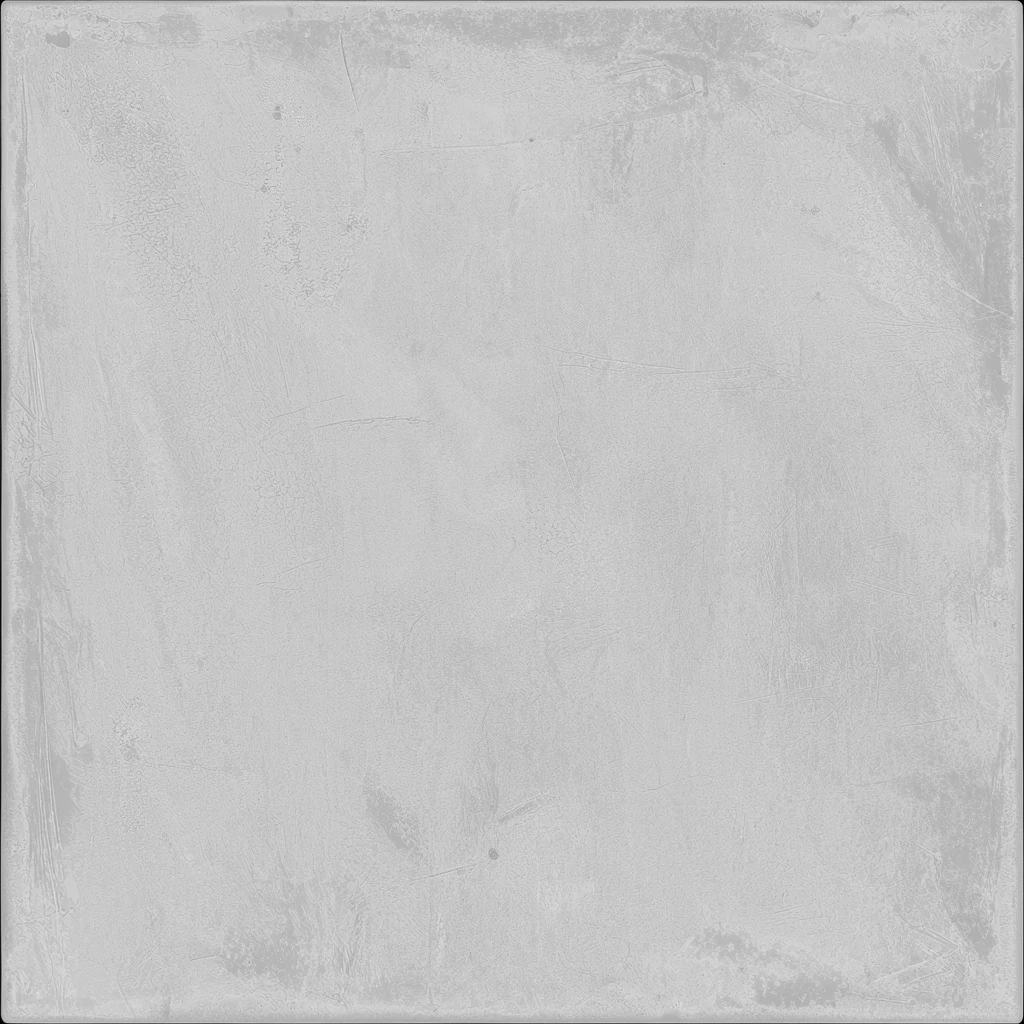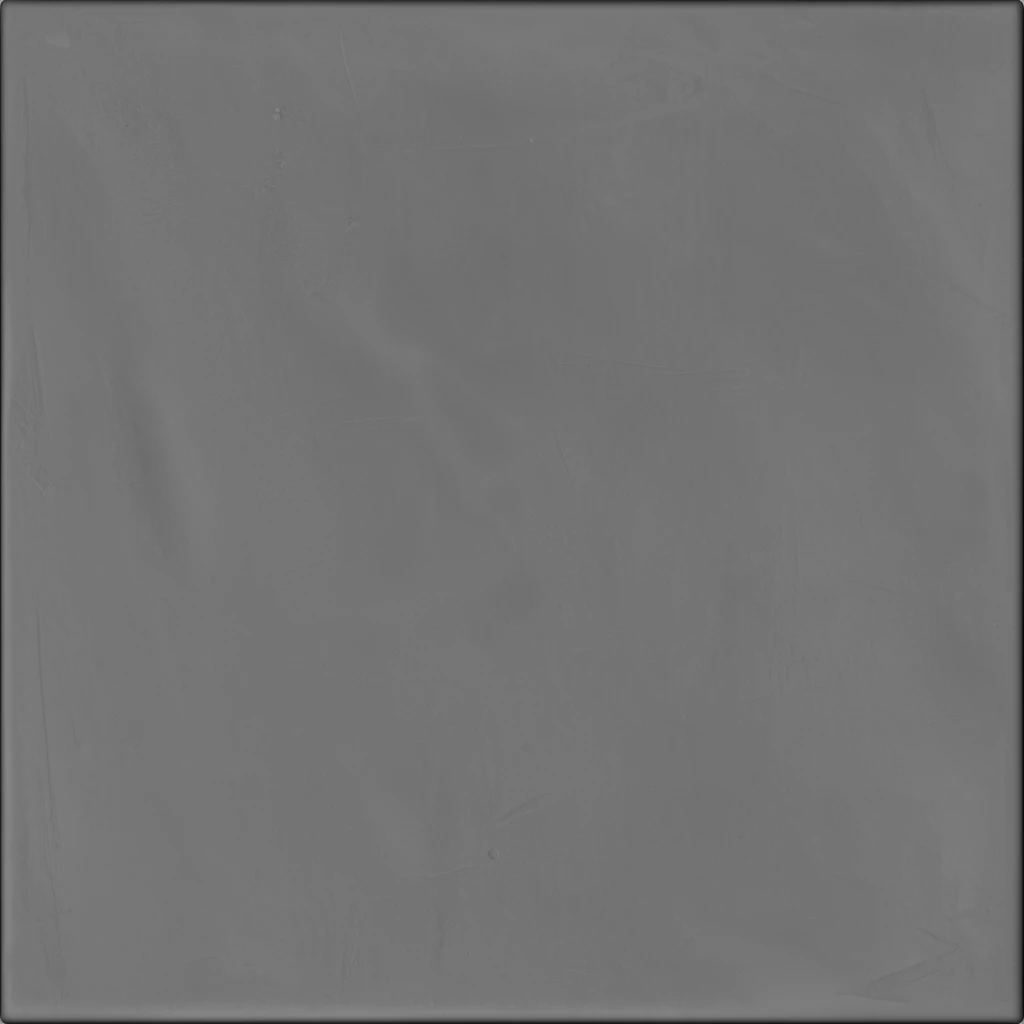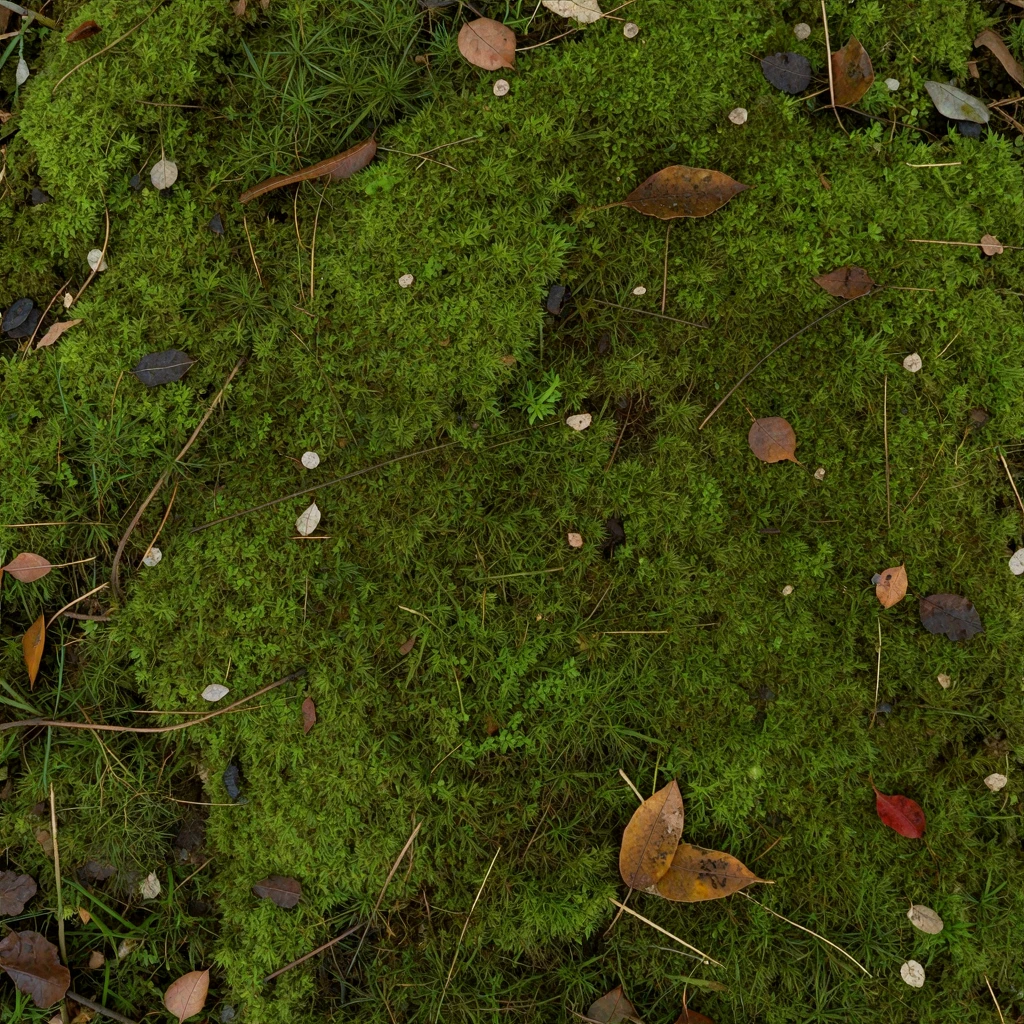
Upload a flat surface image with even light and minimal perspective to extract five aligned PBR maps. Avoid baked shadows and highlights that should not become part of the material.
Compare five original maps from our Quady3D generations. Download the maps or load the input with Try an example above.


Each example includes five 1024 × 1024 WebP maps. Check seams and normal-map direction in your 3D app. The preview uses four maps; height is a separate download.
Upload a flat, front-facing material photograph with even light and minimal perspective. The image should show surface detail rather than a complete room, object, or scene.
The converter derives one aligned PBR material set with Base Color, Normal, Roughness, Metalness, and Height maps from the uploaded image, then applies the supported channels to the live material preview.
Compare the maps with the source, inspect Normal and Height for invented edges, and check seamless tiling for visible borders before using the PBR material set in a renderer.
Use a flat, front-facing photo of one surface with even light, minimal perspective, and no strong shadows or highlights.
Lighting already visible in the photo can be mistaken for permanent color or surface relief and then appear incorrectly under new lighting.
The workflow returns Base Color, Normal, Roughness, Metalness, and Height maps as aligned PNG files.