














You have a photo
Start with image to 3D to capture the visible shape and appearance of one object. Use a clear reference with the whole subject in view.
Have the same object from several angles? Try multiple images to 3D.
Create a statue to print, a prop for your game, a product concept, or a character figurine. Choose your project to see how to start and what to check in the model.
Make a decorative object or tabletop model from an image or a prompt, then prepare the mesh for your slicer.
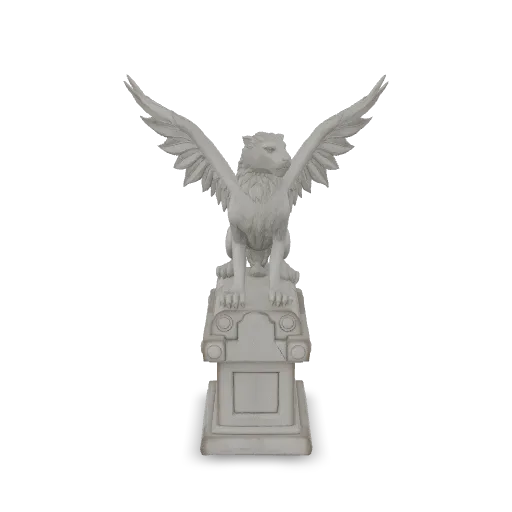
Explore props, vehicles, and environment ideas. Refine the generated model for the way it will appear and perform in your game.
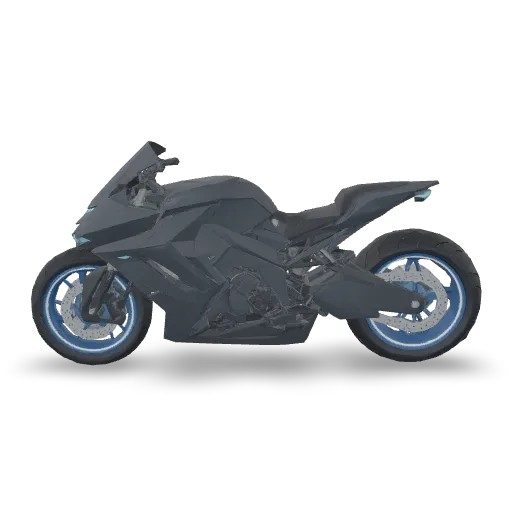
Turn a clear product image into a 3D concept you can rotate and review. Compare the model with the original product before presenting it.
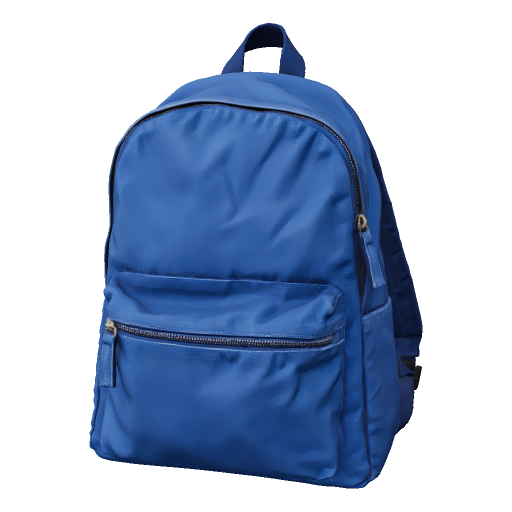
Develop a character or collectible from a reference image. Review the pose and small details before preparing a physical figure.
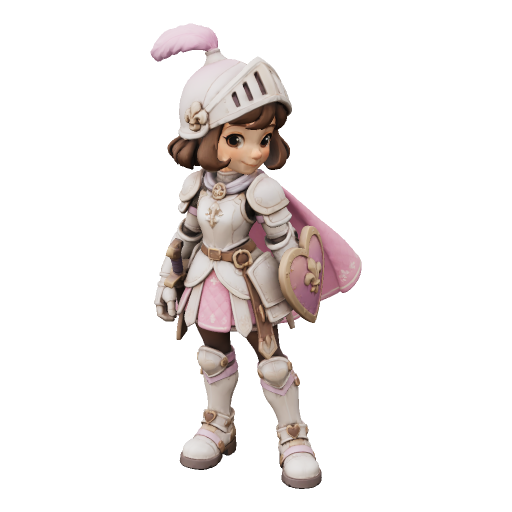
Check your model in a slicer, game engine, or editing app before using it in a finished project.
Already have a model? Follow a guide to prepare the file and bring it into your next app.
Start with image to 3D to capture the visible shape and appearance of one object. Use a clear reference with the whole subject in view.
Have the same object from several angles? Try multiple images to 3D.
Use text to 3D for a new prop, decorative object, or character concept. Describe its shape, materials, and style.
Browse 3D prompt examples for a starting point you can adapt.
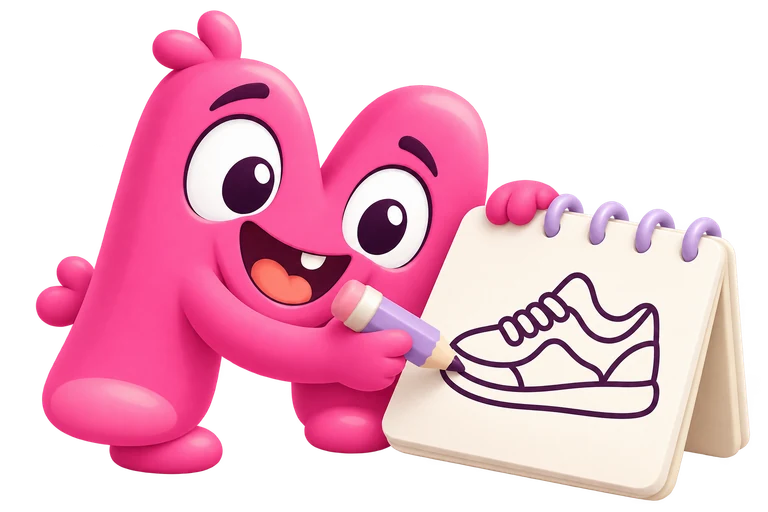
Use sketch to 3D to explore a design from clean line art. Keep the outline easy to read and describe parts the drawing does not show.
A sketch-based model is a visual concept, rather than a dimensioned CAD design.
AI-generated 3D models can help explore game props, product concepts, decorative prints, and character figurines. Quady3D starts from images, text, or drawings. Each result still needs checks for its intended use, such as print size, game performance, or product proportions.
Yes, after preparing it for printing. Check the intended size, closed surfaces, and thin parts, convert to STL if needed, and review supports in your slicer. A generated model or an STL download alone does not confirm that an object will print successfully.
Treat them as a starting point. Review scale, mesh detail, materials, and collisions for your game. Characters may also need mesh editing and rigging before animation. Test the model in your engine before including it in a finished game.
An image can produce a useful visual concept, but it does not establish exact dimensions, unseen surfaces, or manufacturing tolerances. Compare the model with the real product and use measured CAD work when dimensional accuracy is required.