Quady3D

Free local 3D tool

Image to Lithophane Generator

Make a flat lithophane from your photo. Choose its width and thickness, preview the panel, then download STL. Dark areas are thicker so the picture appears when lit from behind.

Your STL preview

Add a photo or try the sample to preview its thickness.

A photo and its lithophane panel

One photo, one flat lithophane STL

80 mm wide · 0.8–3 mm thickness range · 122 × 144 samples

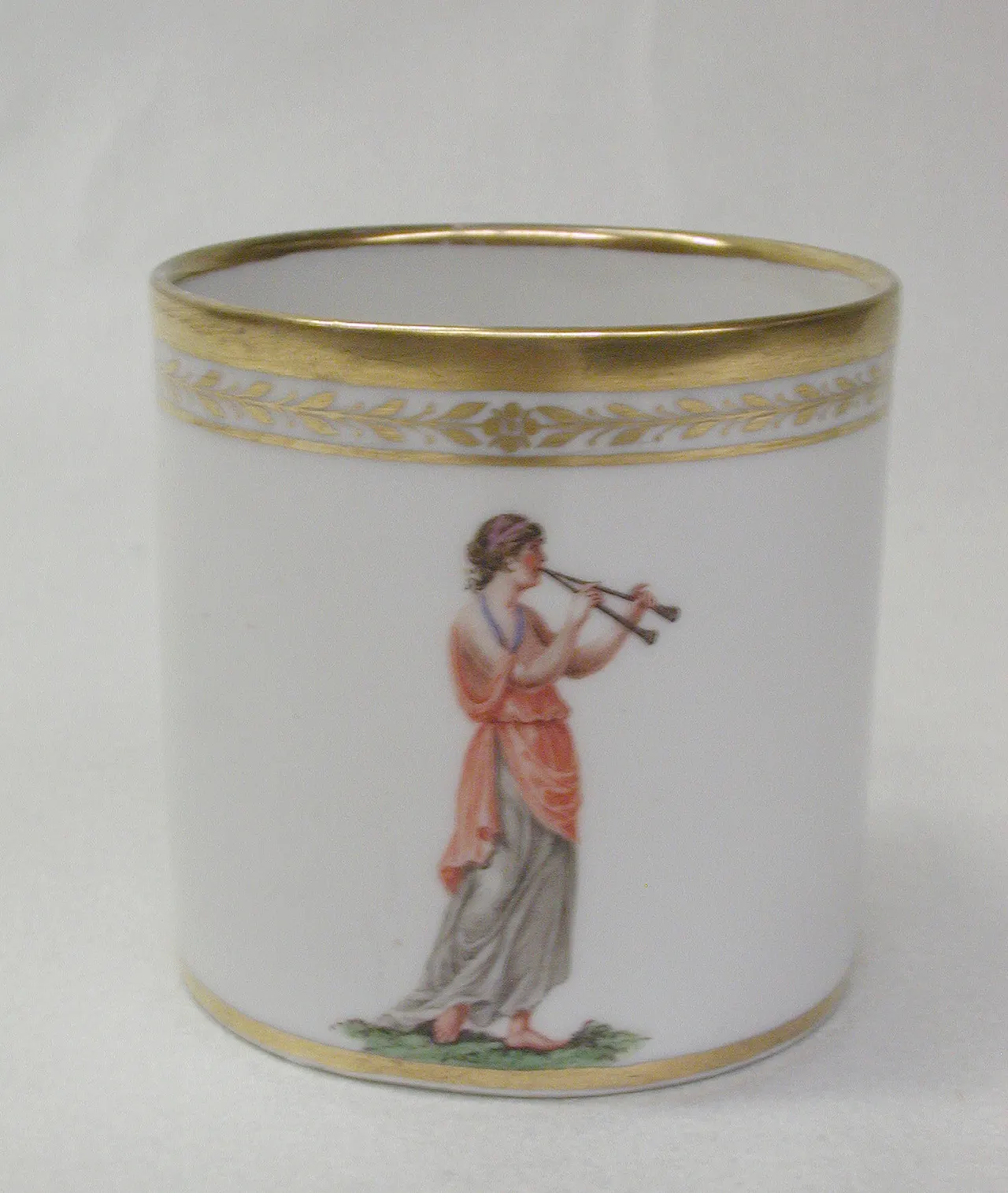
Source photograph
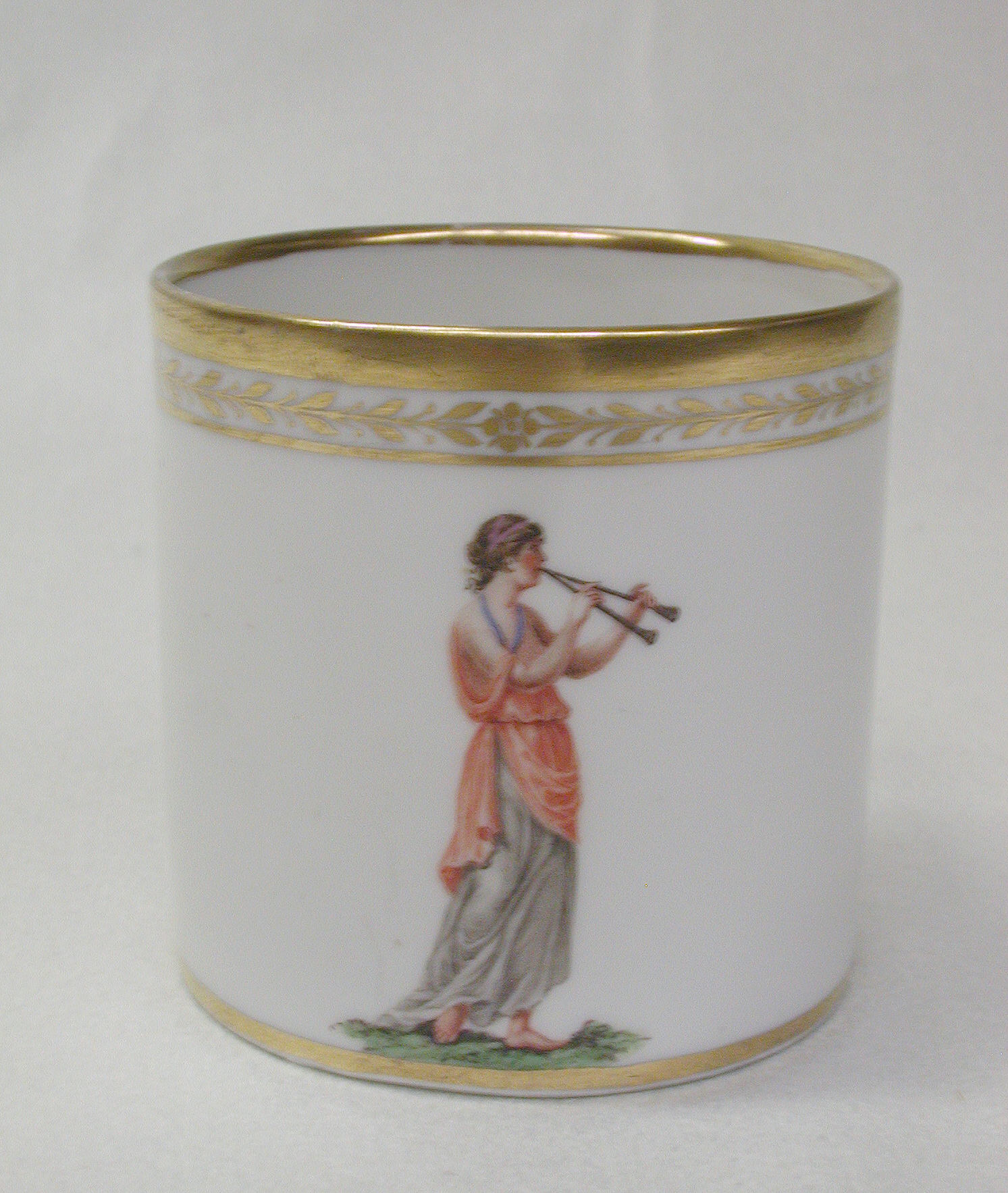
Porcelain cup photograph used to produce this lithophane
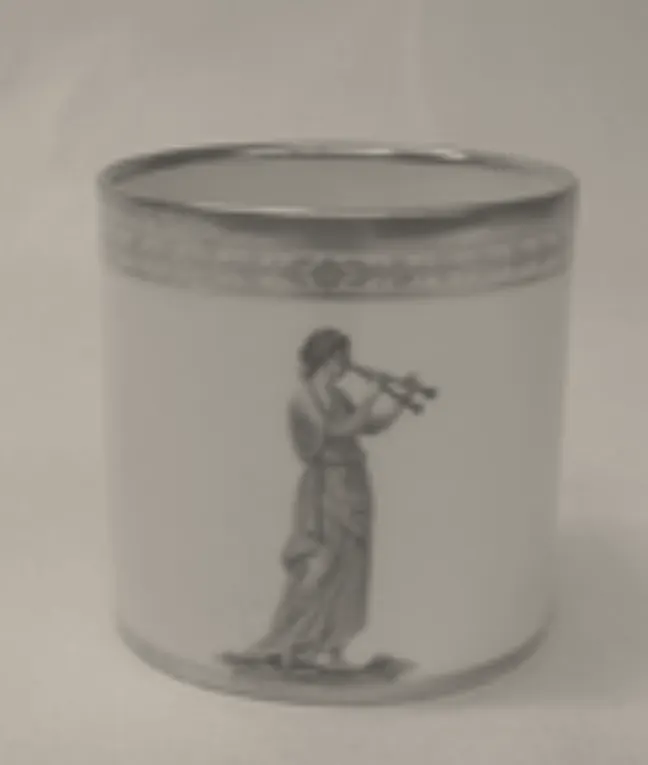
Actual brightness-to-thickness geometry

This flat panel was made from the photo shown here. Image brightness controls its thickness; the example has not been physically printed.

See a backlight illustration
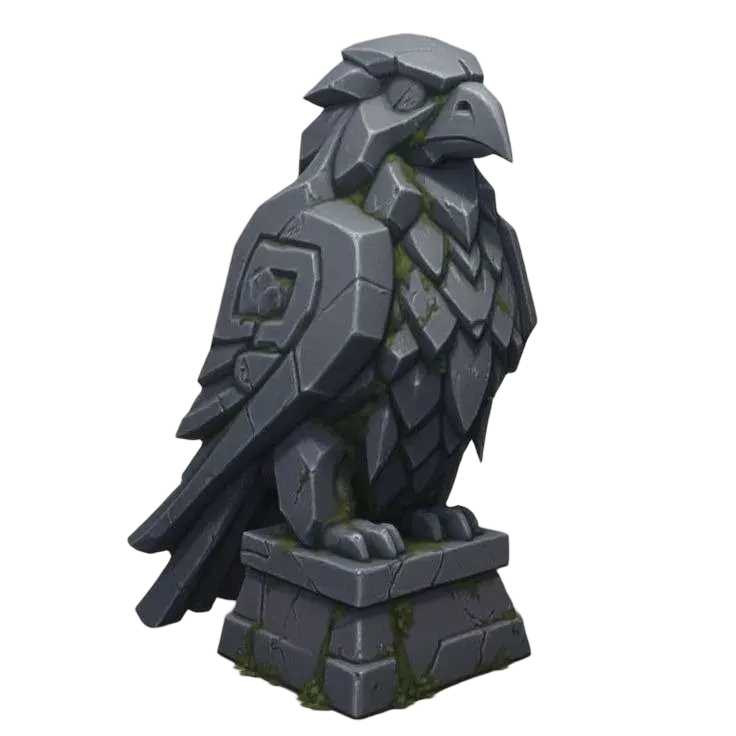
Digital illustration of light passing through the photo panel
Digital illustration, not a physical print. Actual contrast depends on your filament and light source.

How to make a lithophane from a photo

Prepare a readable photo

Choose a PNG, JPG or WebP up to 8 MB. Crop around the subject before adding it, then adjust contrast and smoothing for a readable picture.

Set light and dark thickness

Start with 0.8 mm minimum and 3 mm maximum as a test range. Dark pixels are thicker by default. Transparent pixels use the minimum thickness; use an opaque photo for predictable tones.

Test with your material

The STL is flat: X/Y form the picture and Z is thickness. Set orientation, solid infill and adhesion in your slicer, then test a small panel with your filament and light.

Questions about Image to Lithophane Generator

What does this photo to lithophane tool make?

A rectangular, flat-backed panel whose thickness follows image brightness. It is a photo panel, rather than a full 3D reconstruction. This 3D lithophane generator does not add curved panels, frames, stands or lamp enclosures.

Why are dark pixels thicker?

Thicker material transmits less light, creating the dark parts of a backlit picture. The default mapping runs from 0.8 mm at white to 3 mm at black. Turn off Dark pixels are thicker for a negative image.

Does the backlight preview predict my print?

No. The example is a digital transmission illustration from the same thickness data, not a physical print or a calibrated material simulation. Actual contrast depends on your filament, printer settings and light source.

Can I choose a curved shape or a higher resolution?

This tool currently exports a flat panel and samples the longest image side at up to 144 points. Curved shapes, custom frames and adjustable mesh resolution are not available here.

Are my files uploaded, and is this free?

Your selected file is parsed and converted in this browser tab. It is not uploaded for processing. These local tools require no account or generation credits. Reloading the page clears your selected file.