














How to use AI-generated 3D models in games
A generated mesh gives you a starting shape. This guide uses a real mushroom cottage to show what to inspect before it becomes an asset in your game.
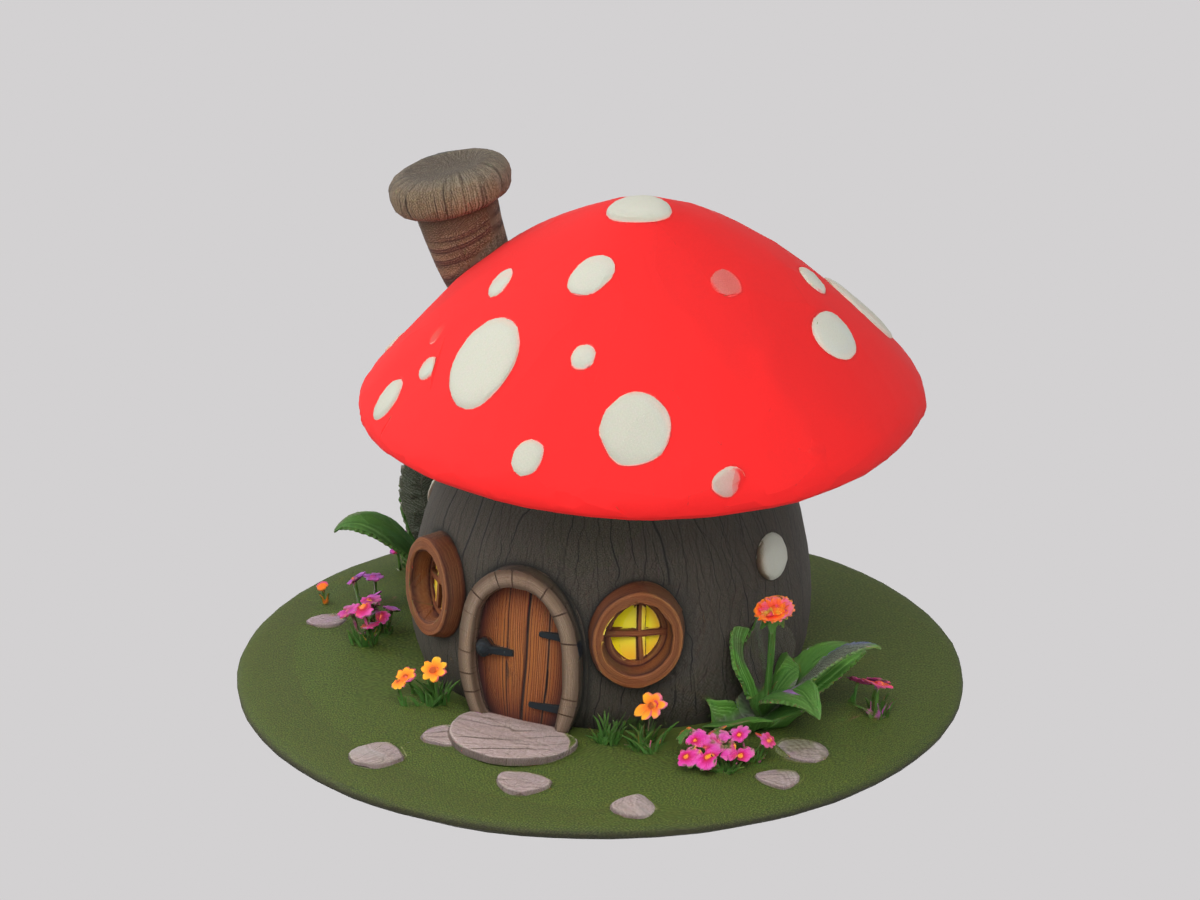
Plan and generate
1. Define one object and its role
Decide whether the cottage is background scenery, a close-up building or an interactive object. Record its intended dimensions, camera distance and how many copies may be visible. The generated example is one mesh, so the door cannot be opened as a separate object without further editing.
2. Keep the source prompt and settings
The saved prompt describes a red spotted roof, wooden door, windows, chimney and flowers. It was generated with Meshy 7.1, remeshing enabled, a 30,000 target polycount and PBR disabled. Keep those settings with the original GLB so later edits and variants have a traceable starting point.
Inspect the actual result
3. Check triangles and silhouette
The original GLB contains 30,900 triangles and 40,771 position vertices. UV seams can split vertices, so the numbers are different. Rotate the building and inspect the roof, base, door and hidden sides. The wireframe below is rendered from this file; it is not a generated illustration of ideal topology. The target setting did not produce an exact 30,000-triangle result.

4. Review textures and material maps
This cottage has one material and one 2048 × 2048 color texture. It has no separate normal or metallic-roughness texture maps. Its GLB is about 5.6 MB on disk, which does not measure GPU memory. For illustration, one uncompressed 2048 × 2048 RGBA8 texture uses 16 MiB without mipmaps, or roughly 21.3 MiB with a full mip chain; compression and engine import settings change the real allocation.
Prepare a working copy
5. Set dimensions, orientation and pivot
Import the GLB into Blender, compare it with an object of known size and choose the intended building dimensions. Place the pivot deliberately, for example at the floor center, and check it again after export. The source file has no verified real-world dimensions. Keep this preparation as a separate copy so you can compare it with the original.
6. Build collision and LODs for its role
For background scenery, a simple collision shape may be sufficient. If players walk through a doorway, check its clearance and build collision around that opening. Make any lower-detail copies from your working file and inspect silhouette changes and texture seams at the actual camera distance. The original case does not contain a collider, LOD chain, separate door or animation.
Import and test
7. Import using the engine's supported route
In Unity, a compatible glTFast importer can read GLB; another route is GLB into Blender and then a prepared FBX. For Roblox Studio, use its documented glTF, OBJ or FBX route after preparing the file. Check materials under engine lighting, coordinate axes, scale and collider placement after import. The successful Blender import shown here is not evidence of a successful Unity or Roblox import.
8. Profile a representative scene and record the result
Test the number of asset copies and interactions your game will actually use. Compare frame time, memory, material passes and physics behavior on the target device, then record the source version, edits and test setup. Review source rights, model terms and distribution requirements before release. A file that opens in a viewer still needs this project-specific review.
Inspect the same source file
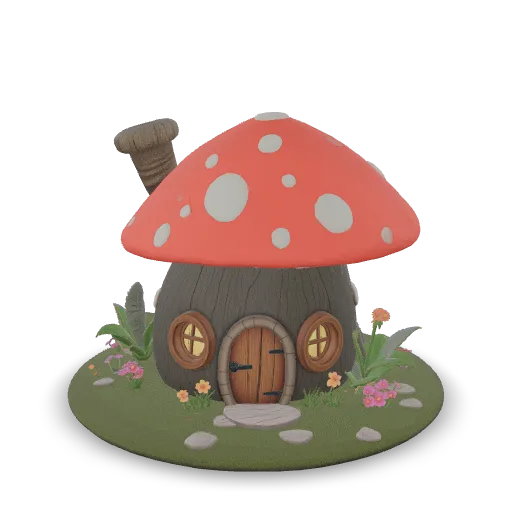 GLB · 5.6 MB · Loads on request
- Triangles
- 30,900
- Meshes / materials
- 1 / 1
- Rig / animation
- None
- Textures
- 1 × 2K
One 2K color texture; no normal or metallic-roughness maps.
Inspect the base, small flowers and back wall. This single mesh has no separate door, collider or LOD chain.
A cozy fantasy mushroom cottage with a red spotted cap roof, round wooden door, small windows with glowing lights, a tiny chimney and a flower garden around the base
Remesh on · Target 30,000 · PBR offCommon asset review questions
Does reducing polygon count make an AI model game ready?
It helps address geometry cost, but does not establish texture budgets, UV quality, scale, pivots, collision, animation or performance in the target scene. Review those properties separately.
Why does the cottage have more vertices than triangles?
The GLB stores 40,771 position vertices and 30,900 triangles. Mesh vertices can be split at UV seams or other attribute boundaries, so a triangle total and a render vertex total measure different things.
Was this cottage tested in a game engine?
The original GLB was inspected and imported in Blender for the renders in this guide. Unity and Roblox import, collisions, LODs and device performance have not been tested for this example.