Start from a text prompt and generate a new 3D asset.
New stylized assetsDescribe one object, generate a low-poly 3D model with Hunyuan3D 3.0, then rotate and review it before downloading.
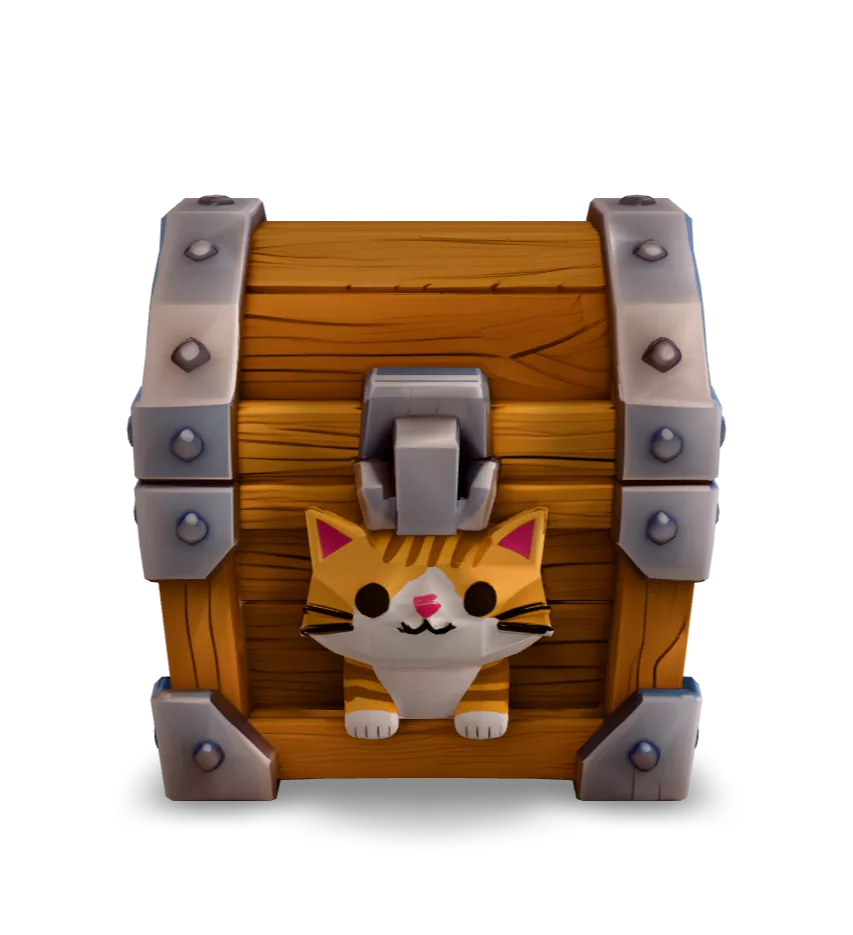
A cat-themed treasure chest generated in Quady3D with Hunyuan3D 3.0.
GLB · 15.8 MB · Loads when you choose to inspectLoad the model, rotate the chest, and switch to Wireframe to see its triangle surfaces. The broad panels keep the shape readable; much of the small surface detail comes from the texture.
The original GLB is 15.8 MB despite its modest triangle count. Texture resolution matters too. This static model was opened in Blender; game-engine performance still needs testing.
cute catA compact low-poly fantasy supply crate, broad planar wooden panels, beveled metal corner brackets, chunky proportions, clean silhouette, centered single object, no floating parts, game-ready style
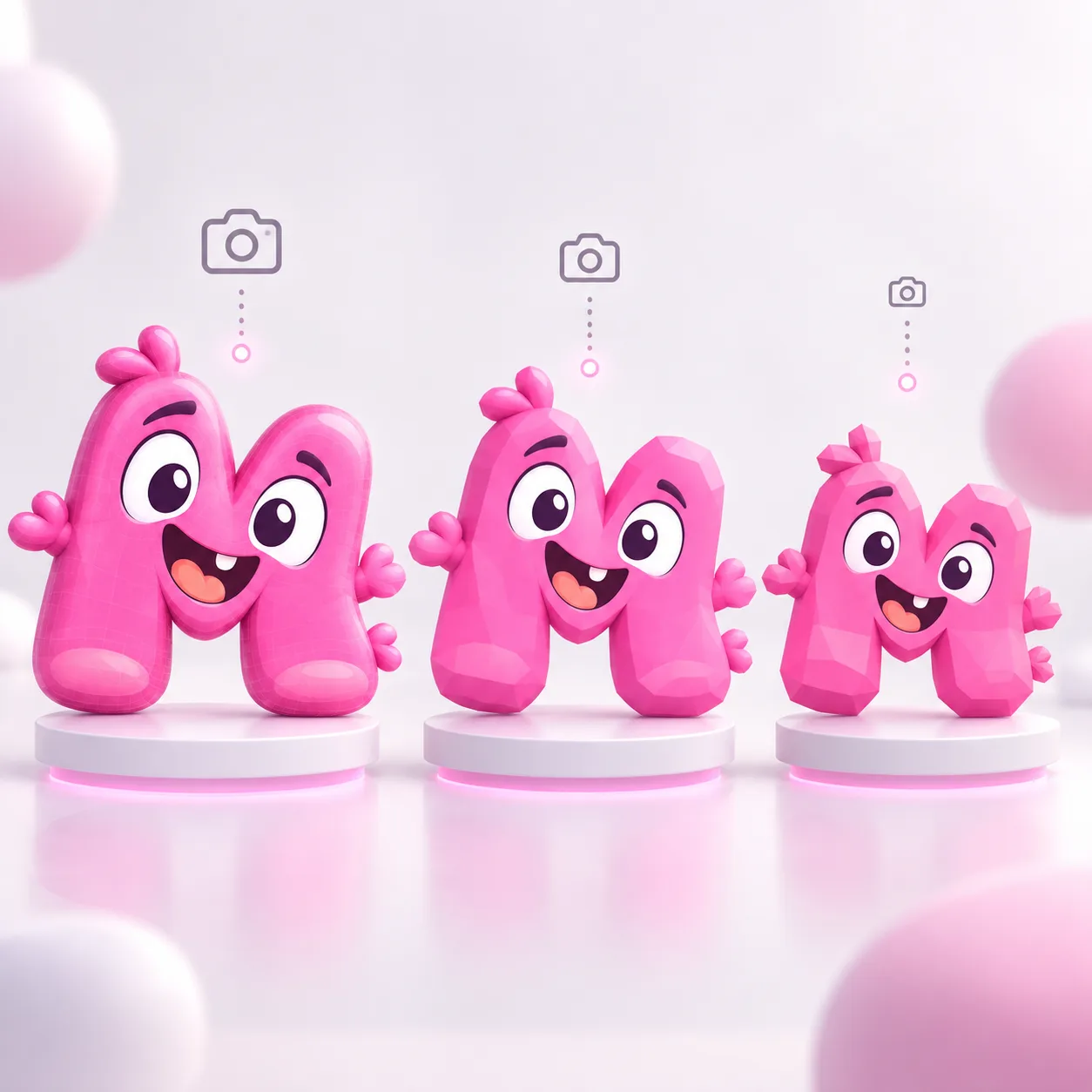
Use fewer surfaces for small or distant objects. Keep more detail for objects that appear large or close to the camera. A polygon, or face, is one small surface used to build the 3D model.

Choose the workflow that matches what you already have.
Start from a text prompt and generate a new 3D asset.
New stylized assetsReduce the detail of a model you already have. This is also called mesh decimation.
Models you already ownName the object, its large shapes, a few colors, and the details that must survive. Broad panels, chunky proportions, and a clear silhouette are easier to read at a distance than tiny carvings or many overlapping parts.
The workspace starts with Hunyuan3D 3.0 and LowPoly output. Select the model and settings, check the displayed cost, and generate. Then rotate the result and use Wireframe to see how its surfaces are divided into triangles.
See the Hunyuan3D 3.0 model guide for available controls. Starting from artwork? Use Image to 3D with a supported LowPoly setting.
There is no single triangle limit for every low-poly asset. A small background prop can use less detail than a character seen close up. Check the silhouette at the size it will appear in your scene, then review texture resolution and material count as well as geometry.
Reduce an existing mesh in Remesh, or follow the game asset preparation workflow to plan its scene budget.
Download the original GLB and open it in your destination app. The chest was imported into Blender, but it has not been tested in a Unity game. Treat a generated asset as a starting mesh until you have checked it in your own scene.
Follow the Blender import guide or Unity preparation guide. Need a static OBJ package? Use GLB to OBJ. For a character, continue with character preparation.
It uses relatively few polygons to describe its shape. Low-poly art often shows flat, angular surfaces, but a model with fewer triangles can also have smooth shading and detailed textures.
There is no universal cutoff. Set a budget for the asset's size on screen, the number of copies in a scene, and the target device. The saved chest has 5,443 triangles; that is an example, not a recommended limit for every object.
This page starts from a text prompt. For a reference image, open Image to 3D and choose a model that offers LowPoly output, such as Hunyuan3D 3.0. Review the finished mesh rather than assuming a low-poly-looking image guarantees a low triangle count.
Yes. The chest has a 4096 × 4096 texture. Textures add detail without adding triangles, but large maps still increase file size and memory use.
Smooth shading blends lighting across adjacent surfaces, and textures can hide individual facets. Inspect Wireframe or the untextured shape to judge the geometry. Ask for broad, faceted forms if you want a more angular visual style.
Yes. Use mesh decimation to reduce triangle count in a model you already have. Compare the result with the original silhouette and check thin parts and texture seams after simplifying.
The case on this page has an original GLB with its texture included. Your generation's available files depend on the selected model and completed job. For an OBJ workflow, you can convert a GLB to an OBJ, MTL, and texture package.
Use it as a draft first. Test scale, materials, collisions, and performance in your game engine. A static character also needs a suitable rig and skinning before skeletal animation.