











Have a concept but no model?
Create an individual prop first, inspect its mesh and save the GLB. Then bring it here to arrange with your other objects.
Generate a 3D game asset →Have your GLB props ready? Arrange them into a small game scene. Move independent objects on a metre grid, reuse source models, inspect the budget and export a layout you can continue editing in Unity.
Start from the sample or bring a saved GLB from your own work. Each placed copy stays independently editable.
Loading the scene editor…
Use this editor for static props, set dressing and small environment layouts. It changes object placement, rotation and scale while keeping source geometry available. It does not sculpt vertices or replace a mesh-modeling application.
Create an individual prop first, inspect its mesh and save the GLB. Then bring it here to arrange with your other objects.
Generate a 3D game asset →Add embedded static GLBs, or use the free sample. Build a room corner with separate reusable props, floors and walls.
Start from the sample room ↑Export the editable project ZIP, then use the included helper to restore layout and apply the collision and LOD choices.
Import GLB into Unity →Duplicating an object reuses its source asset. Moving or replacing one placement does not move the others. The portable project ZIP keeps source GLBs with their layout; a browser save is only a copy in this browser.
The scene uses metres and Y up. Inspect the source dimensions before setting a game size. Bottom-centre pivots help place props on the floor; the original pivot remains an option when an existing origin matters.
A small room and a large level have different requirements. Set limits for triangle totals, material slots and texture estimates, then review warnings before exporting. Repeated copies still add geometry even when they share an asset.
Box collision is a conservative fit around an object. Static-mesh collision follows the original mesh and is intended for non-moving environment geometry. The preview keeps collision based on the original model while you compare the visual LODs.
LOD generation aims to retain 50% and 25% of the source geometry while preserving UV seams and borders. Some models cannot reach these targets within the error limit. Compare silhouettes, thin parts and texture seams at the viewing distance your game will use.
The exported scene GLB retains the original geometry. The Unity helper reads the package settings, adds colliders and creates a scene-wide LOD Group when both variant scenes are present. It does not add a character controller, navigation, interaction logic or a game-ready certification.
Follow the package-to-Unity workflow →This example places three copies of the existing chest alongside editable floor and wall modules. The exported package was imported into Unity 2022.3.62f3c1 with glTFast 6.14.0, using Built-in rendering on an Apple M5.
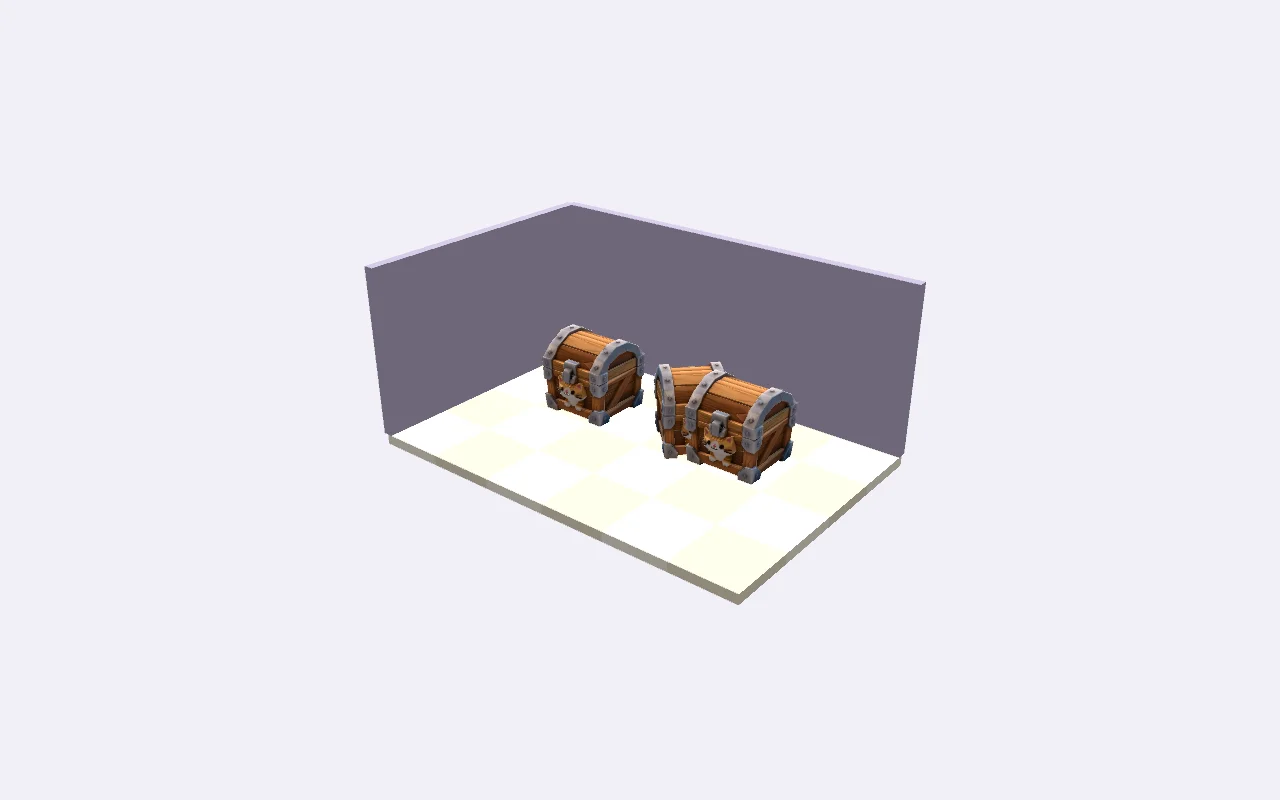
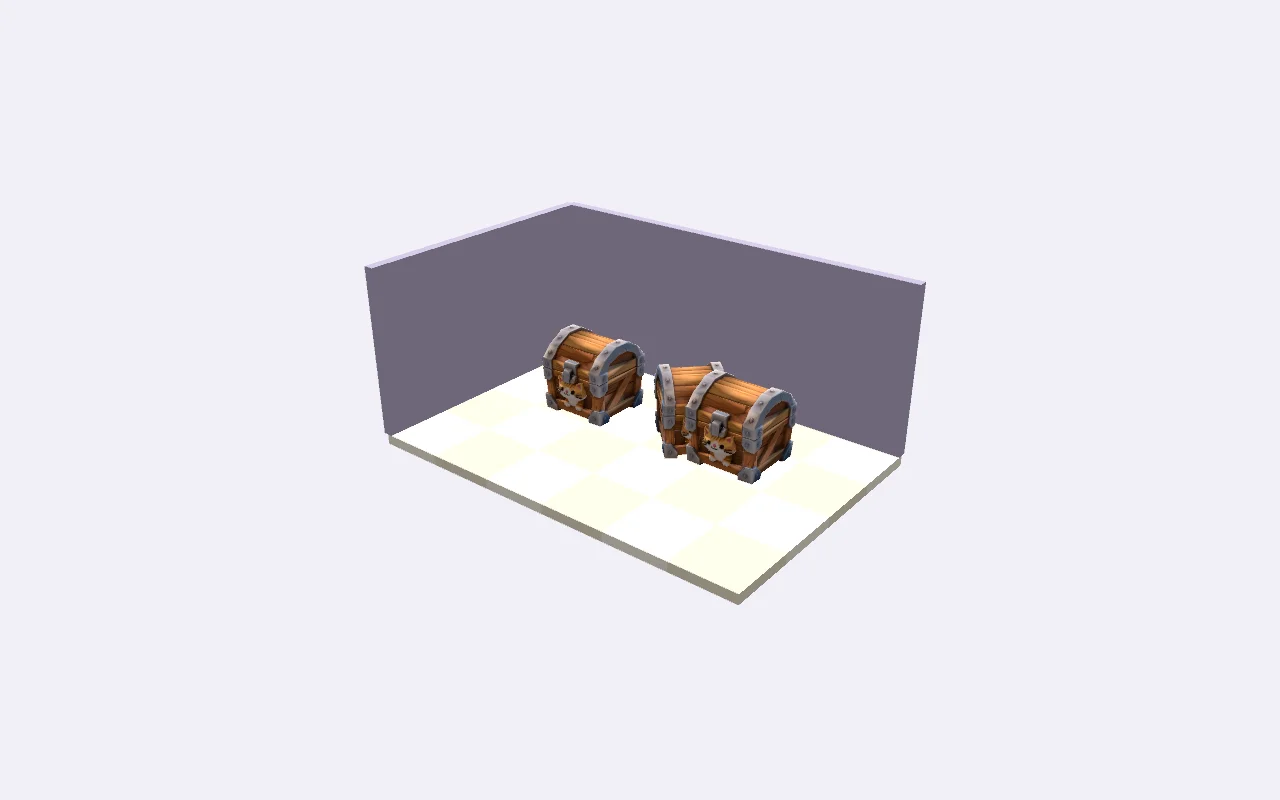
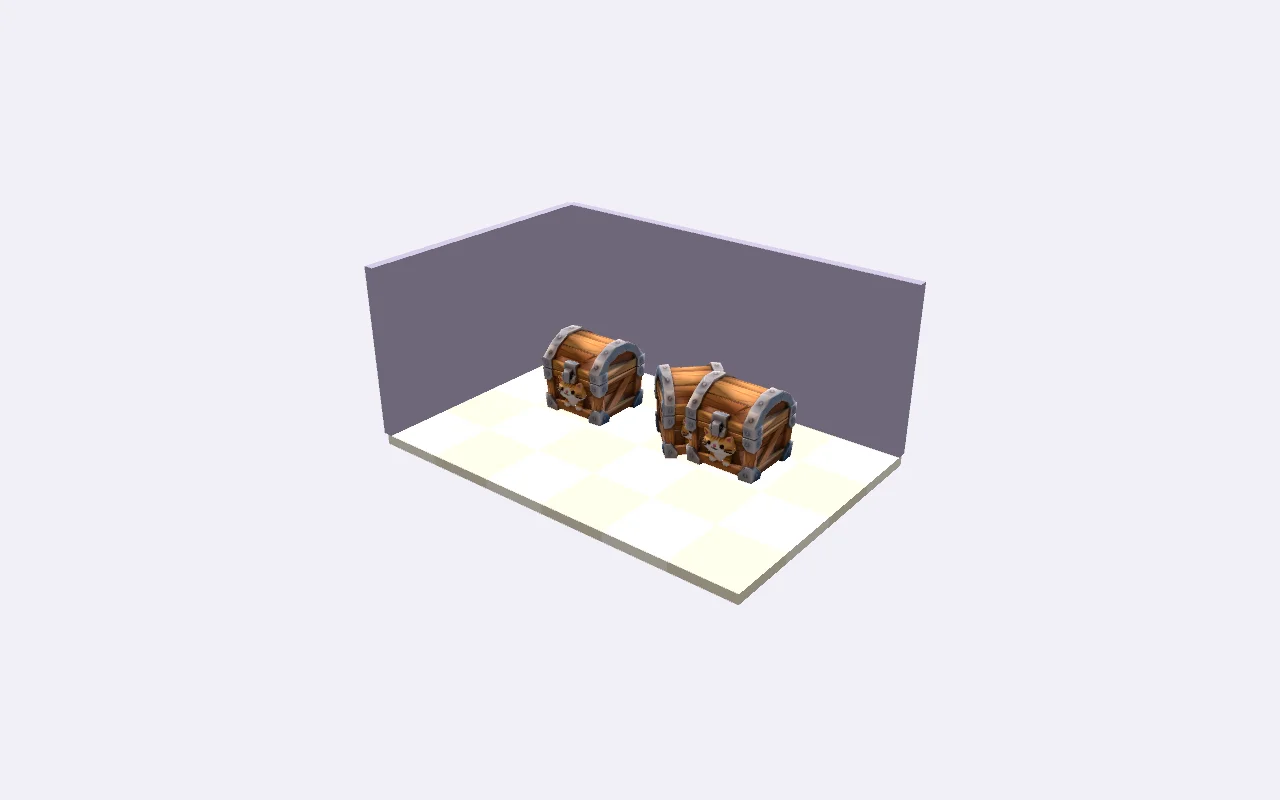
All 37 placements, four materials and the chest texture were retained. The example applies 35 box colliders, one original-detail static mesh collider and one object with no collider. A physics drop test settled on the floor, and the saved scene and prefab reopened with their references intact.
The pictures use forced LOD levels so the geometry can be compared at the same view. They do not measure automatic transition behavior, target-device performance or compatibility with other render pipelines.
Load the treasure-room sample or add a static GLB with embedded textures. Inspect its source dimensions, material count and missing UV or normal sets.
Move, rotate, scale, duplicate or replace objects. Choose an original, centre or bottom pivot, and snap positions to the metre grid.
Choose no collider, a conservative box or a static mesh. Generate and visually compare LOD variants, then check the scene against your own triangle, material and texture limits.
Download the project ZIP to keep sources and layout. Follow the Unity guide to install glTFast and use the included Editor import helper. Test the result in your game.
Prefer to inspect a complete example project first? The existing treasure-room sample contains a walking capsule, two camera views and simple collision. It was run on an Apple M5 with Unity 2022.3.62f3c1 and the Built-in pipeline. That example is separate from the scene you arrange above.
No. This builder arranges existing static GLB assets and simple box modules. Generate or download individual props first, then add them to the scene. It does not create gameplay, navigation, animation or a complete level from a prompt.
Model inspection, arrangement, LOD generation and export run in your browser. This tool does not upload your models or call a paid generation service. Save in this browser for a local copy, and download the project ZIP for a portable backup.
The scene GLB carries the assembled geometry, materials and object transforms. The project ZIP also keeps the original asset files, editable layout, collision choices, optional LOD files and the Unity import helper. Open the ZIP in this builder to continue editing.
Collision choices and LOD settings are project metadata. The included Unity Editor helper applies them after GLB import with glTFast. GLB alone does not create Unity physics or an LOD Group. Other engines and render pipelines need their own import setup and validation.
No. Triangle totals include placed instances; material counts and texture estimates count each used asset once. Texture memory assumes RGBA8 with mipmaps. These are planning estimates, not measured VRAM, draw calls or frame times. Profile a representative scene on your target device.
Use static GLB files with embedded resources and PNG, JPEG or WebP textures. The limits are 20 MiB per model, 64 MiB of model files, 20 assets and 100 placed objects. Animated or rigged assets and KTX2-textured inputs need a separate preparation workflow.