

Quady3D

Image-to-3D field notes

Image to 3D guides for choosing source images, reviewing generated geometry, and getting 3D assets ready for real work.

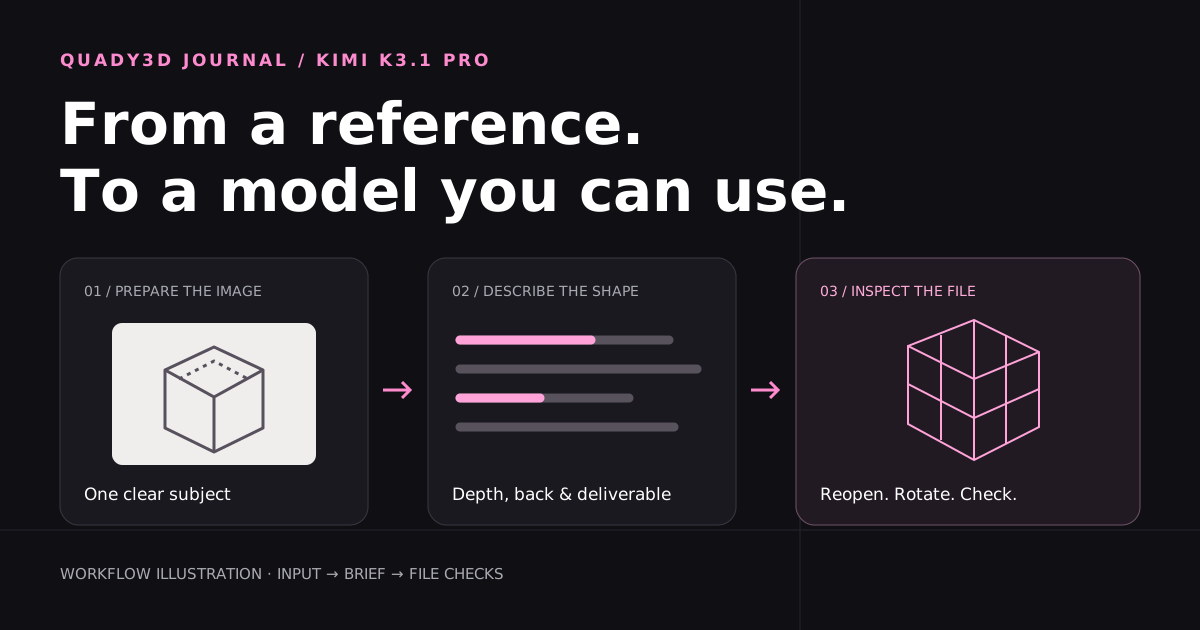
Image-to-3D workflow diagram: prepare a reference, describe the hidden shape, then reopen and inspect the model fileThe workflow: reference → clear brief → model file. Illustration by Quady3D.

Kimi Image to 3D: From Sketch to Model

Use Kimi K3.1 Pro with a sketch or reference image. Prepare the input, choose a 3D workflow, write a clear prompt, and check the downloaded model.

Read article
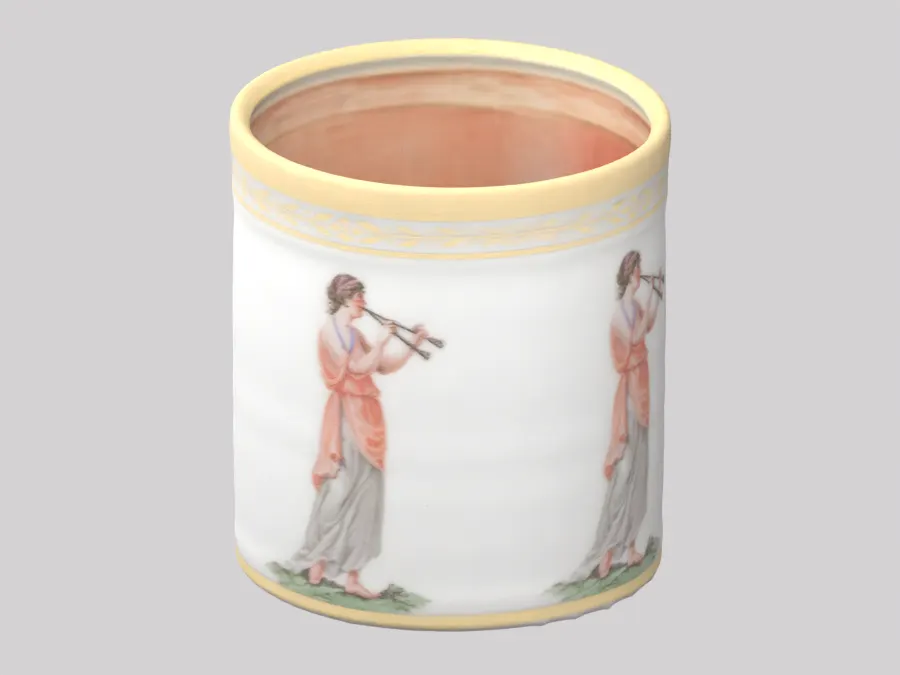
Actual generated porcelain cup imported in Blender for geometry inspectionActual Quady3D-generated model · Blender inspection render

From a product photo to a 3D printable model

Follow a real product-photo-to-3D example: compare the generated cup, prepare an 80 mm STL, inspect geometry and review the sliced result before printing.

Read article
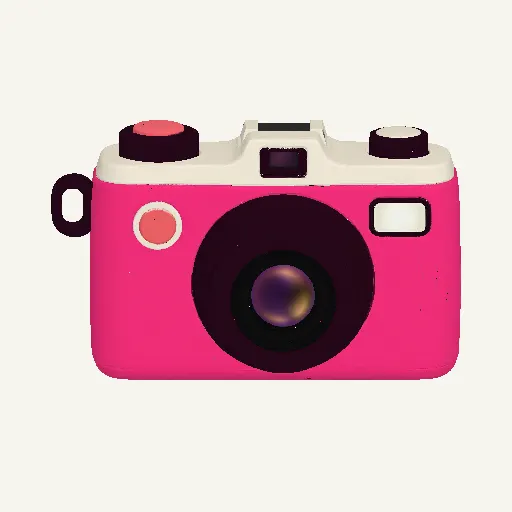
Meshy 7.1 camera result from the Quady3D same-image comparisonQuady3D same-image comparison case

How to compare image-to-3D tools

Compare image-to-3D services using geometry quality, texture usefulness, export formats, queue behavior, privacy, and total workflow cost.

Read article
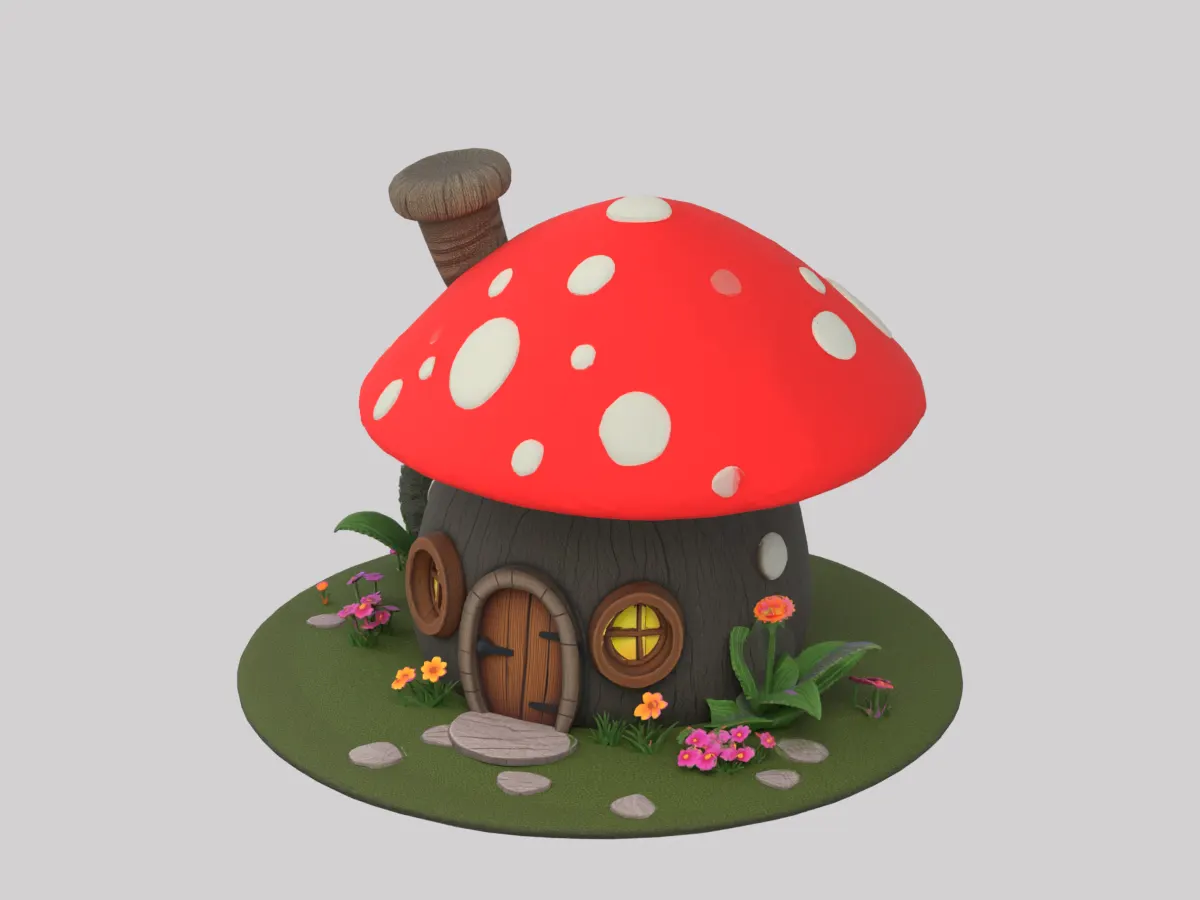
Blender render of Quady3D's original Meshy mushroom cottage, without geometry editsQuady3D case study

How to use AI-generated 3D models in games

Follow a real generated mushroom cottage through mesh, texture, scale, pivot, collision, LOD and engine checks. Learn what to review before using an AI asset in a game.

Read article