














OBJ geometry to STL
72.89 × 73.20 × 80 model units · 47,326 triangles
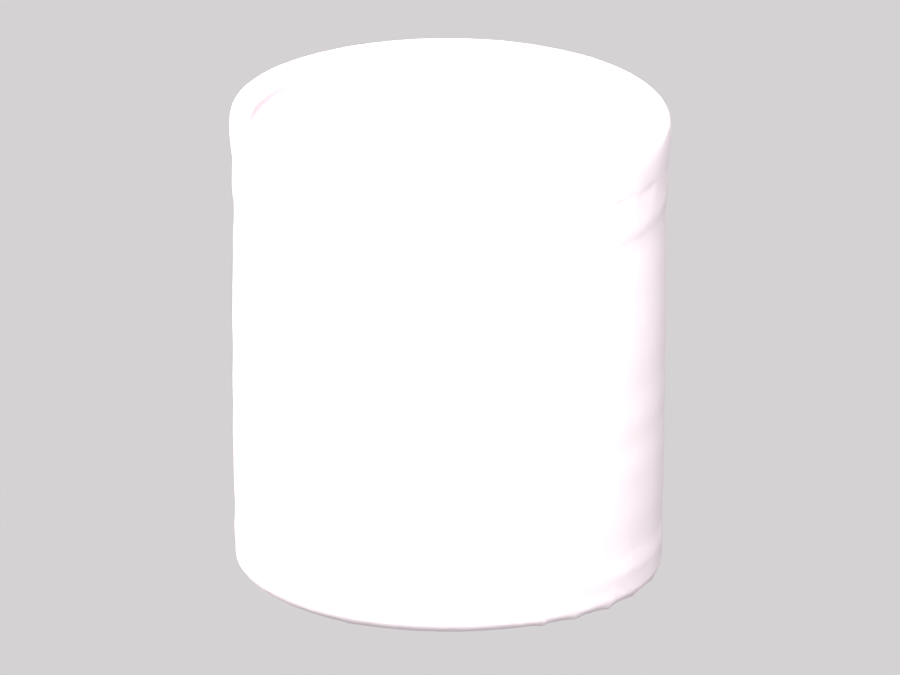
The OBJ and STL have the same shape and dimensions. Conversion removes materials; it does not repair gaps or join separate pieces.
Free local 3D tool
Open your OBJ, check the shape and choose its print size. Download an STL for your slicer. Conversion is free and happens in your browser.
Open a file or try a sample to see the model here.
72.89 × 73.20 × 80 model units · 47,326 triangles
The OBJ and STL have the same shape and dimensions. Conversion removes materials; it does not repair gaps or join separate pieces.
Load an OBJ up to 32 MB. Faces become triangles; separate MTL and texture files are not loaded by this geometry conversion.
By default, STL keeps the OBJ coordinates. Enable Set print size to scale the longest side from 20 to 200 mm while keeping proportions.
STL keeps the shape and removes colors, textures and materials. Conversion does not close holes or join detached pieces.
Choose the OBJ, inspect its shape and dimensions, then download STL. Keep the original coordinates or enable Set print size to choose the longest side in millimeters.
No. This converter reads the OBJ geometry without loading a companion MTL or texture directory. Standard STL stores triangles, so material colors and texture maps are omitted.
With Set print size off, it retains source coordinates and proportions. OBJ and STL do not declare a physical unit here; confirm the unit in your slicer. With sizing on, the longest side uses your chosen millimeter value.
No. Holes, intersecting surfaces and disconnected parts can carry into the STL. Review the exported mesh and sliced layers before printing; use a mesh editor or slicer repair when needed.
Your selected file is parsed and converted in this browser tab. It is not uploaded for processing. These local tools require no account or generation credits. Reloading the page clears your selected file.