











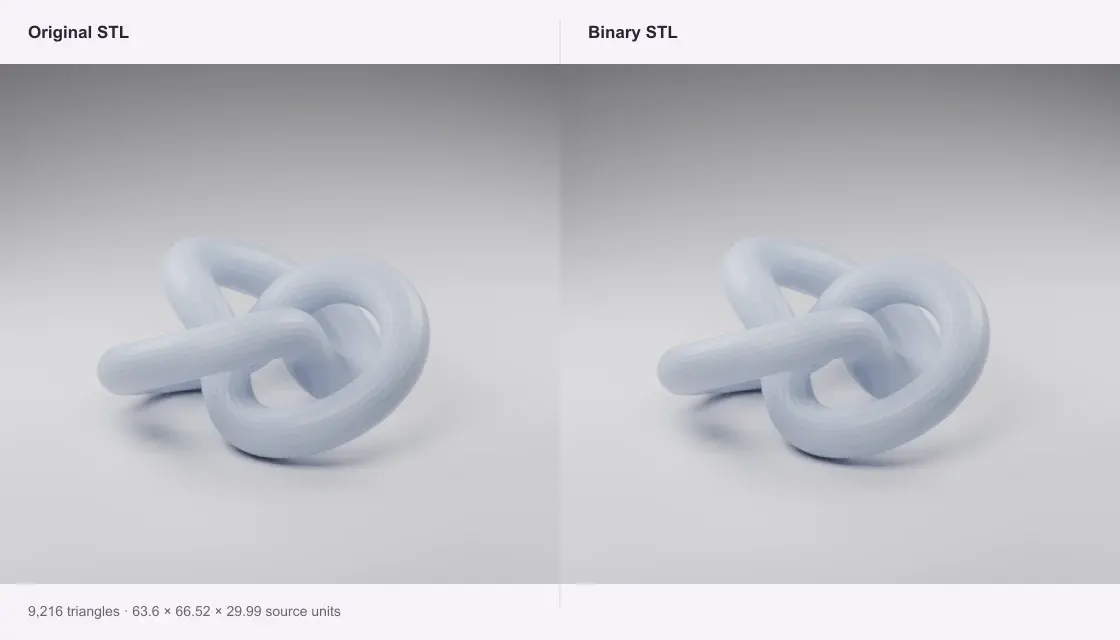
ASCII knot
The same 9,216 triangles in two encodings. The sample files show the real byte difference without mesh simplification.
Make an ASCII STL smaller with binary encoding. See the actual size saving without simplifying the mesh.
Private · Free · No account
Open a file to preview and download.
Your file stays on this device.
Open a file or try an example.
Same triangle surface. No mesh simplification.
The same 9,216 triangles in two encodings. The sample files show the real byte difference without mesh simplification.
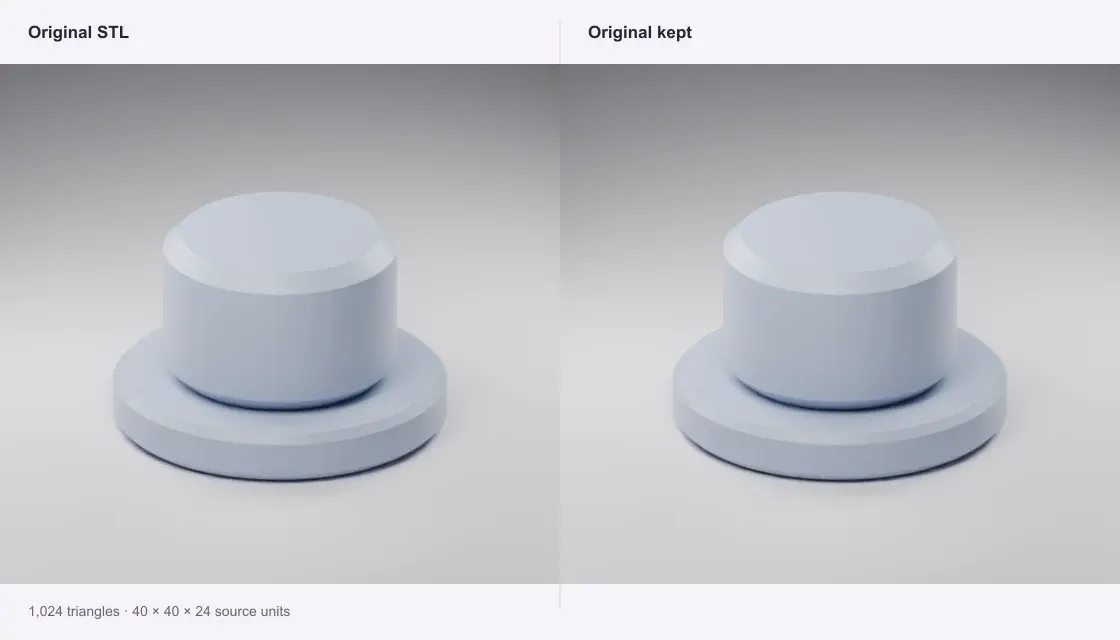
A 51,284-byte binary STL. The tool reports no encoding saving and keeps the original bytes, including its header.
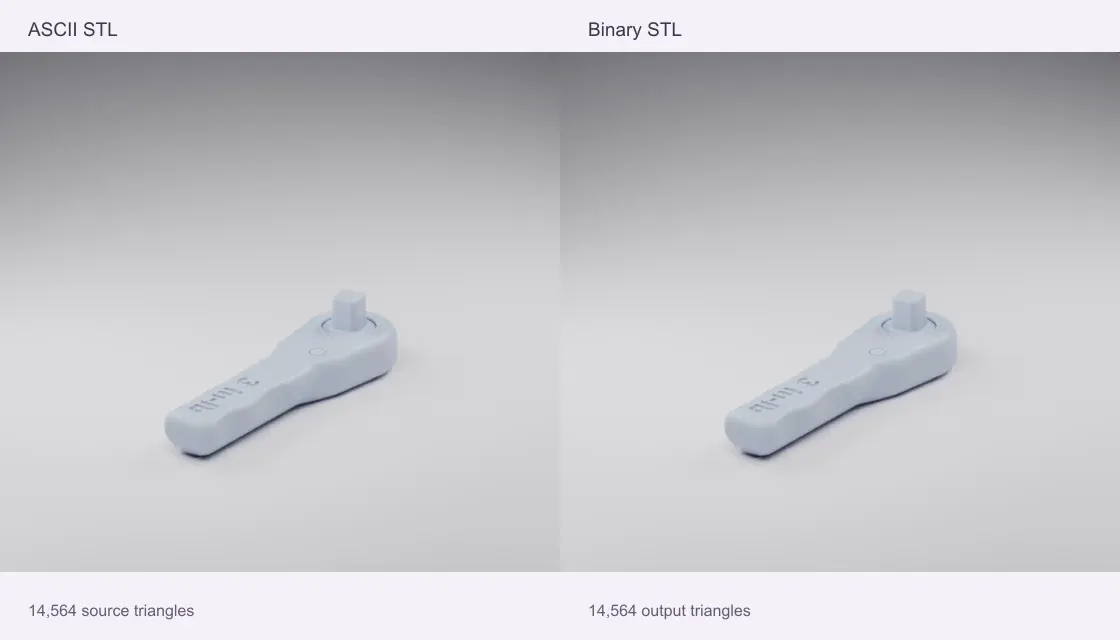
An ASCII representation of NASA’s wrench shrinks from 4,354,314 to 728,284 bytes (83.3%). All 14,564 triangles remain. The binary NASA original itself has no encoding saving.
Source: NASA 3D Resources · NASA media usage guidelines
Quady3D samples and credited public models, processed with this converter. Images are renders of the actual sample meshes, rather than photographs of physical prints.
The tool identifies ASCII or binary from the file contents.
Review real byte counts, triangle count and dimensions. No geometry simplification is applied.
Save a smaller binary STL, or keep your original when there is no size saving.
It does not remove triangles, smooth surfaces or simplify the mesh. ASCII coordinates are written as standard 32-bit binary STL values, so unusually high decimal precision may be rounded; facet normals are recalculated. Output coordinates are checked at float32 precision. Keep the ASCII original if you need its exact text or higher decimal precision.
Binary STL already uses 50 bytes per triangle plus an 84-byte header. Re-encoding it cannot save much space without removing geometry. This tool keeps the original bytes unchanged. It does not claim a reduction when the result would be the same size or larger.
No. This release changes file encoding only. Triangle count and dimensions are shown for comparison. It does not include mesh decimation, Draco, KTX2 or ZIP output; the download remains an STL for slicers.
Conversion runs on your device in a browser worker. No account or generation credits are needed. Sample buttons download public examples; your own files are never sent to a conversion server. The limit is 100 MB of input and one million output triangles; smaller files work better on phones.