











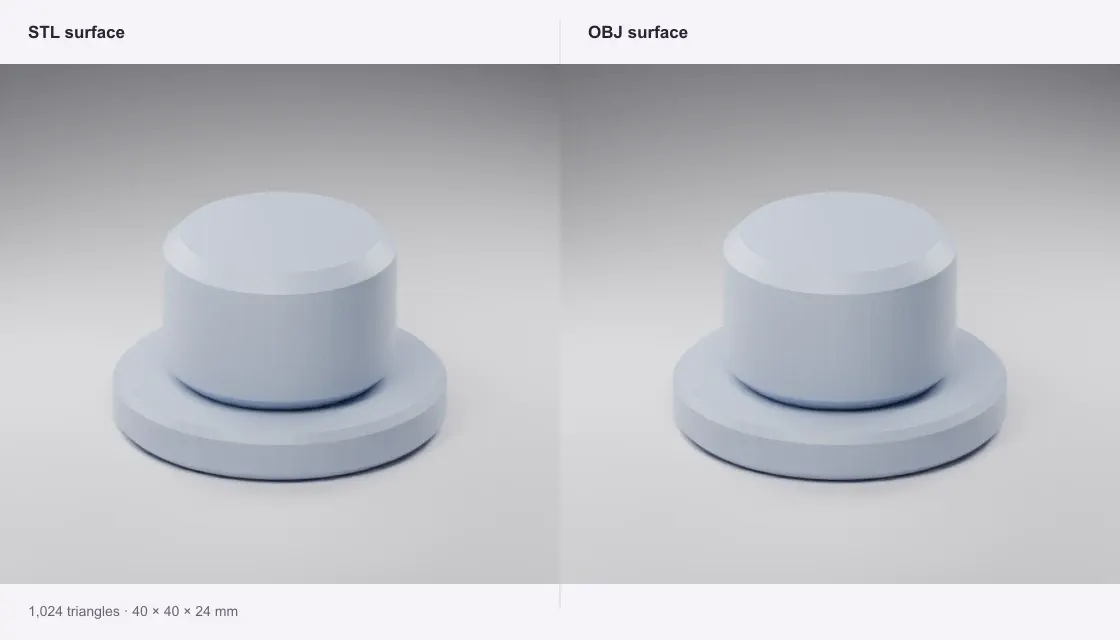
Desk marker
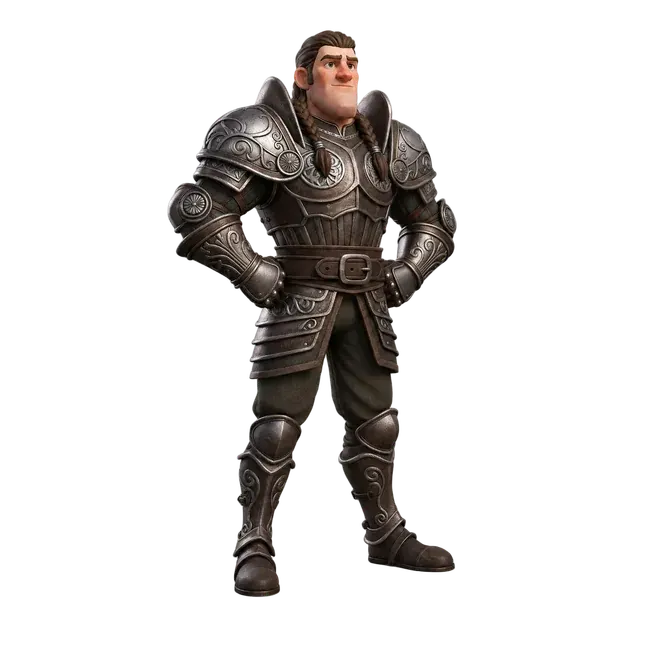
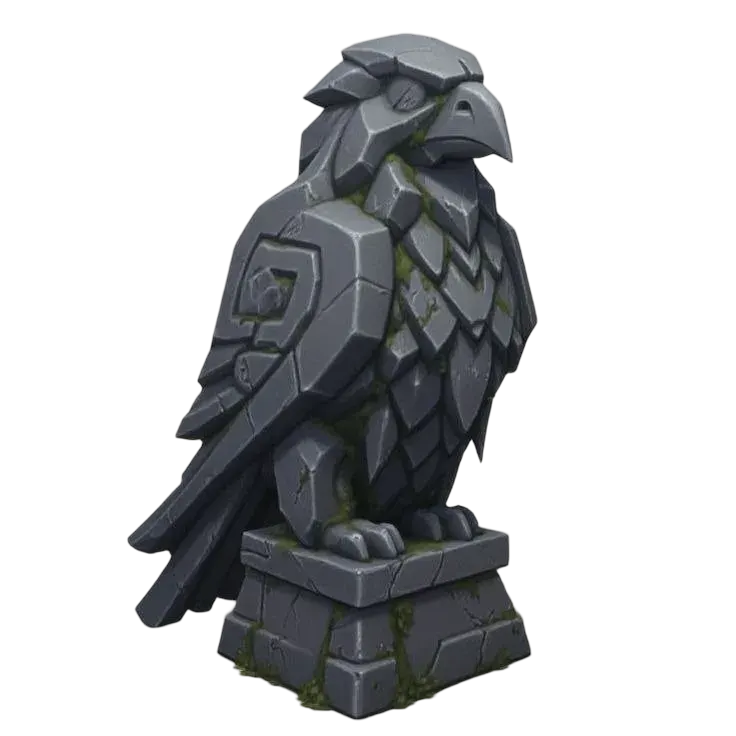
A 40 × 40 × 24 mm desk marker: the same 1,024 triangles, indexed as an OBJ. Geometry stays at its original position.
Take an STL into Blender or another mesh editor. Preview the shape, check its size and download an OBJ.
Private · Free · No account
Open a file to preview and download.
Your file stays on this device.
Open a file or try an example.
Geometry only. STL has no UVs or materials.
A 40 × 40 × 24 mm desk marker: the same 1,024 triangles, indexed as an OBJ. Geometry stays at its original position.
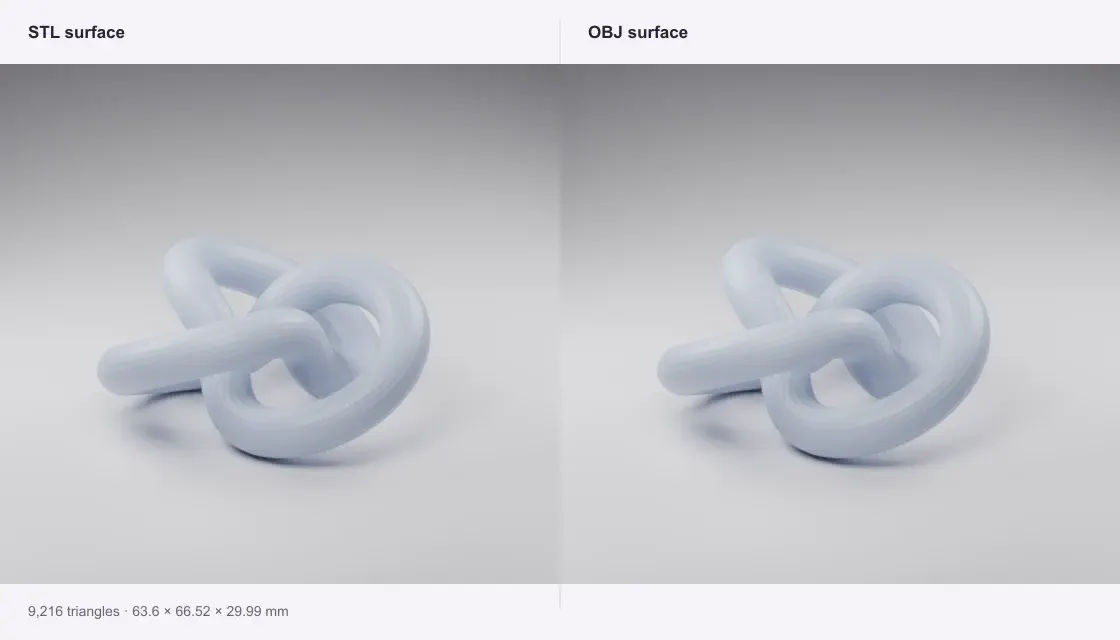
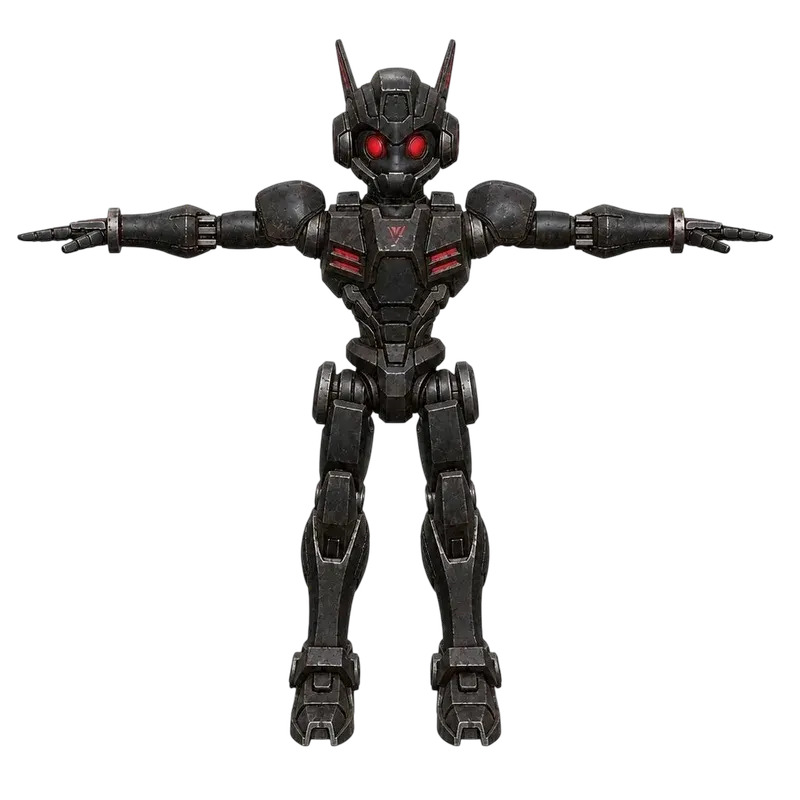
A curved, 9,216-triangle surface. Conversion keeps the triangulation; it does not turn the mesh into quads.
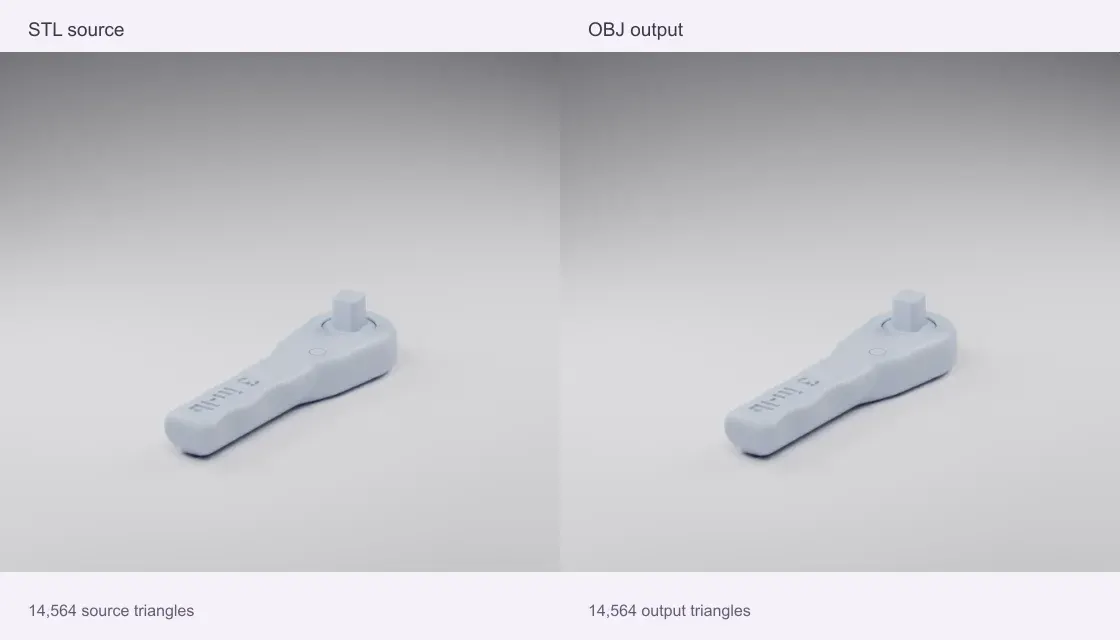
NASA’s downloadable ISS wrench: 14,564 triangles and its source coordinates preserved as an editable triangle mesh. This is a conversion example, without NASA endorsement.
Source: NASA 3D Resources · NASA media usage guidelines
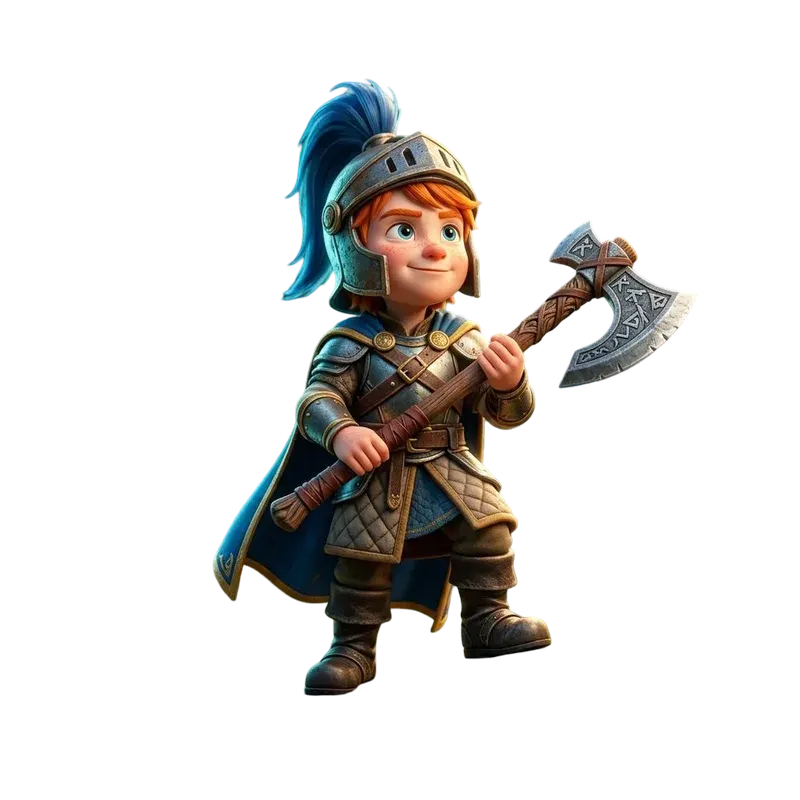
Quady3D samples and credited public models, processed with this converter. Images are renders of the actual sample meshes, rather than photographs of physical prints.
Select an ASCII or binary STL, or try a downloadable sample.
STL has no unit label. Confirm the source unit and dimensions; resize only if needed.
The exported OBJ is read back and its triangle coordinates are checked before download.
The triangle surface is preserved at float32 mesh precision. Shared positions are indexed, and faces remain triangles. No smoothing, mesh repair, quad remeshing or CAD reconstruction is performed.
Use File → Import → Wavefront (.obj). This tool writes coordinates in millimeters and Z-up. If your Blender scene uses meters, use an import scale of 0.001, or adjust the object's dimensions after import. STL and OBJ do not have a standard unit field.
No. STL contains a triangle surface without standard materials, UVs or texture images. The OBJ is geometry only. Add UVs and materials in your mesh editor if you need them.
Conversion runs on your device in a browser worker. No account or generation credits are needed. Sample buttons download public examples; your own files are never sent to a conversion server. The limit is 100 MB of input and one million output triangles; smaller files work better on phones.