











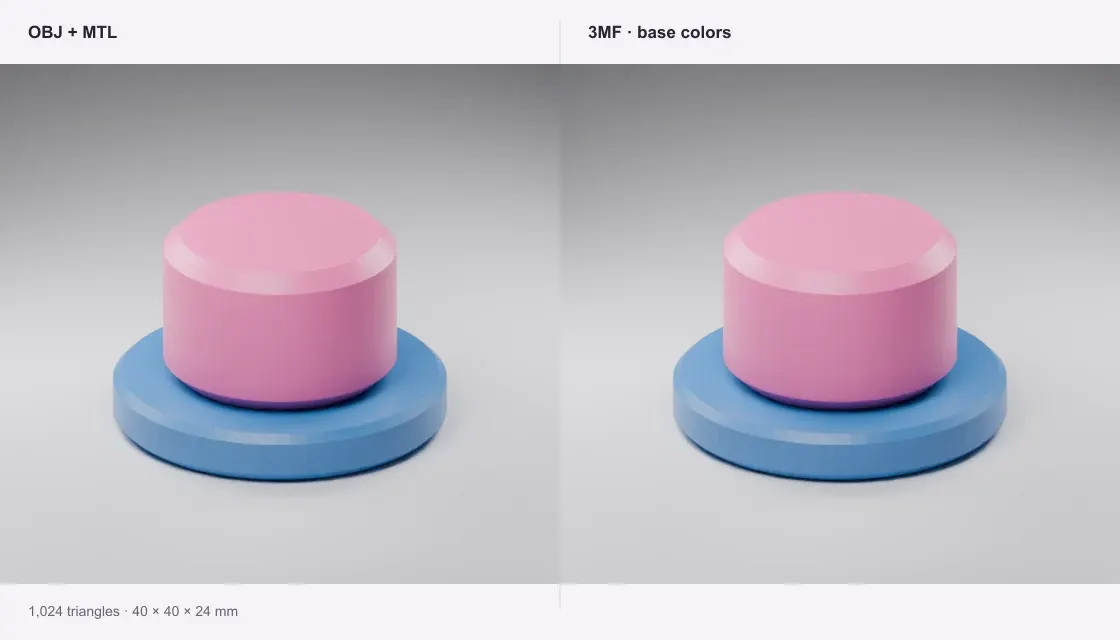
Two-color marker
Two named, solid-color parts keep their original alignment. The cap starts 6 mm above the base; the full assembly is 40 × 40 × 24 mm.
Bring an OBJ into your slicer with named parts, solid material colors and a size you can check.
Private · Free · No account
Open a file to preview and download.
Your file stays on this device.
Open a file or try an example.
Solid MTL colors. Texture detail and printer settings are omitted.
Two named, solid-color parts keep their original alignment. The cap starts 6 mm above the base; the full assembly is 40 × 40 × 24 mm.
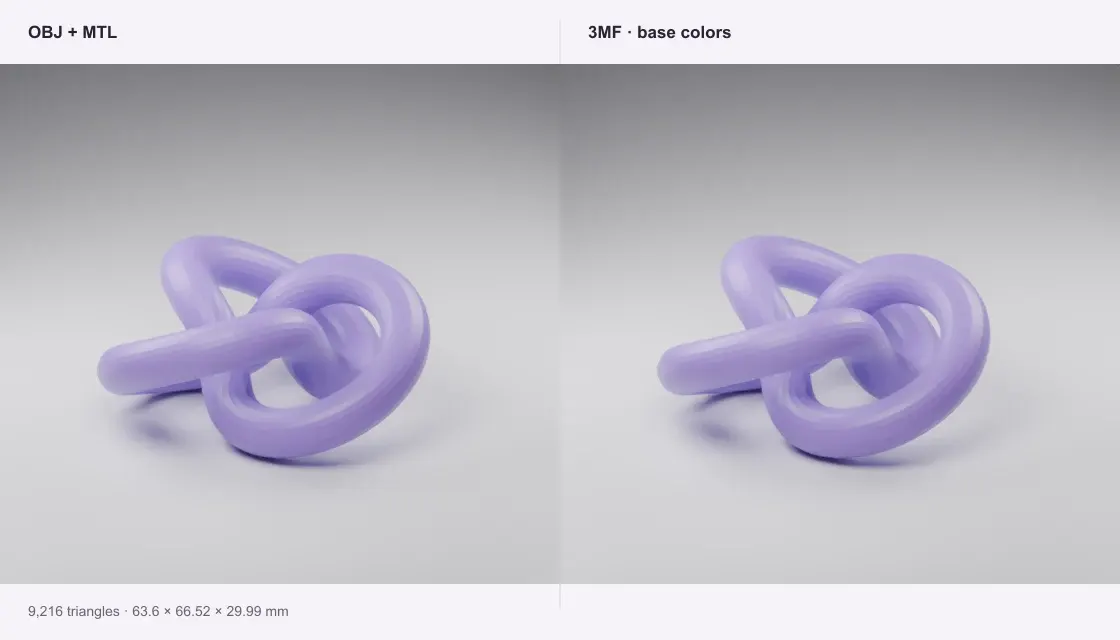
A single curved part with a solid MTL diffuse color. The model 3MF contains the mesh and a display color, without printer settings.
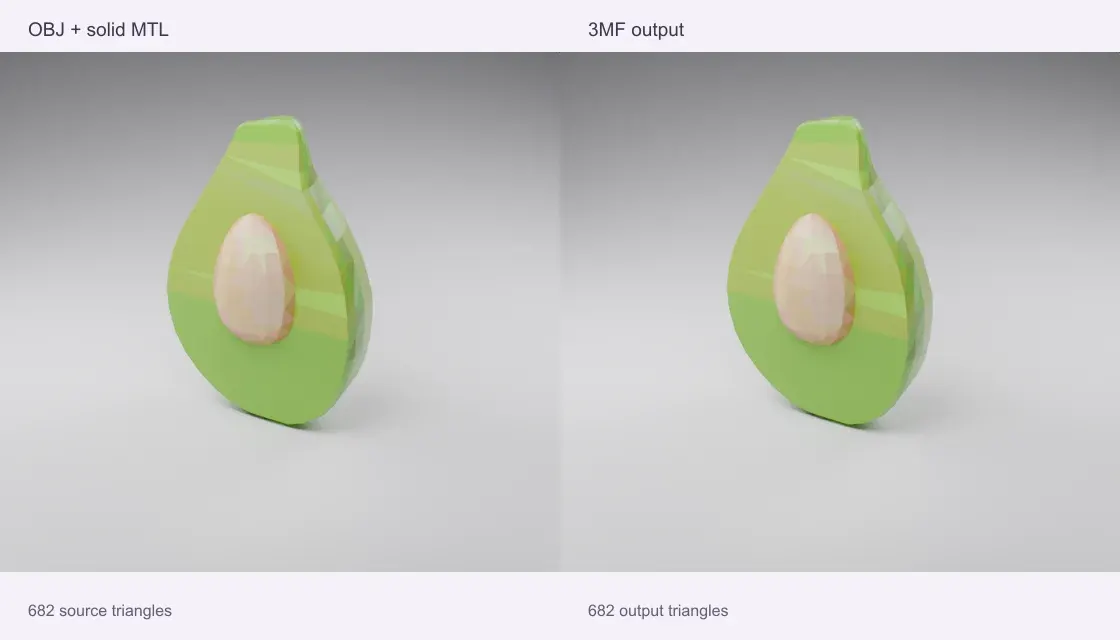
A prepared 22-color MTL palette on Microsoft’s CC0 avocado. All 682 triangles keep their placement; the longest side is 100 mm. Palette preparation happened before conversion, rather than baking textures in this tool.
Source: Microsoft · Khronos sample assets · CC0-1.0
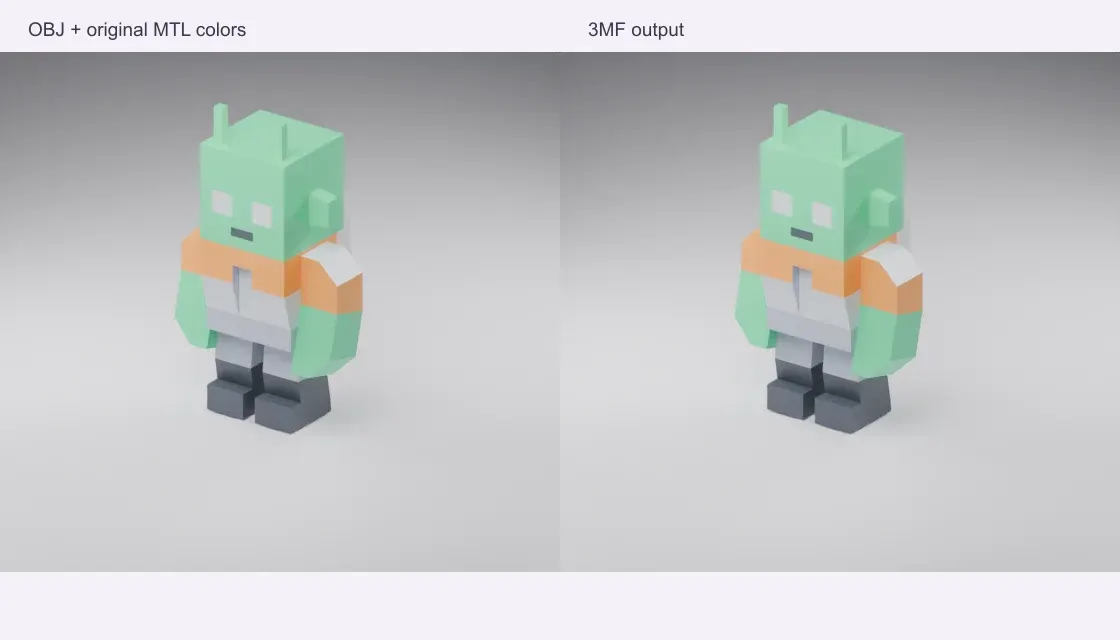
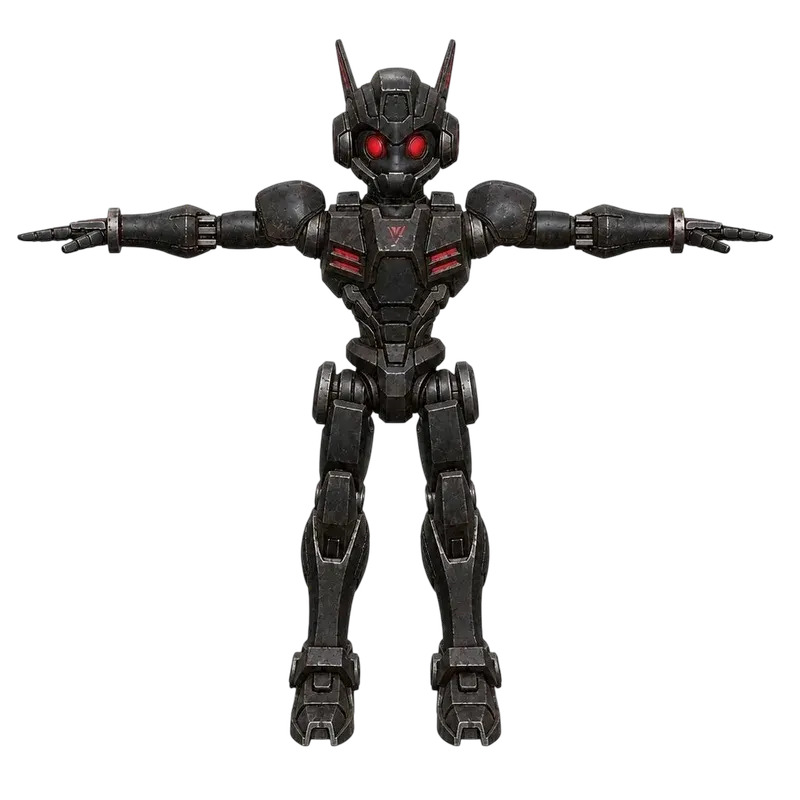
A CC0 game prop from Kenney’s Space Kit, prepared in Z-up with a 100 mm longest side. Its named material sections and original solid MTL colors travel into a model 3MF.
Source: Kenney · Space Kit · CC0-1.0
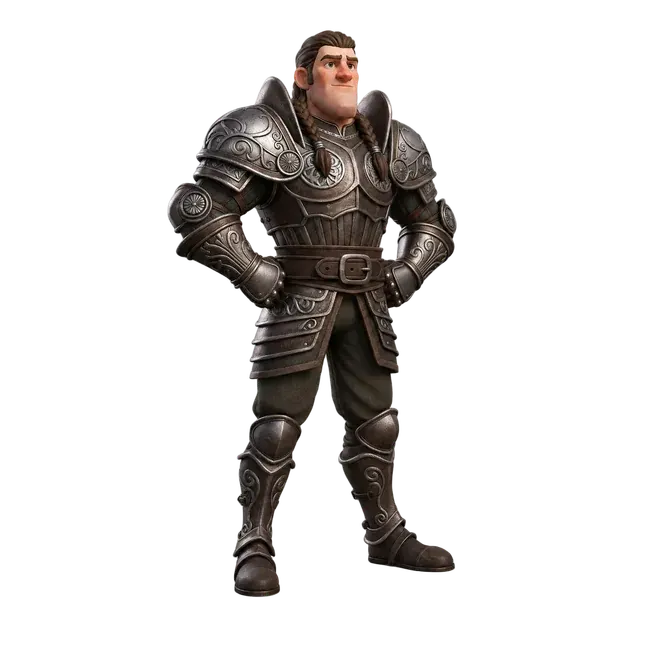
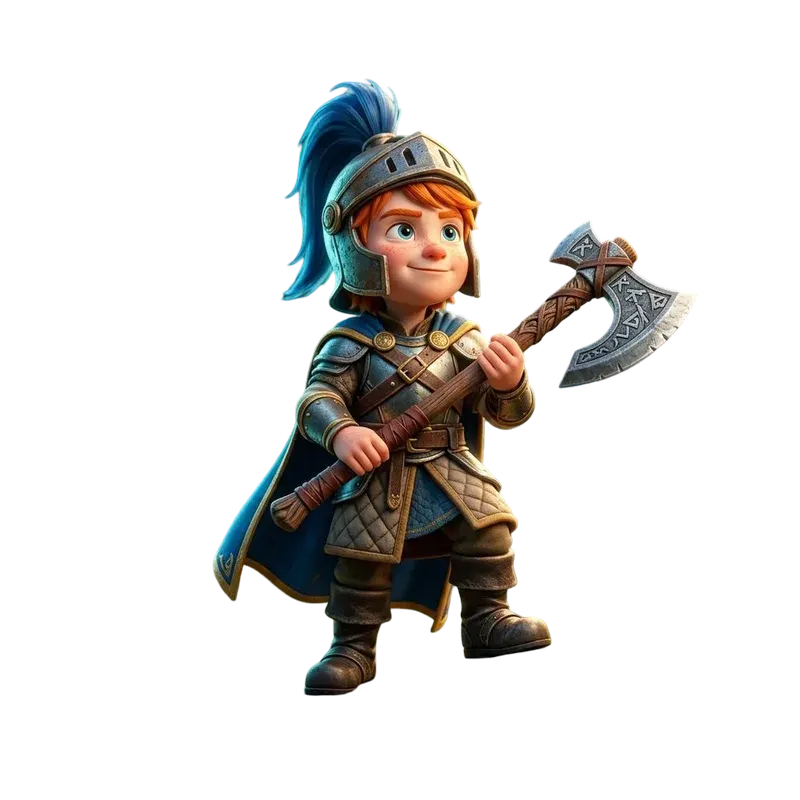
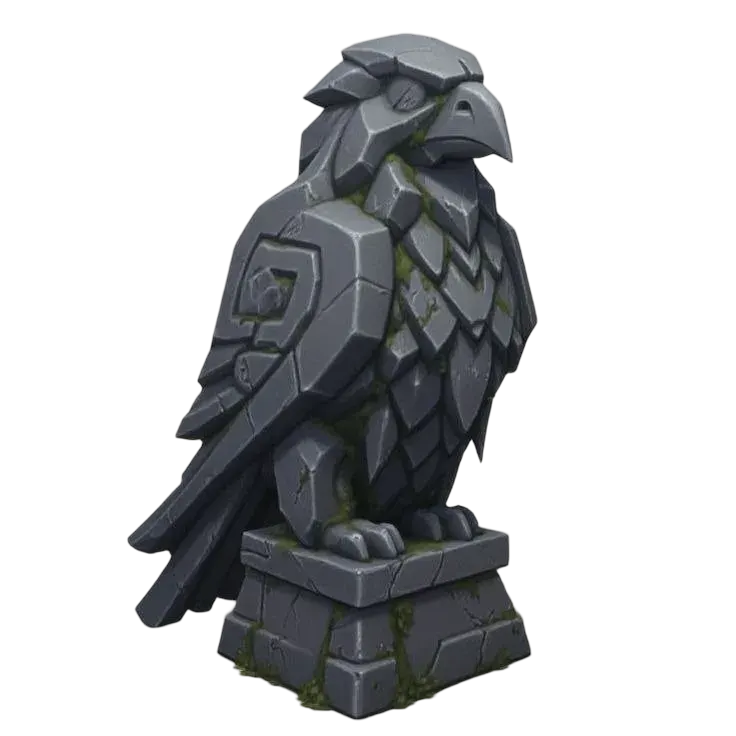
Quady3D samples and credited public models, processed with this converter. Images are renders of the actual sample meshes, rather than photographs of physical prints.
Select the companion files together, or use a ZIP retaining their folders. One OBJ per conversion.
Choose the source unit, rotate Y-up if needed, and check the part list and preview.
Import the model 3MF into your slicer, select printer settings and assign filaments.
Yes. Select one OBJ and its referenced MTL files together, or use a ZIP. RGB Kd diffuse colors and opacity transfer to 3MF base materials. Missing referenced MTL files produce a clear error. Texture images are not read or baked into printable colors.
Objects, groups and material sections become named mesh parts. Coordinates are preserved by default, and all parts are grouped in a single build assembly so their relative positions remain together. Conversion does not fuse overlapping parts into one solid.
The output is a standard model 3MF with base display colors, not a printer project. Import it as model geometry in Bambu Studio, PrusaSlicer or OrcaSlicer. Assign filaments, inspect sliced layers and save a print project in your slicer. Texture detail and automatic AMS assignments are not included.
Triangle and planar polygon surfaces, including negative vertex indices. Planar polygons are triangulated. Non-planar or invalid polygons should be triangulated in the source editor first. Free-form curves and surfaces must be exported as a polygon mesh.
Conversion runs on your device in a browser worker. No account or generation credits are needed. Sample buttons download public examples; your own files are never sent to a conversion server. The limit is 100 MB of input and one million output triangles; smaller files work better on phones.