


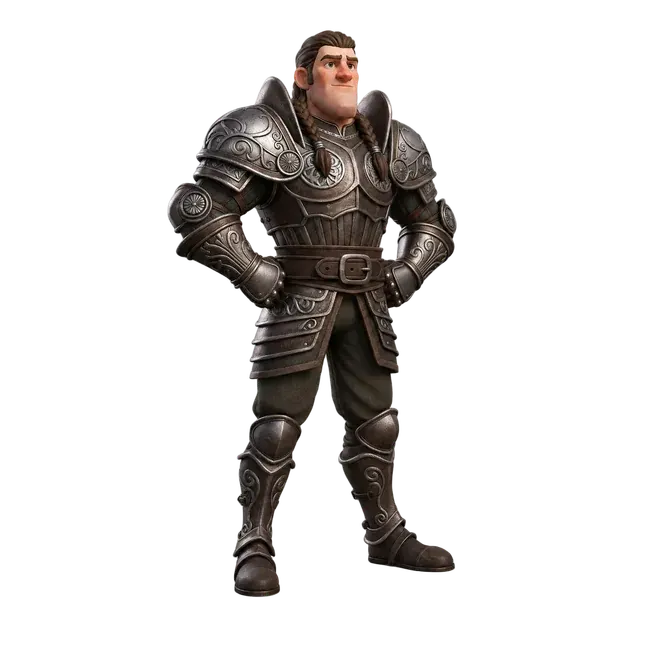


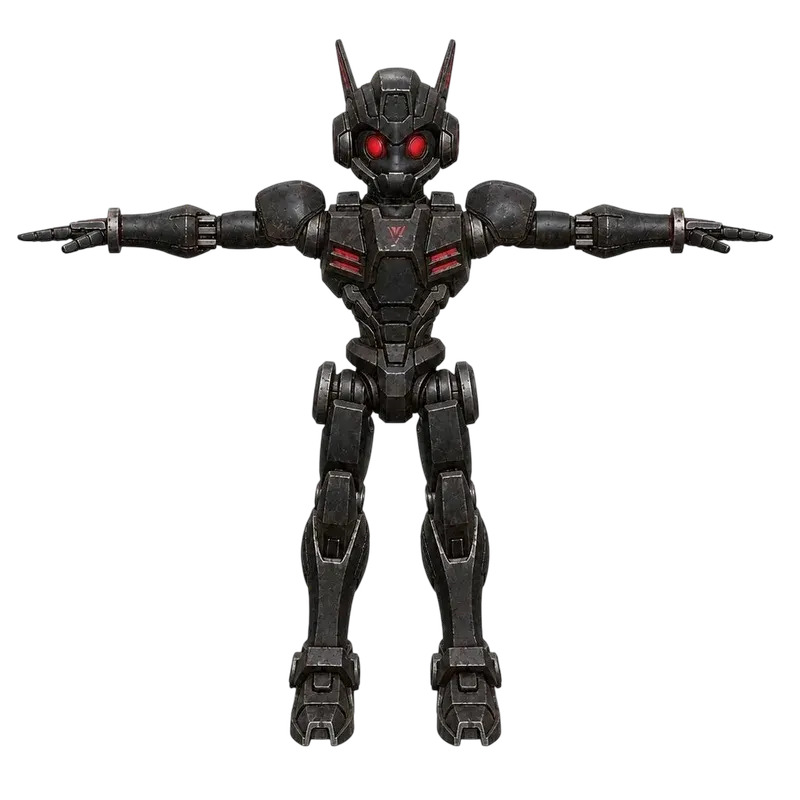








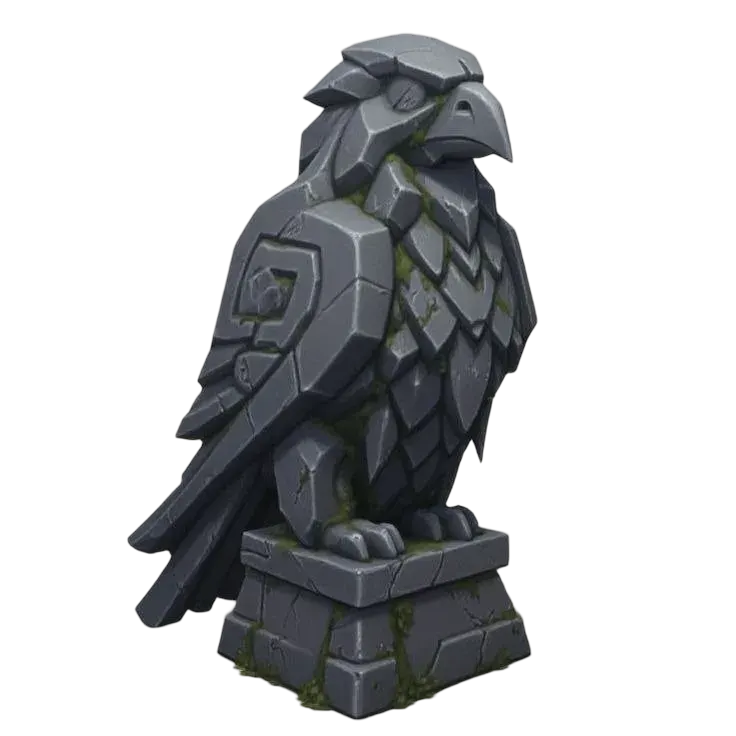
3MF viewer online
View a 3MF file, inspect its parts, colors and dimensions, and save a screenshot. Everything runs in your browser.
Open a 3MF or try one of the sample files.
View safely: your original file stays unchanged. Standard base display colors are supported; texture maps, color gradients and slicer-specific painting are not rendered. Viewing does not check watertightness, wall thickness or printability.
Open a 3MF to inspect its objects and dimensions.
Drag to rotate, zoom to inspect, or switch between solid and wireframe. Hide parts to look inside the assembly. PNG captures the current view; changing display units does not resize the model.
Inspect the whole model, then isolate the cap
Actual PNG captures: the full model in color, then the isolated cap in wireframe.

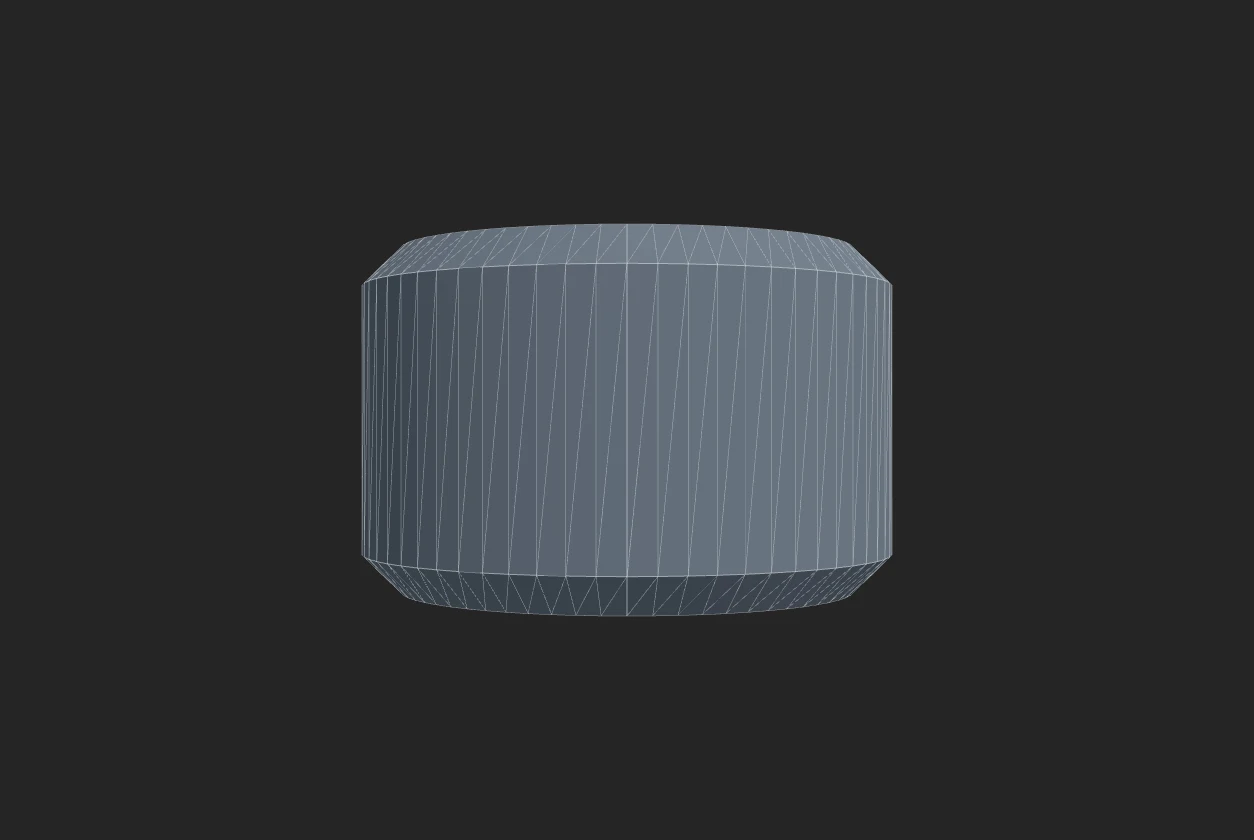
- Full-model size
- 40 × 40 × 24 mm
- Isolated cap size
- 28 × 28 × 18 mm
- Visible cap triangles
- 512
- Readout in centimeters
- 2.8 × 2.8 × 1.8 cm
How this example was made
Repeat this inspection
Load the model 3MF sample, hide Base, and switch to Wireframe. Change the display unit to centimeters to inspect the alternate readout. Saving a screenshot captures the visible model without the surrounding page controls.
Visibility is a viewing choice
Hiding the base changes the visible bounds and screenshot; it does not cut, move or delete geometry from the original file. Standard base display colors are separate from slicer painting and filament assignments.
Original CC0 model by Quady3D AI. Both images are actual viewer captures, not physical photographs.
One package can contain an assembly of parts
Show or hide
Inspect existing parts without deleting source geometry.
Measure visible bounds
The displayed size follows the parts currently shown.
Keep project context
Base display colors are separate from slicer filament assignments.
How to view a 3MF file
Open a 3MF
Choose a file up to 100 MB, or try the model and Bambu project samples.
Inspect the model
Rotate, show or hide parts, switch to wireframe and check mm, cm or inches.
Save your view
Capture a PNG, or continue to the separate STL converter.
Inspect geometry without importing printer settings
Parts, size and screenshots
Hide the base to inspect the cap. Visible dimensions follow the selected parts; the PNG captures your current view.
Standard base colors
Core display colors are supported. Slicer painting, textures and filament assignments are not reconstructed.
The viewer reads embedded geometry without applying the project’s printer settings. Use your slicer to inspect layers and print setup.
Display units, color support and geometry exports
Component placements and declared units are applied before calculating visible X × Y × Z bounds. Changing mm to cm or inches changes the readout, not the model. Hiding a part does not delete or move source geometry.
Supported Core base-material colors include per-triangle overrides and alpha. Unsupported properties appear neutral gray with a notice. Compare the model and Bambu project samples and the 3MF Core specification.
For mesh exports, use 3MF to STL. Package sources with STL to 3MF or GLB to 3MF, then return here to inspect them.
3MF viewer questions
How do I view a 3MF file online?
Open your .3mf file or try a sample. Drag the model to rotate and zoom to inspect it. Use the part checkboxes to hide or show existing mesh parts, read dimensions and triangle counts, or save a PNG of the current view. Your original file is unchanged.
Does this 3MF viewer show colors?
It reads standard Core base-material display colors on supported mesh objects and triangle assignments, including their transparency. Unsupported color properties use neutral gray with a notice. Texture maps, color gradients, filament assignments and slicer-specific painted colors are not rendered. A display color does not assign a printer filament.
Can I open a Bambu Studio 3MF?
Supported Bambu projects with embedded triangle geometry can be viewed. The supplied Bambu Studio 2.8.2.61 sample contains one assembly with two mesh parts and measures 40 × 40 × 24 mm. Project settings are detected but not applied. Bambu-specific color painting and support painting are not reconstructed.
Can I open 3MF without importing printer settings?
Yes. This browser viewer reads the embedded model without loading printer profiles into a slicer. Keep the original project if you need its process, filament or support settings. When you later open it in a slicer, use that app's geometry-only import option if you want to keep your current printer settings.
More questions (6)
Can I isolate a part inside an assembly?
Yes. Each existing placed mesh part gets a checkbox, including parts inside a build assembly. Hide other entries to see that part on its own; its original coordinates are retained. This does not cut a single mesh, split painted regions or separate disconnected shells within one mesh.
What do the dimensions and triangle count describe?
Dimensions are the X × Y × Z bounding box of the currently visible parts after applying model units and placement transforms. Choose mm, cm or inches for display; this does not resize the model. Triangle count includes repeated placed instances. Bounding-box dimensions are not point-to-point measurements.
Can I save an image or export an STL?
Save screenshot PNG captures the visible geometry and current solid or wireframe view without the page controls. To download geometry as STL, open the separate 3MF to STL converter and choose one merged file or a ZIP of separate objects or existing mesh parts.
Why does a .gcode.3mf or another 3MF fail to open?
A toolpath-only package may not contain the original triangle mesh. This viewer needs mesh geometry and placed build objects. Required geometry extensions it cannot read, invalid references, negative-volume parts and special slicer modifier parts also require a standard resolved model export from the source app.
Is the viewer free, and what are its limits?
Viewing is free, without an account or generation credits. Your file is read on this device. Limits are 100 MB input, 128 MB extracted model data, one million placed triangles and 5,000 placed mesh parts. Large files may need more memory than your device has. A working WebGL browser is required for the interactive view.
Does viewing tell me whether the model is printable?
No. The viewer does not calculate watertightness, wall thickness, supports or print time. It displays existing triangle surfaces and dimensions. Check the physical size and sliced layers in your slicer before printing.