











OBJ to GLB Converter
Turn your OBJ, MTL and textures into one GLB.
Free · No account neededYour model
100 MB maxAdvanced settings
Files stay on your device · include all resources or a ZIP
- Add your files
Choose a file or try a sample.
- Convert locally
Include any textures and companion files.
- Preview & download
Check the actual output before saving.
Try a real example
Format support & compatibility
| Positions, normals and UVs | Kept in supported polygon meshes |
|---|---|
| MTL diffuse color & image | Mapped into GLB base color |
| Shininess & transparency | Approximated as PBR roughness and alpha |
| Animation, bones, CAD history | Not present in a standard OBJ |
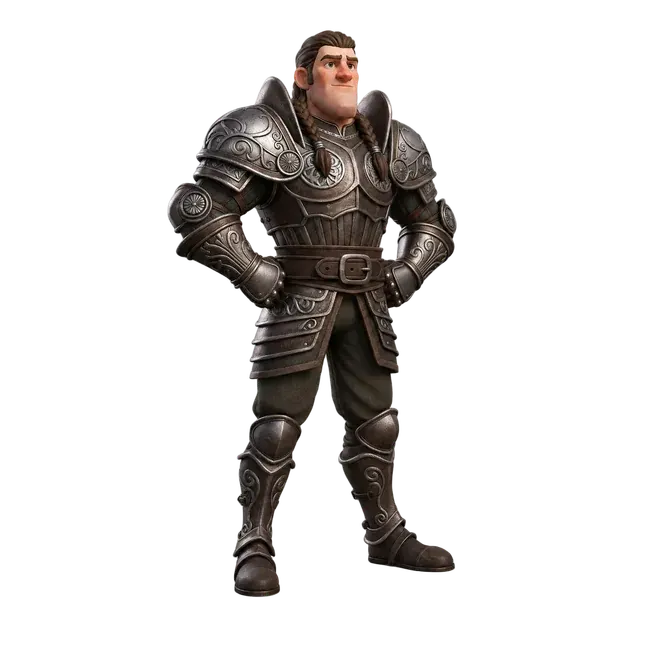
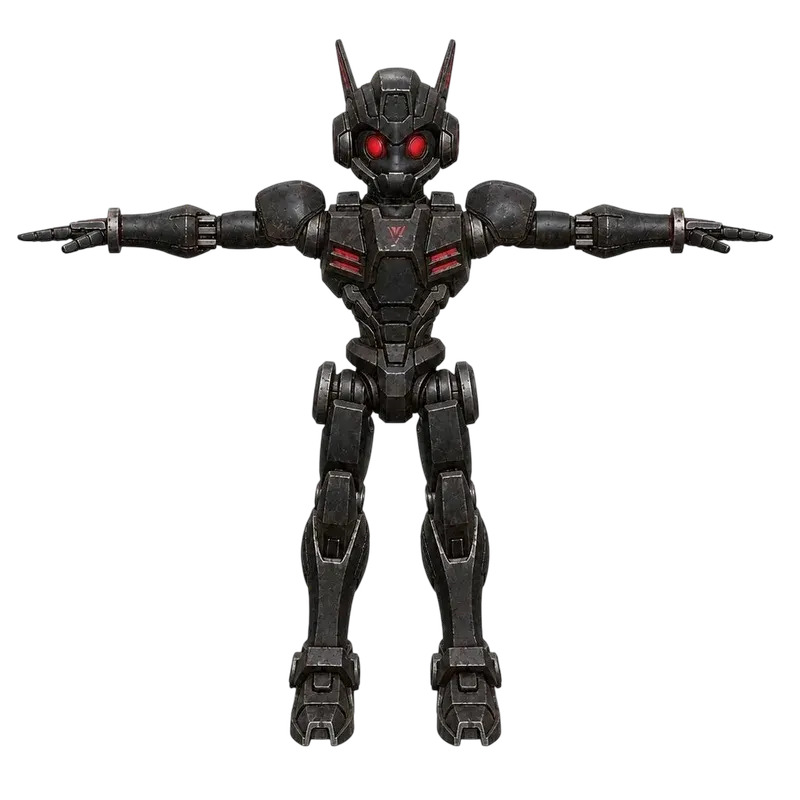
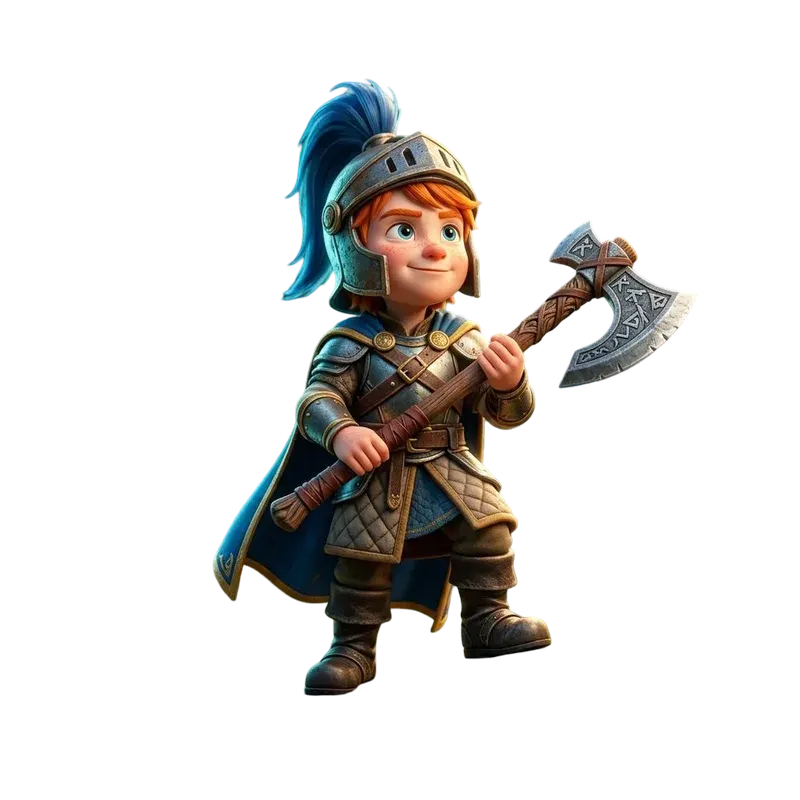
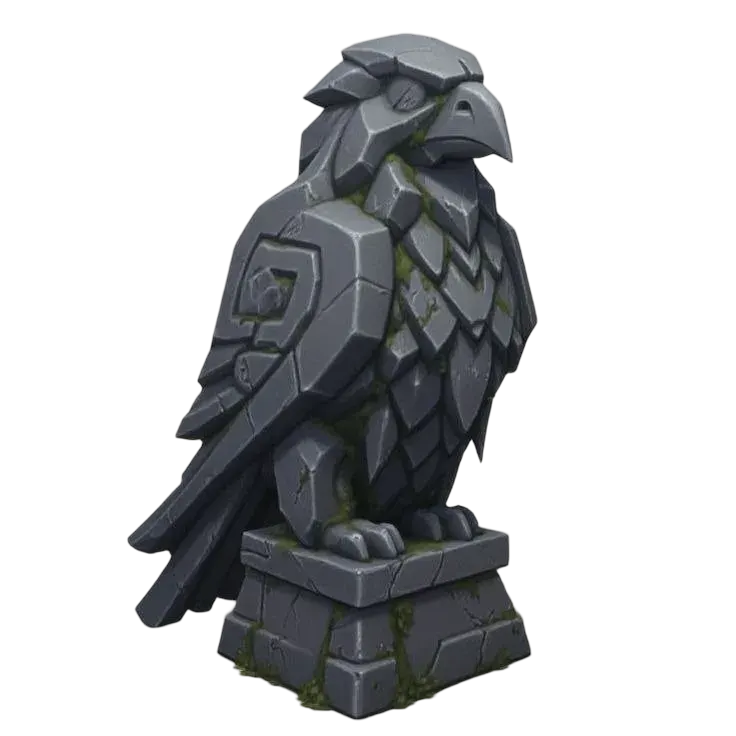
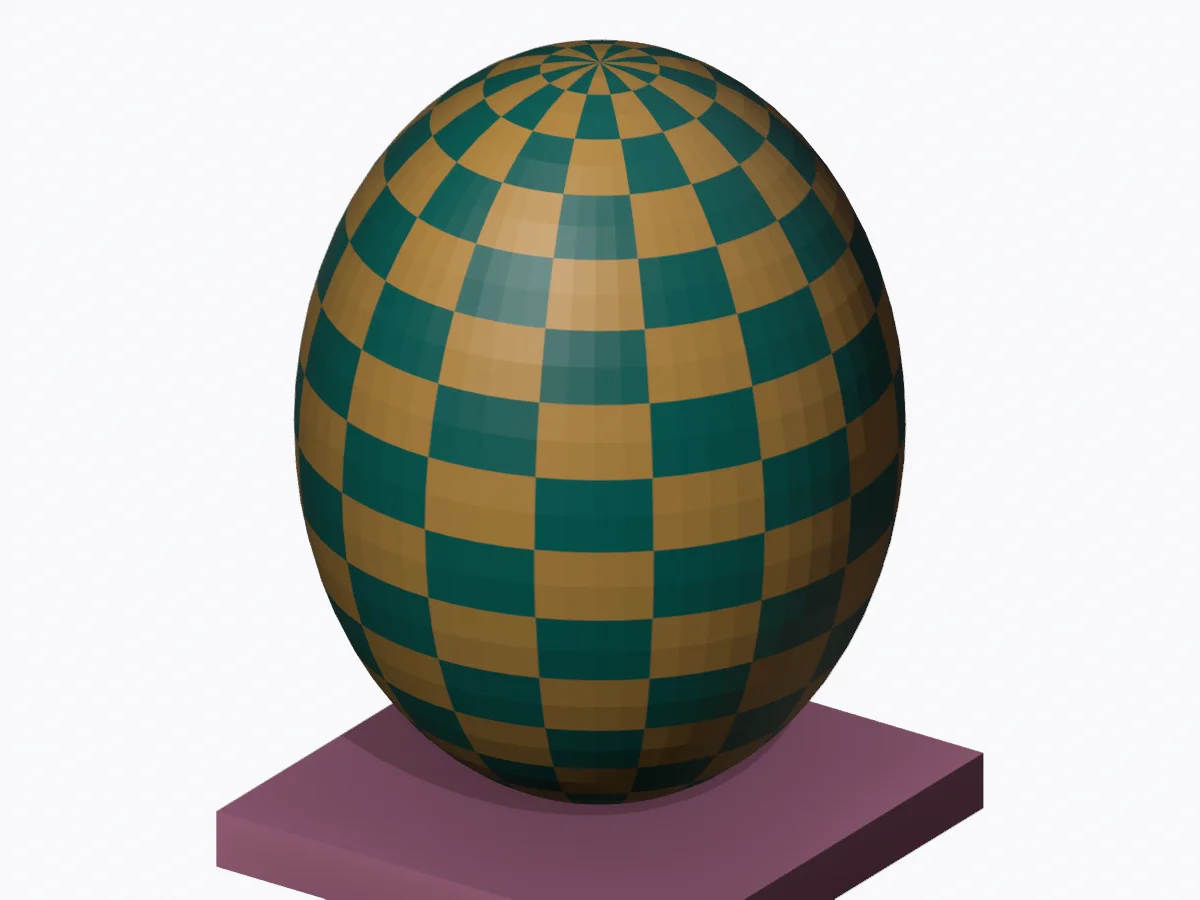
Original Quady3D AI examples · digital renders. Files and license.
Troubleshooting
A missing MTL or image is reported
Include the named resource. If two folders contain the same filename, preserve those folders in a ZIP so the reference is unambiguous.
The result looks slightly different
OBJ uses legacy material settings; GLB uses PBR. Roughness is an approximation of shininess. Bake complex source shaders before export.
The scale is wrong
Check source coordinates and choose the scale multiplier deliberately. No converter can infer a standard OBJ unit that the format does not declare.
Questions
How do I convert OBJ to GLB with textures?
Choose the OBJ, its MTL and all referenced images together, or upload one ZIP retaining their folder paths. Convert, inspect the actual GLB preview and download. Missing references are reported.
Can I convert OBJ + MTL to GLB, or use an OBJ alone?
Yes, if it does not reference a missing material library. Geometry, normals and UVs can be exported with default materials. Add a material in your editor if the source has none.
Does GLB restore animation or PBR materials?
No. Standard OBJ contains neither rigging nor animation. Basic MTL surface properties are translated to PBR approximations; conversion does not reconstruct unavailable authoring information.