











AI retopology: look at the actual edge flow
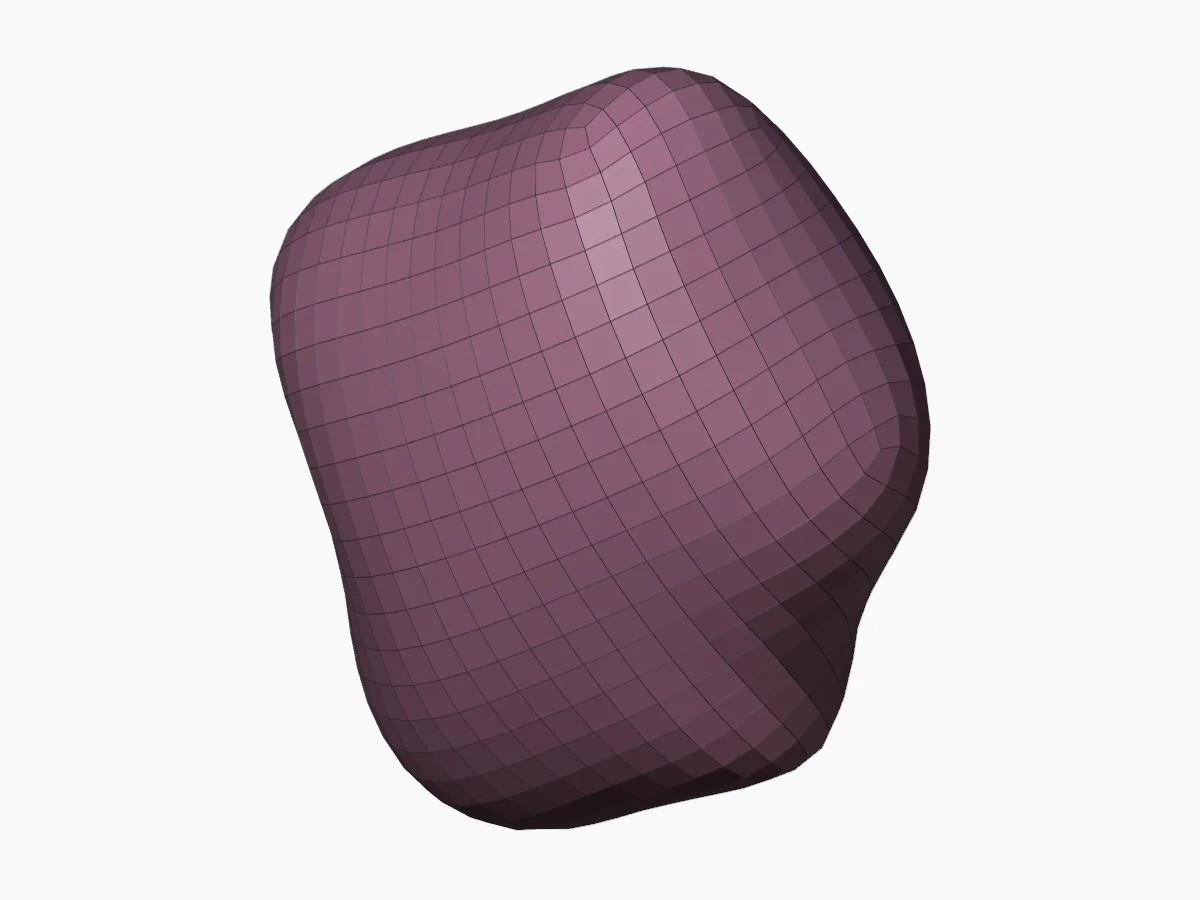
A smaller file and a better mesh are different outcomes. Compare a real surface rebuilt into quads, download the editable result and try a local remeshing workflow.
Choose the operation you actually need
| Goal | Operation | What to inspect |
|---|---|---|
| Smaller download | GLB compression | Bytes, texture quality and destination support |
| Fewer triangles | Decimation | Silhouette and detail loss |
| A new edge layout | Auto retopology / quad remeshing | Quads, poles, flow and deformation |
| Close a printable surface | Mesh repair | Open edges, intersections and sliced layers |
AI retopology results need the same geometry review as other automatic tools. This guide provides a free auto retopology Blender exercise using QuadriFlow. It is an automatic mesh algorithm with no trained AI inference or remote API.
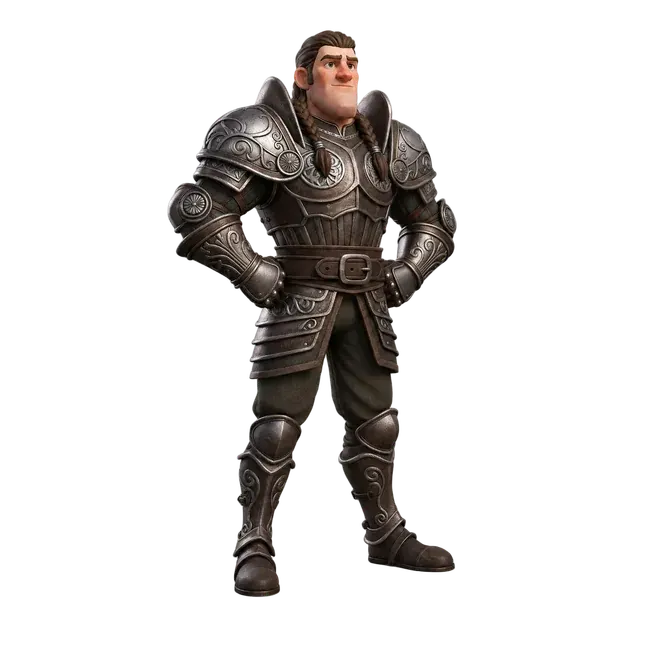
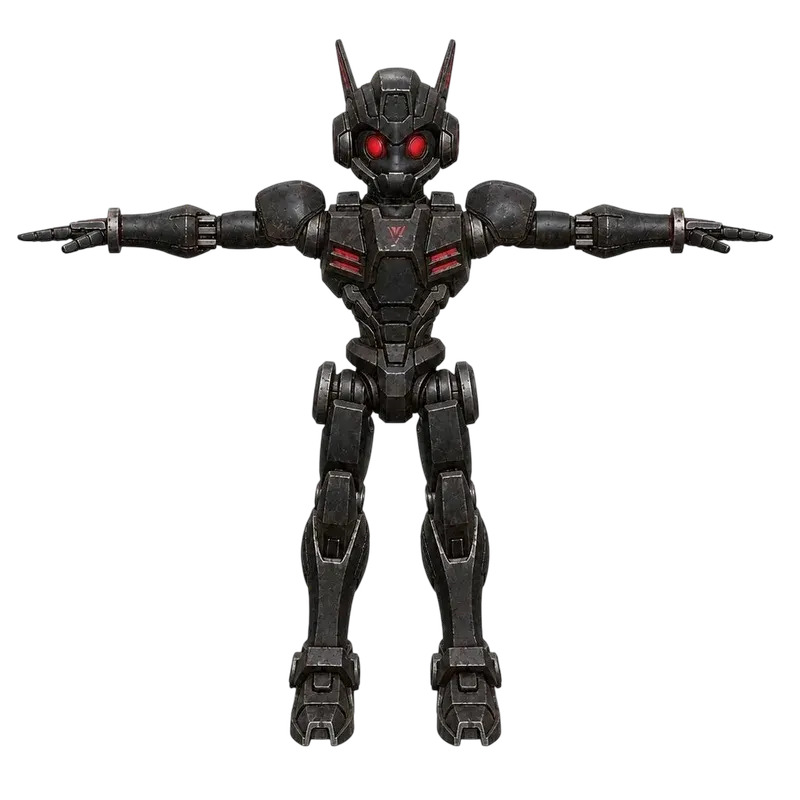
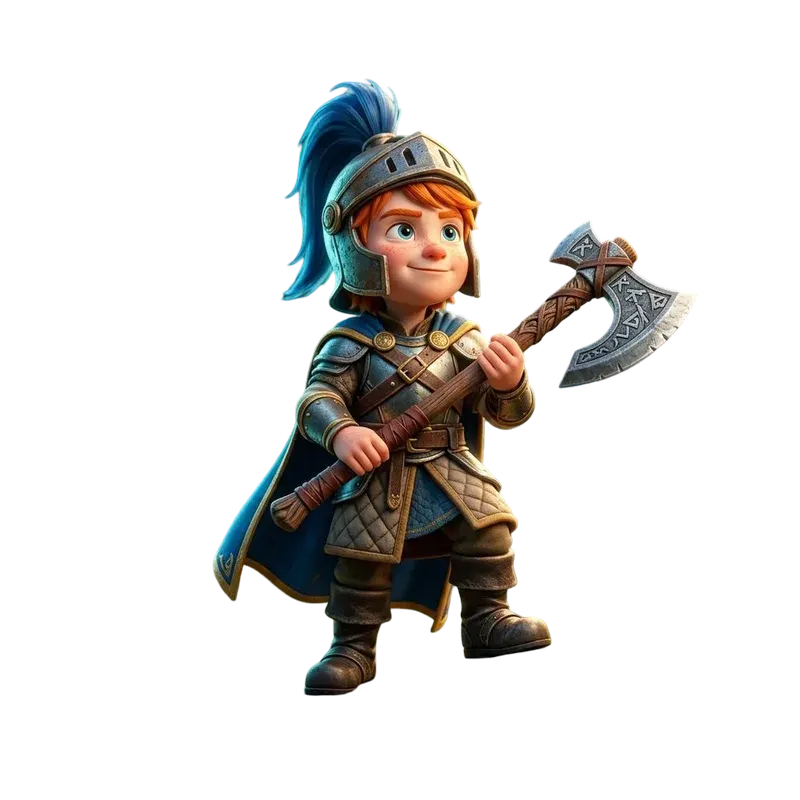
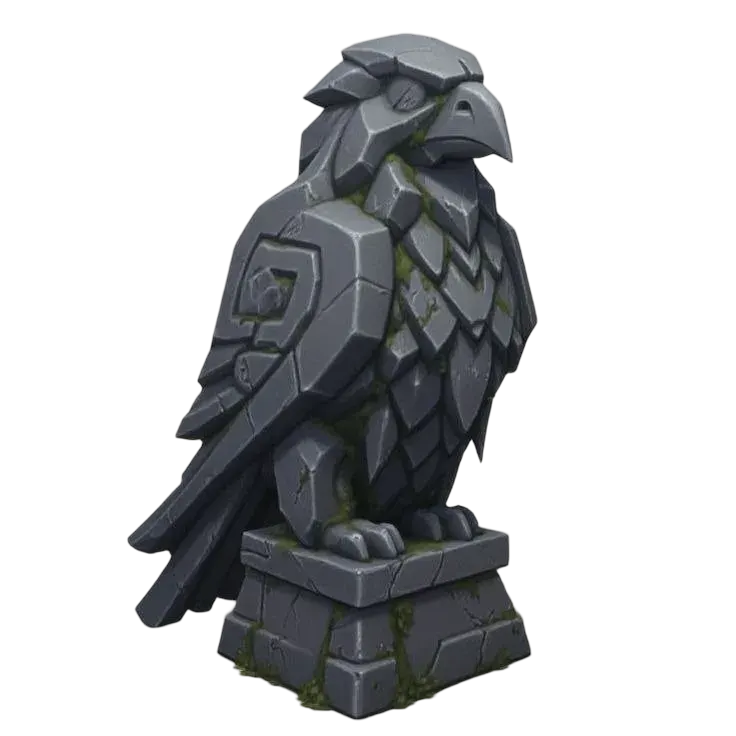
5,120 triangles → 859 quads
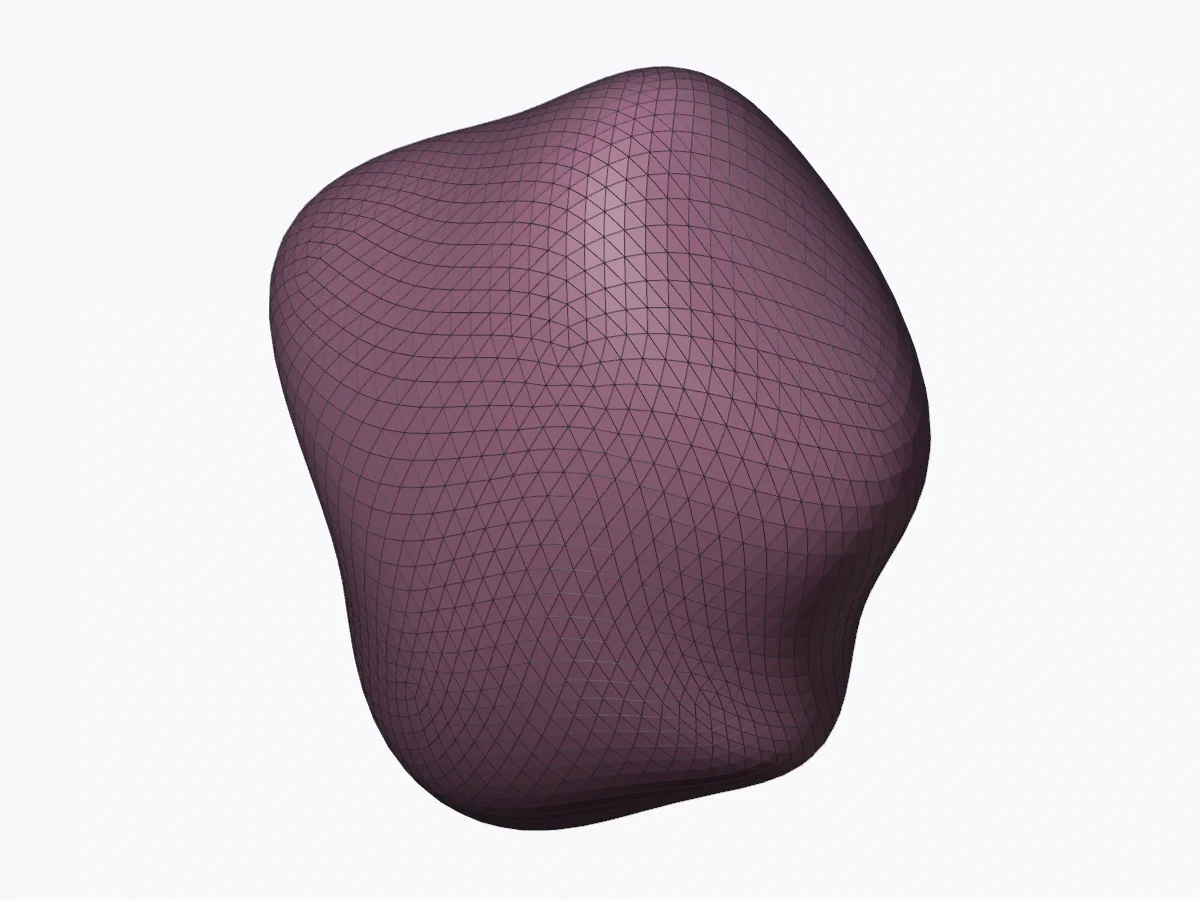
Download source GLB ↓
Download quad Blender scene ↓
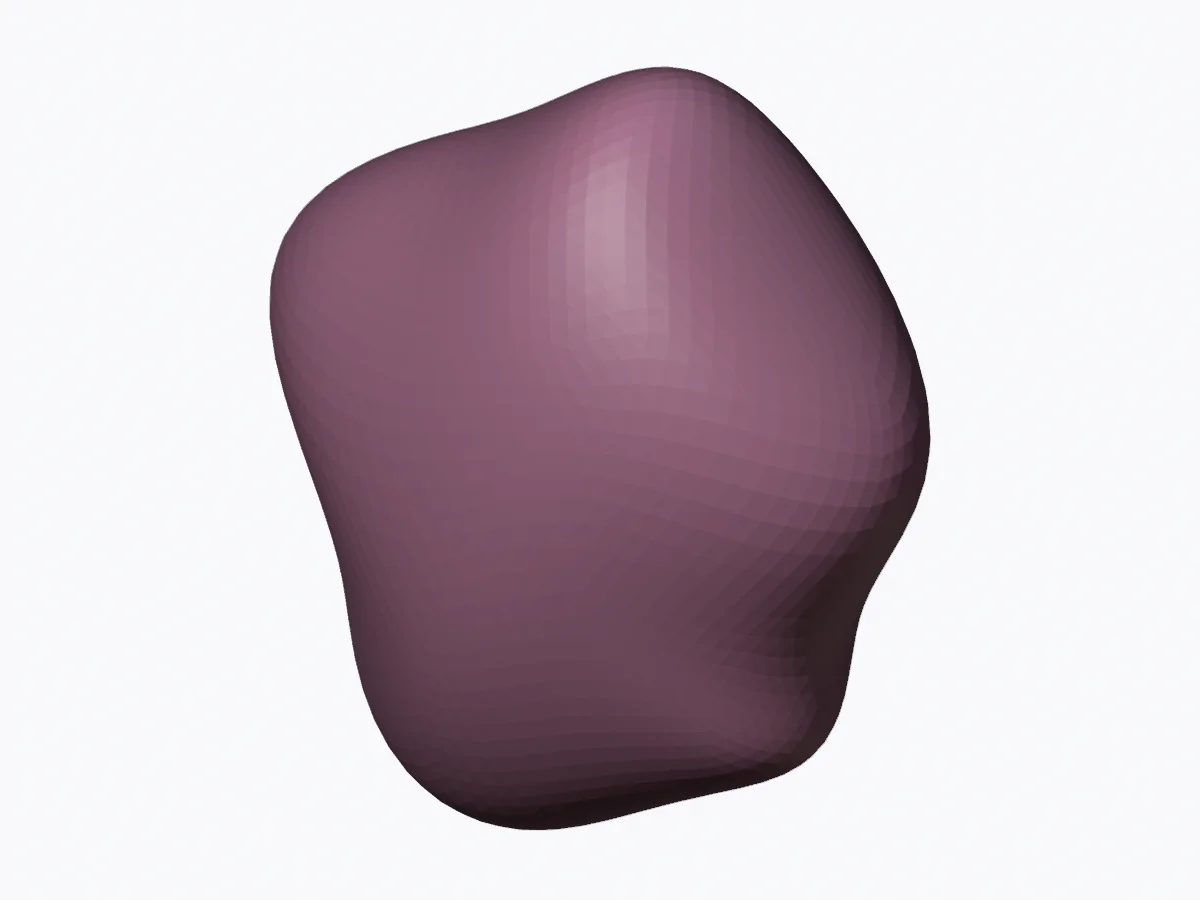
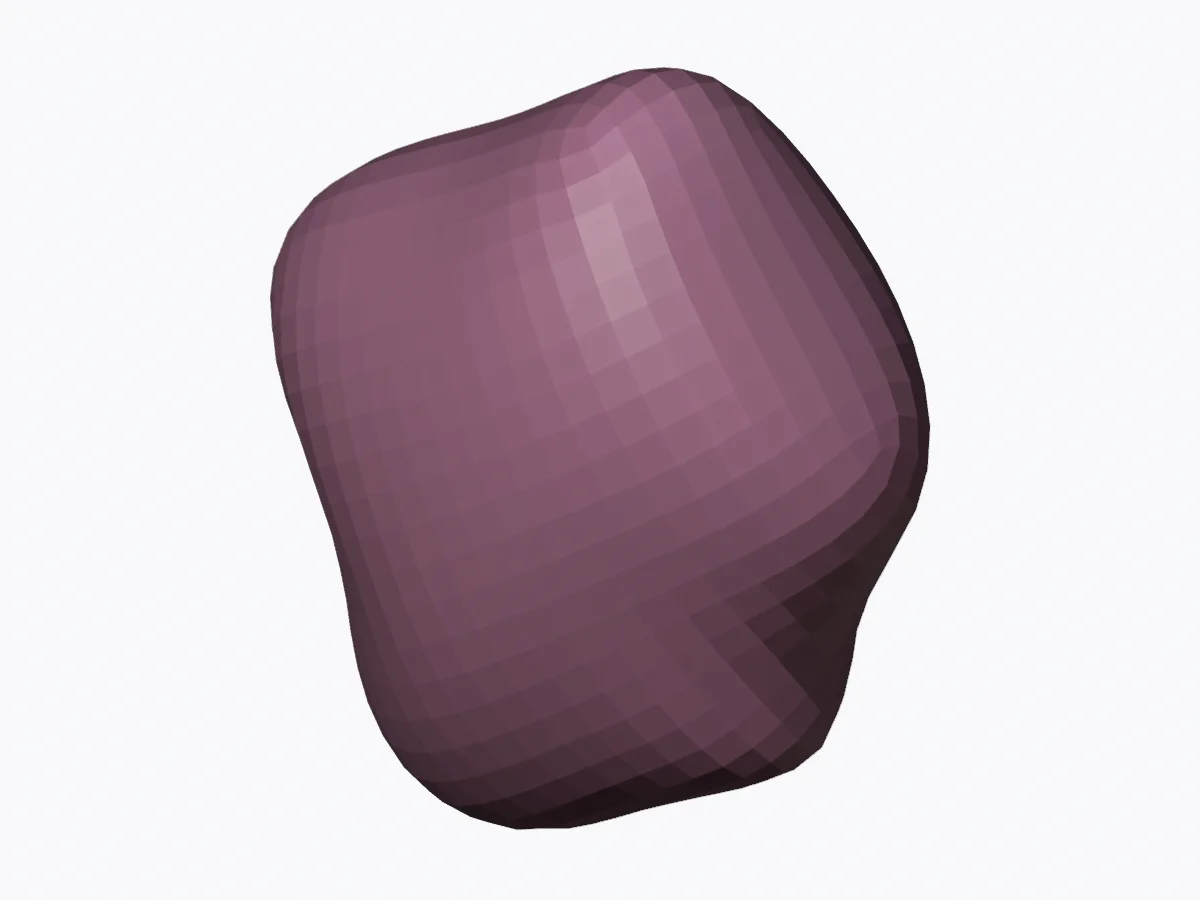
Download quad OBJ + MTL ↓
Wireframe renders come from the real geometry. GLB exports triangulate polygon faces; use the OBJ or .blend to inspect and retain the quad layout. Source UVs, texture detail and vertex weights are not preserved by this remesh.
Run QuadriFlow locally
- Prepare one surface
Import the source, apply scale and check that the mesh is manifold with consistent normals. Keep an unchanged copy.
- Rebuild on a copy
Select the mesh in Object Mode. Run the generated Python script in Blender’s Scripting workspace.
- Inspect and save
Compare silhouette, count actual quad faces and save a new .blend. Rebuild UVs and transfer surface details as needed.
Make a local Blender remeshing script
Runs locally in Blender’s Scripting workspace on a copy of your selected mesh. QuadriFlow is an automatic geometry algorithm; this script makes no AI or network calls. Output count may differ from the target.
Read the complete script
# Quady3D AI: local QuadriFlow workflow, Blender 4.5 LTS.
# Select one closed, consistently oriented mesh before running.
# The source is retained; the copy welds coincident vertices and loses source UVs and vertex weights.
import bpy, bmesh
source = bpy.context.active_object
if source is None or source.type != 'MESH':
    raise RuntimeError('Select a mesh object first.')
if bpy.context.mode != 'OBJECT':
    bpy.ops.object.mode_set(mode='OBJECT')
bpy.ops.object.select_all(action='DESELECT')
result = source.copy()
result.data = source.data.copy()
bpy.context.collection.objects.link(result)
result.name = source.name + '_QuadriFlow'
result.select_set(True)
bpy.context.view_layer.objects.active = result
bpy.ops.object.transform_apply(location=False, rotation=False, scale=True)
# Weld split render vertices on the copy before checking the surface.
bpy.context.view_layer.update()
bm = bmesh.new()
bm.from_mesh(result.data)
tolerance = max(max(result.dimensions) * 1e-7, 1e-9)
bmesh.ops.remove_doubles(bm, verts=list(bm.verts), dist=tolerance)
bmesh.ops.recalc_face_normals(bm, faces=list(bm.faces))
if not bm.faces or any(not edge.is_manifold for edge in bm.edges):
    bm.free()
    raise RuntimeError('The copied surface is not closed and manifold. Repair it before QuadriFlow.')
if bm.calc_volume(signed=True) < 0:
    bmesh.ops.reverse_faces(bm, faces=list(bm.faces))
bm.to_mesh(result.data)
bm.free()
result.data.update()
bpy.ops.object.quadriflow_remesh(mode='FACES', target_faces=800, use_preserve_sharp=False, use_preserve_boundary=True, seed=0)
faces = len(result.data.polygons)
quads = sum(len(p.vertices) == 4 for p in result.data.polygons)
print({'faces': faces, 'quads': quads, 'target': 800})
source.hide_set(True)
# Save a new .blend and export OBJ to preserve polygon topology.
# GLB triangulates the export; it is not a quad-topology interchange file.
A quad count is only the beginning
| Organic static prop | Compare silhouette, thin features and shading at the intended viewing distance. |
|---|---|
| Deforming character | Inspect loops at joints and facial regions; test bending and facial poses. Automatic quads alone do not validate animation readiness. |
| Hard-surface object | Check corners, planar faces, seams and mechanical dimensions. Manual topology may be more appropriate. |
| Textured source | Keep the high-detail mesh; unwrap and bake or transfer detail onto the rebuilt surface. |
Compare approaches in Autodesk’s retopology overview and the Blender manual. Commercial tools such as Meshy AI retopology offer their own output choices; no paid tool was invoked for this example.
Questions about AI Retopology
Is auto retopology the same as AI retopology?
No. Automatic mesh algorithms can rebuild topology without trained AI inference. The downloadable example uses Blender QuadriFlow, not an AI service, and produces actual quads. Commercial AI tools must be assessed using their own output.
Does lowering the triangle count create good topology?
No. Decimation reduces triangles, while retopology changes the surface layout. Check silhouette, edge flow, poles, UV transfer and deformation where relevant. A low count alone does not establish animation readiness.
Does the local example preserve UVs or skin weights?
No. QuadriFlow rebuilds the surface. Keep the original, then transfer or rebake surface detail and recreate or transfer weights as needed. The .blend and OBJ downloads retain the quad polygon layout; GLB triangulates it.