












Claude 3D modeling: start with the right deliverable
Choose the application that can produce your required geometry. Write a precise brief, retain the editable source and inspect the exported model rather than judging a render alone.
Choose an application before writing the prompt
| You need | Start with | Require these deliverables |
|---|---|---|
| Procedural props or scenes | Blender | Python source, editable .blend, mesh export |
| Dimensioned mechanical solids | A CAD application, such as Fusion | Editable features, native design, STEP if supported |
| Rooms and spatial concepts | SketchUp | Named components, native model, measured views |
| A visual reference | Image or concept workflow | Reference image; a separate step is needed for actual mesh geometry |
Anthropic’s creative-work overview describes connections to creative applications, including Blender, Fusion and SketchUp. Availability and subscriptions depend on the product and your account. Choose based on the geometry you need to keep editable.
Turn “make a model” into a reviewable brief
Write a brief for the right application
Modeling brief
Object: A compact desk organizer with a separate base
Overall width: 80 mm; ask about any missing critical dimensions before construction.
Use Blender Python. Expose dimensions as constants, name each mesh and material, apply transforms, and retain the editable scene. Deliver a .py script, .blend and GLB. For printing, also export millimetre STL and report boundary edges.
Before final export: measure the overall bounds, list objects and materials, inspect hidden surfaces and describe unresolved problems.
Provide the actual files and a reproducible construction method. Identify which application creates the geometry. Do not describe a render alone as a finished 3D model.
Copy this into your own Claude session. The application, connector access and model usage belong to your setup. This page does not submit a prompt or call a paid API.
For Claude Blender 3D modeling, a script makes construction reproducible; a .blend keeps the editing environment. A mesh export makes the result usable elsewhere. Ask for all three when they matter.
Two examples of a useful handoff
Download editable display ↓
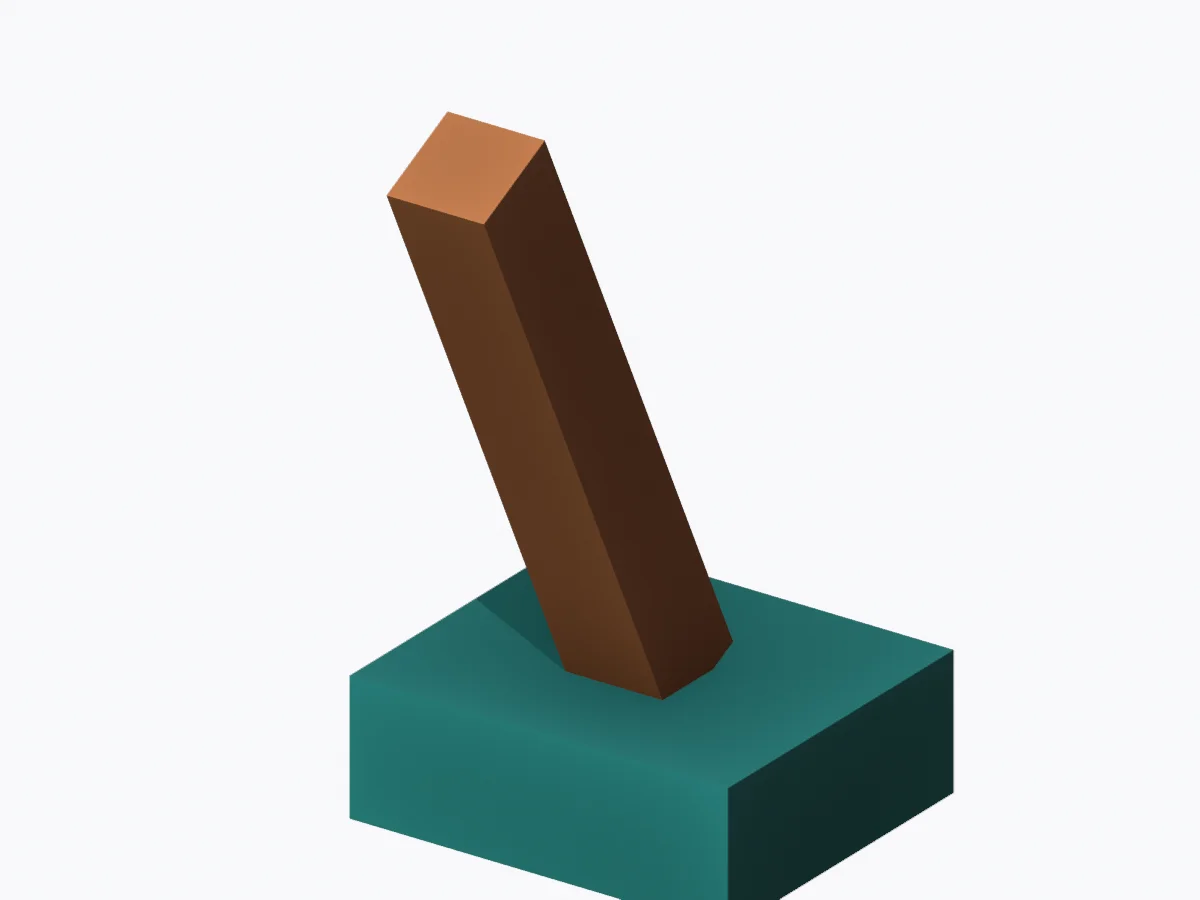
Download editable arm ↓
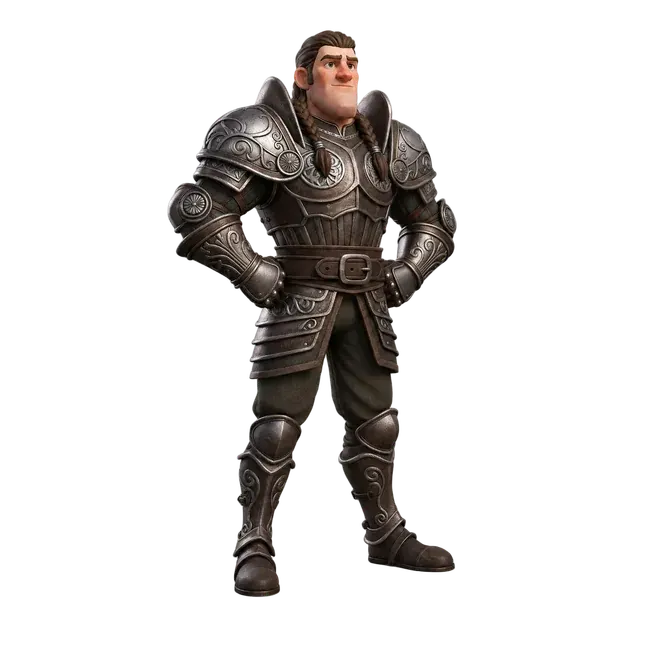
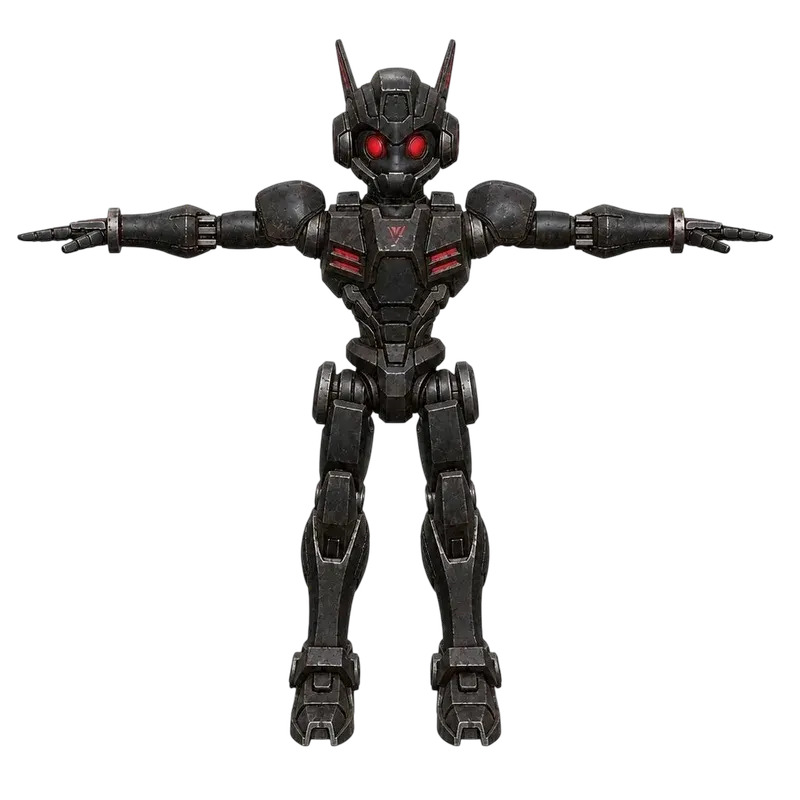
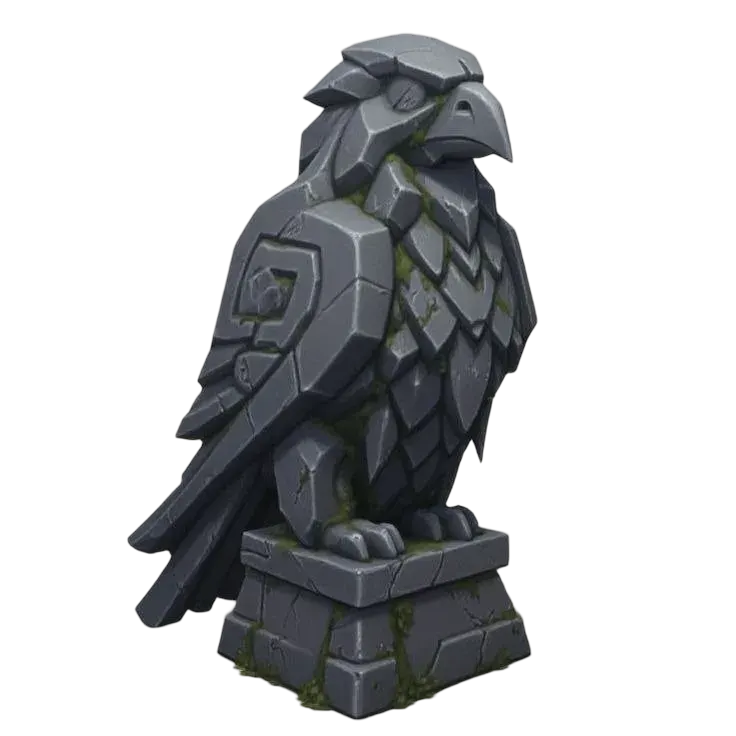
These are original local examples, not Claude-generated results. For a dimension-driven object, the parametric organizer tutorial provides a working script builder and physical size controls.
Review the file, not just the picture
- Reopen the export
Rotate it and inspect the back, underside, transparent areas and separate parts. Compare the actual exported geometry.
- Measure the deliverable
Verify units, dimensions, object names, image dependencies and animation clips where relevant.
- Test its destination
Inspect layers for printing, joint deformation for animation, or editable feature dimensions for CAD. Keep unresolved issues with the handoff.
Questions about Claude 3D Modeling
Can Claude create a 3D model?
A tool-enabled workflow can help drive a modeling application or produce a script. The application constructs and exports the geometry. Choose your environment and require actual editable files, a mesh or solid export and validation.
Which Claude 3D modeling workflow should I use?
Choose Blender for procedural meshes and scene work, a CAD application for editable dimensions and solids, or SketchUp for spatial concepts. Availability and subscriptions depend on the connected product. This page supplies a brief and local examples rather than running those services.
Were these examples generated by Claude?
No. They are original Quady3D AI procedural examples built locally in Blender 4.5.10 LTS. They demonstrate useful deliverables and inspection steps without claiming an unperformed model generation or benchmark.