












GPT-6 Astra + Blender: inspect what you actually received
A saved GLB is the start of an editable scene. Follow the import, inspect hidden geometry, and keep the source files and a measured report.
Why the outside view hides the result
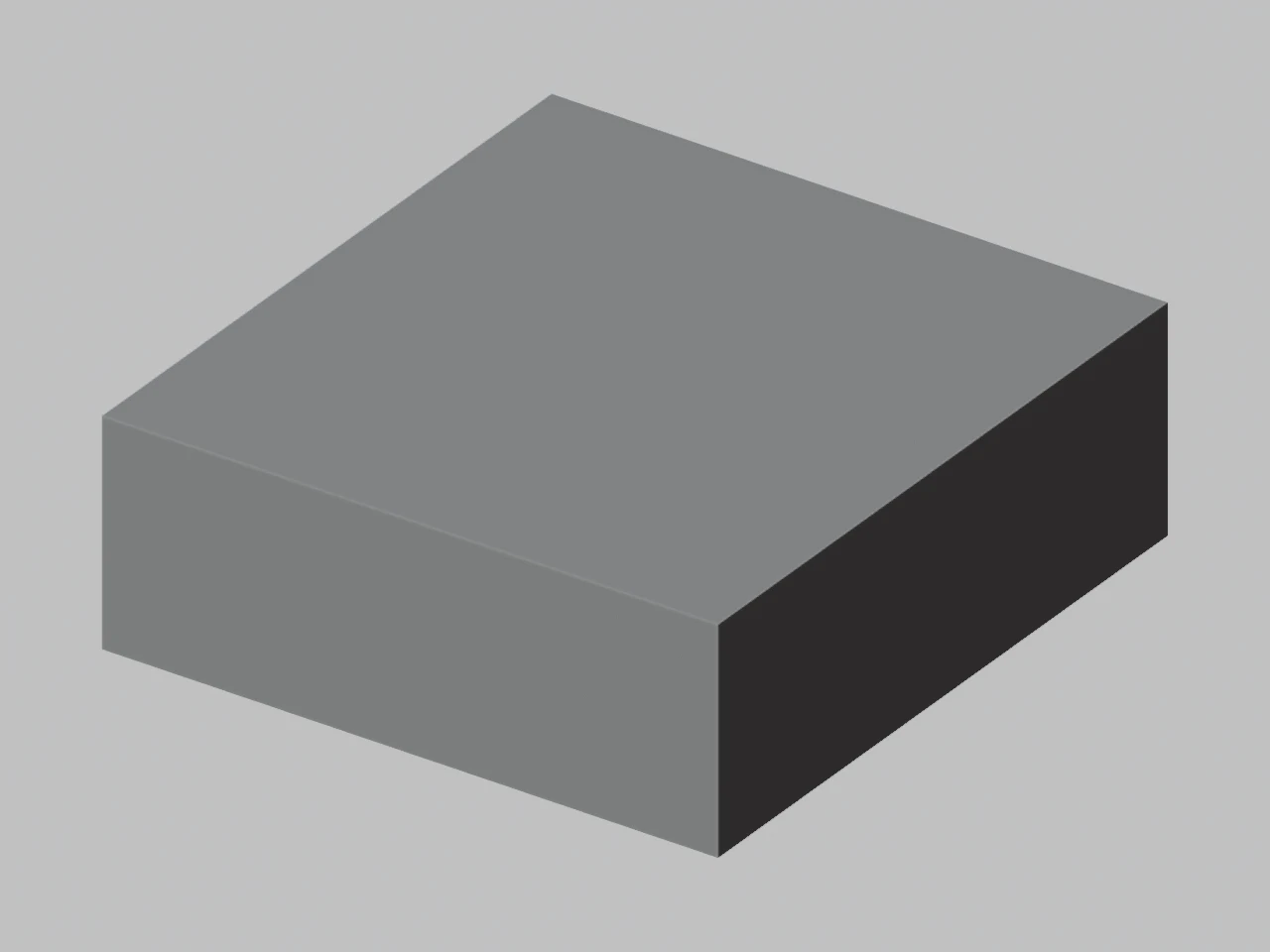
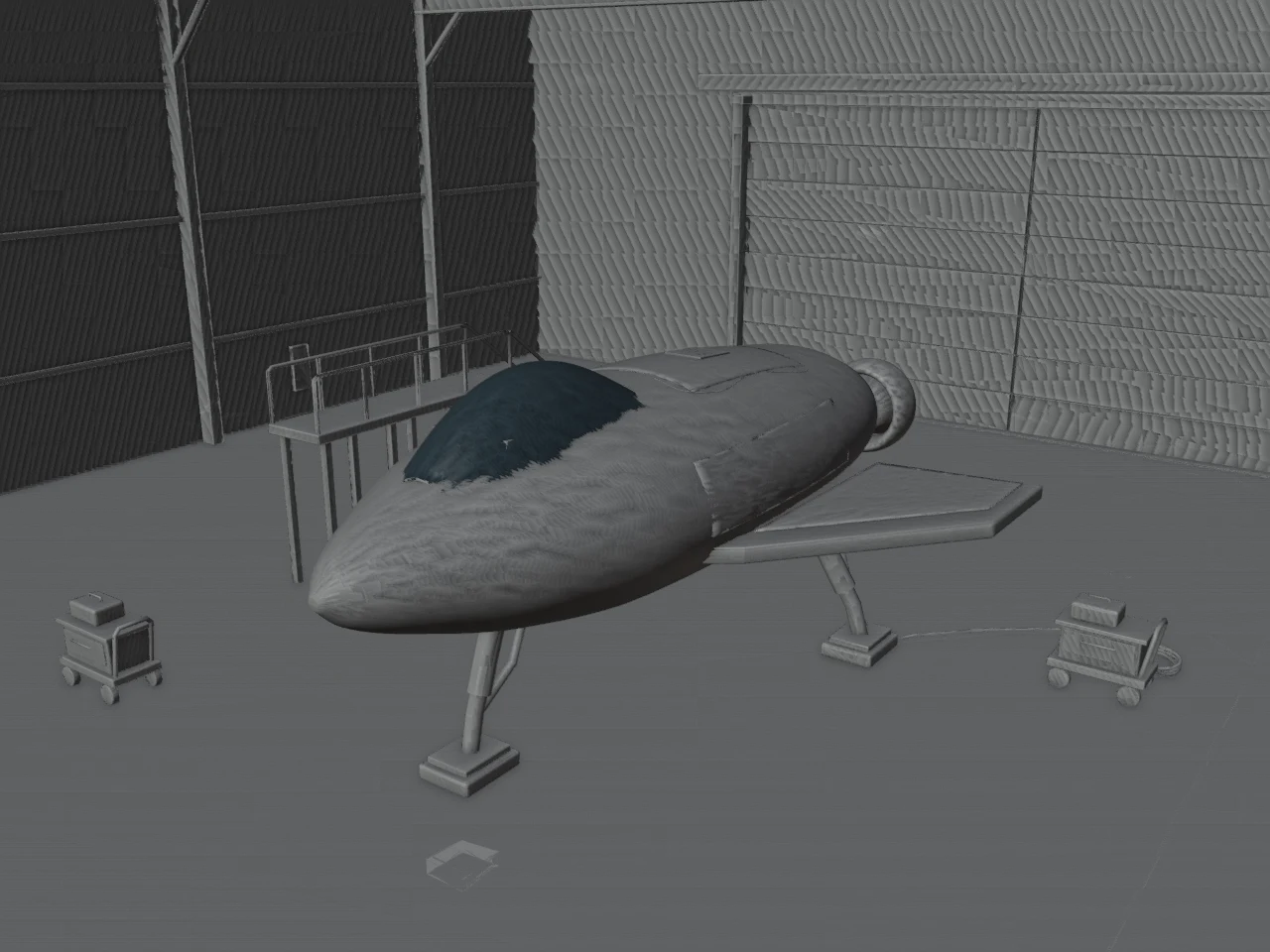
The same imported GLB, viewed outside and inside. Only the camera changes.
- World bounds in Blender
- 32.6 × 34.6 × 11.7 m
- Mesh objects
- 204
- Triangles
- 103,084
- Material slots
- 204
How this example was made
Inspect beyond the enclosing walls
The source GLB contains a floor, ceiling and four enclosure walls around the spacecraft. An outside orbit view is dominated by those surfaces. The inside camera shows the actual fuselage, landing legs, gantry and service carts without hiding or rebuilding a mesh.
Keep the editable scene
Use the downloaded .blend to inspect object names, materials and overlapping surfaces. The model contains 204 mesh objects, so decide deliberately what to join or clean up. Its scene dimensions are in meters; a print requires an intentional physical scale and further geometry checks.
Actual saved Quady3D example inspected in Blender 4.5.10 LTS. Camera views are digital renders of the source geometry, not newly generated Astra outputs.
A GPT-6 Astra Blender workflow
Request usable files
Keep the GLB, editable scene, source script and intended dimensions.
Import into Blender
Use File → Import → glTF 2.0, or the downloadable inspection script.
Inspect and save
Check scale, parts, materials and hidden surfaces, then save an editable .blend.
This walkthrough uses an existing GLB. OpenAI’s Blender showcase illustrates scene and script deliverables.
Different scenes, different things to inspect
Open a saved model to see its original input, measured structure and an inspection cue.
Existing Quady3D examples, inspected and rendered locally. Each is a specific output; inspect scale, hidden surfaces and geometry for your intended use.
Run the import check
Download the script into a working folder. Run this command with Blender on your path, or use its full executable path.
blender --background --python import-audit.py -- \
  --input "model.glb" --output "./inspection"
Replace model.glb with your file. The script saves inspection.json and imported-scene.blend.
Script outputs, setup and model capabilities
The scripts start a new scene. Review the Python and use a fresh output folder to preserve earlier files. Quote paths containing spaces; see Blender’s command-line reference.
The import script leaves the source GLB unchanged. You can also import through Blender’s glTF menu and inspect the outliner manually.
Astra supplies reasoning and code; Blender executes scene construction and exports. Review OpenAI’s model documentation for supported interfaces.
Take the result further
Keep editing
Keep .blend and Python source. GLB does not restore the original modifier history. Check Blender’s glTF support.
Prepare a print
Set physical size with GLB to 3MF, inspect the output, then check walls and sliced layers. Estimate cost from slicer totals.
Astra and Blender questions
How does GPT-6 Astra work with Blender?
A tool-enabled workflow can run Blender Python or operate the application. Blender constructs, edits and exports the scene. A plain text reply does not itself become a GLB. This guide covers both the required deliverables and a reproducible import-and-inspection step.
Do I need Blender MCP for this workflow?
No. The provided inspection script runs with Blender’s command line and needs no MCP server. Your own interactive Astra setup may use a tool bridge, but that connection is separate from Quady3D’s web creator and is not installed by this page.
Was the example freshly generated for this tutorial?
No. It is a saved spacecraft example from Quady3D’s Astra text creator. Quady3D imported that existing GLB into Blender 4.5.10 LTS and recorded the inspection on October 18, 2026. The measured import is reproducible; it is not a new model-generation benchmark.
Why does the example contain many mesh objects?
The saved scene contains 204 mesh objects and 204 material slots. Object count and triangle count answer different questions: many small objects can increase editing and scene-management work even when the face count is manageable. Inspect the outliner before deciding what to join.
More questions (2)
Will importing a GLB restore procedural history?
No. You can edit imported geometry and materials, but a GLB does not generally reconstruct the original Blender modifiers, constraints or Python generation logic. Ask for the original .blend and script when procedural editing is part of the job.
How do I get the model ready for printing?
Measure the intended physical size, check thickness and closed surfaces, and inspect a slicer preview. Convert static GLB geometry to a millimeter 3MF if useful. The sample’s scene-scale bounds are not suitable print dimensions without deliberate resizing.