











GPT-6 Astra for 3D
Explore saved 3D examples, create from an image or prompt, and take the result into Blender.
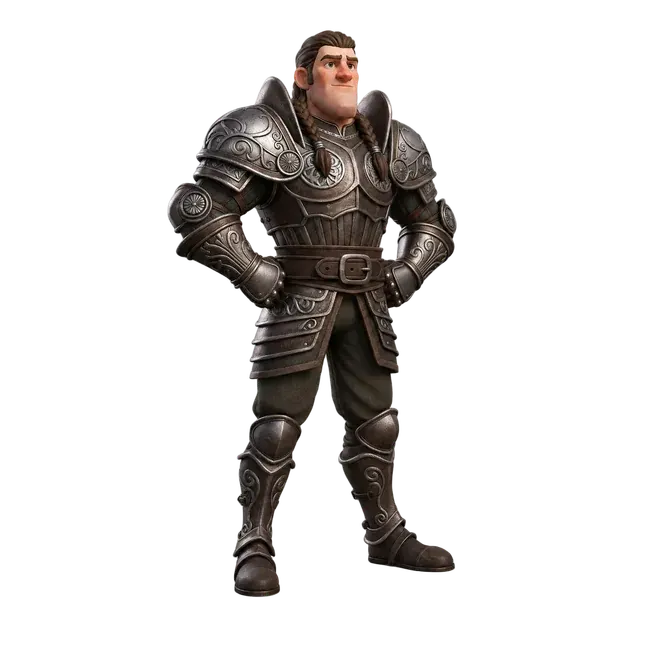
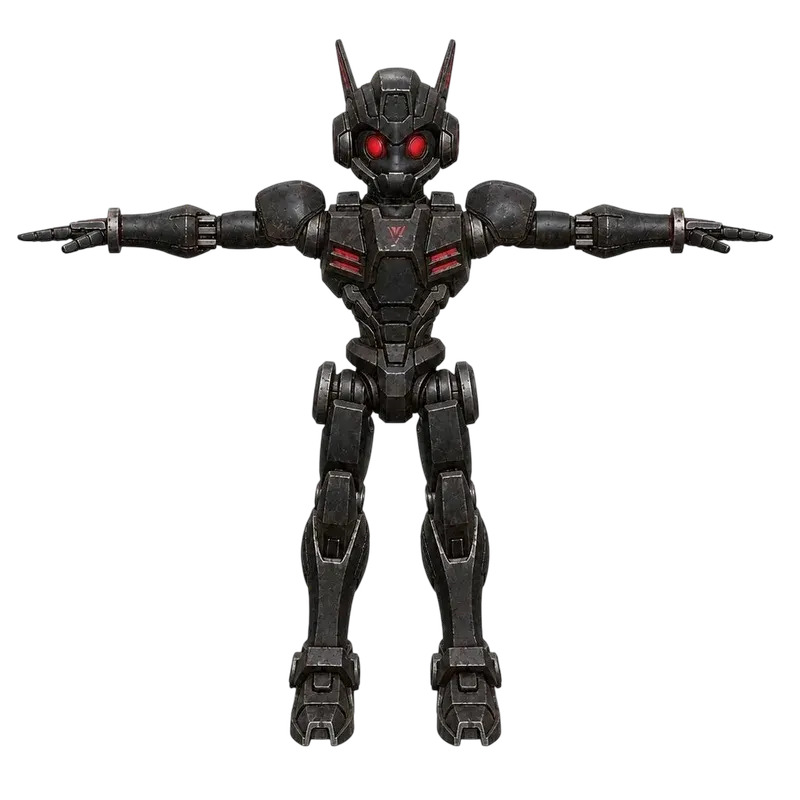
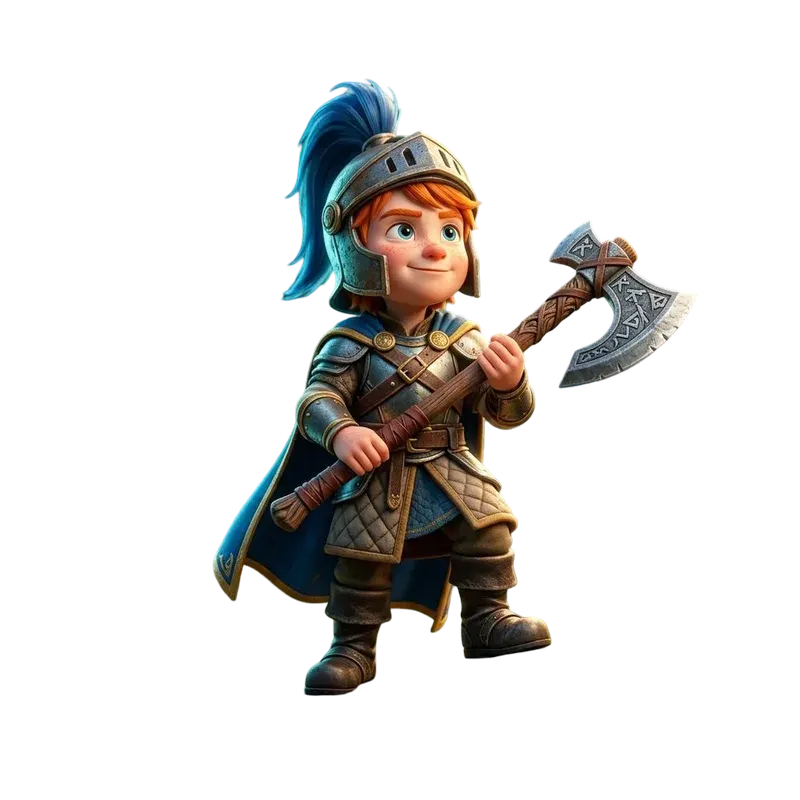
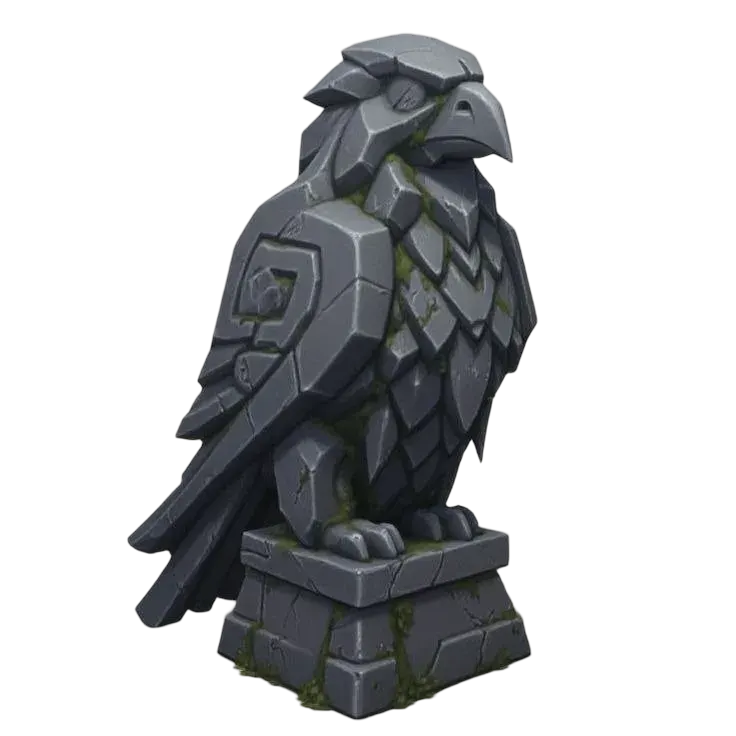
10 GPT-6 Astra examples you can inspect
Choose a subject to compare its recorded input with the saved 3D result. Inspect the actual geometry, source prompt and model structure.
Existing Quady3D examples, inspected and rendered locally. Each is a specific output; inspect scale, hidden surfaces and geometry for your intended use.
Look inside the spacecraft scene
Two camera views of one saved Quady3D example reveal the spacecraft inside its closed hangar.
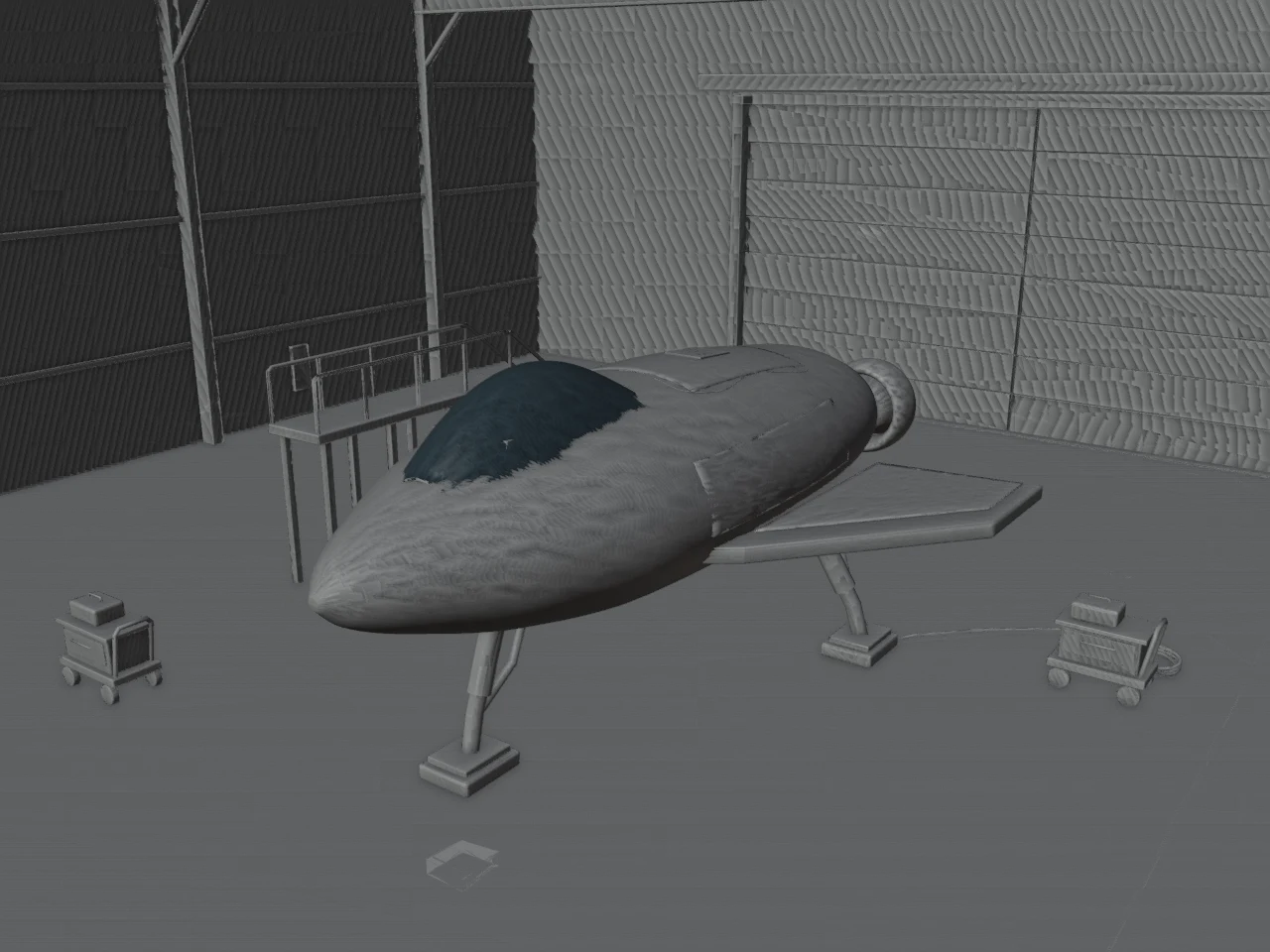
- World bounds in Blender
- 32.6 × 34.6 × 11.7 m
- Mesh objects
- 204
- Triangles
- 103,084
- Material slots
- 204
How this example was made
The original request
The prompt asked for a rounded fuselage, swept wings, a smoked-glass canopy and landing legs, plus a maintenance gantry, carts, cables and tool cases inside an enclosed hangar. The full original prompt is available below.
What to inspect
The interior view reveals more than the thumbnail. Overlapping hull panels and dense scene structure still need review for your intended use. These views show the saved model’s geometry; they are not new generations or evidence of a production-ready game or print asset.
Saved Quady3D-owned Astra text-creator example, imported in Blender 4.5.10 LTS. Images are new camera views of that existing GLB; no fresh Astra generation is claimed.
Choose a 3D workflow
Image or text to 3D
Use a reference in the Astra image creator, or describe a model in the text creator. Sign in and review the credit quote before submitting.
Inspect and edit in Blender
Keep the GLB, editable scene and source script. Follow the Astra Blender workflow to inspect a saved result.
OpenAI’s model API supports text, code and tool use. A usable 3D file requires a complete generation or Blender workflow.
Choose your handoff
Write a brief you can inspect
Specify the object, proportions, named parts, dimensions and required files. Use a clear image reference. Inspect hidden surfaces and material seams; a render alone does not establish printability.
A GLB import does not restore modeling history. For a working code example, try the parameterized Blender guide.
GPT-6 Astra 3D questions
Can GPT-6 Astra make 3D models?
Astra can write code and use tools, including workflows that operate Blender. OpenAI’s model documentation describes text output and tool use; a finished GLB or editable Blender scene depends on the surrounding tools and workflow. Quady3D also provides its own Astra generation workflows.
How does Quady3D differ from using the model API?
Quady3D’s image and text creators provide a complete 3D generation workflow with a credit quote and file handoff. OpenAI’s model API provides the reasoning model and its tools. Available 3D outputs and settings depend on the service and workflow you use.
Can I use GPT-6 Astra image to 3D in Quady3D?
Open the image creator with Astra selected, upload a reference, and check the available settings and credit quote before submitting. A reference constrains visible shape; unseen surfaces, material detail and topology still need inspection. Use the text creator when starting from a prompt.
What do the examples prove?
They are saved Quady3D examples with their original prompts or inputs and downloadable model files. They show specific outputs, not a benchmark, a success-rate guarantee or a fresh generation test. Inspect the full 3D geometry rather than relying on a thumbnail.
More questions (2)
Does Astra directly connect to my Blender installation here?
This page does not control your local Blender installation. Use the Blender guide to import and inspect an exported GLB, or use your own tool-enabled setup to run Blender scripts. Keep the editable scene and source script when you need procedural changes.
Can I print an Astra model?
Check its physical dimensions, closed surfaces, wall thickness and sliced layers first. A visually convincing model can contain open meshes or thin details. The GLB to 3MF converter preserves static geometry and existing material base colors, but does not repair it or create a printer profile.