













FBX to GLB Converter
Convert FBX with textures and animation. Preview your GLB before downloading.
Free · No account neededYour model
100 MB maxAdvanced settings
Files stay on your device
- Add your files
Choose a file or try a sample.
- Convert locally
Include any textures and companion files.
- Preview & download
Check the actual output before saving.
Try a real example
Format support & compatibility
| Static meshes & hierarchy | Kept for supported FBX 7.x files |
|---|---|
| Bones, skin weights & clips | Imported by FBXLoader; exported clips and skins are counted |
| Phong materials & images | Mapped to PBR; appearance can differ |
| Constraints & procedural shaders | Bake in your authoring application first |
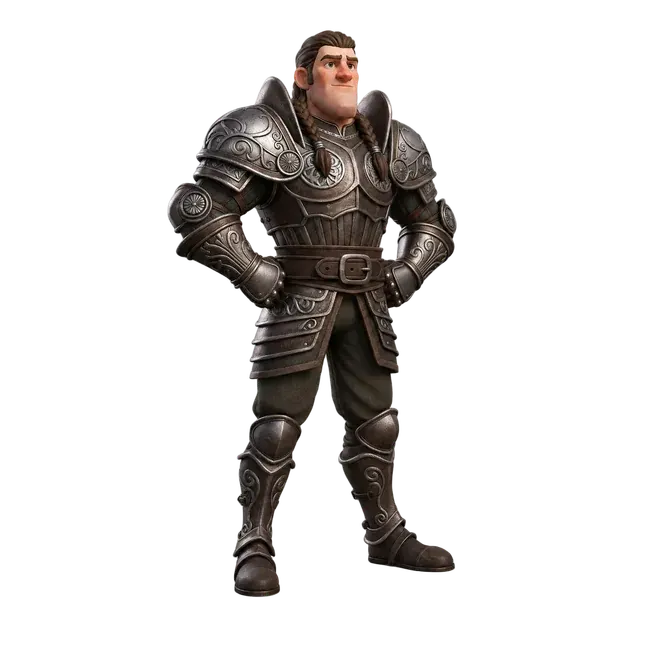
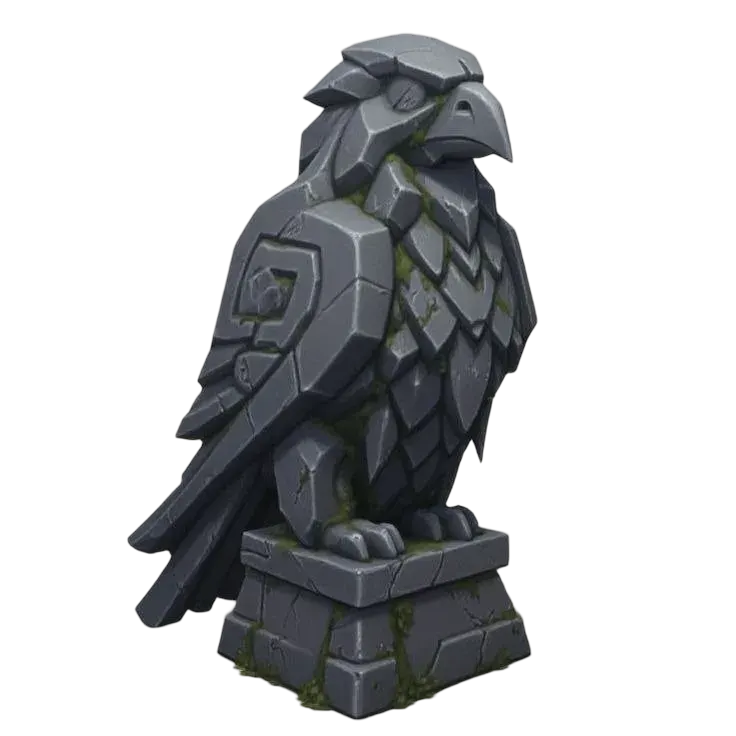
Original Quady3D AI examples · digital renders. Files and license.
Troubleshooting
The model is 100× too large
Check the dimensions reported after conversion. Inspect the FBX unit declaration in the source app and correct the multiplier.
The texture is missing
Select companion images with the FBX. Missing references stop conversion rather than quietly exporting a plain model.
The rig behaves differently
Bake constraints and unsupported controllers into ordinary animation keys. Inspect every exported clip in the destination application.
Questions
Can I convert FBX to GLB with animation?
It exports animation clips and skins imported by the Three.js FBX loader. Use the animated sample to check playback and the result counters to see what was exported. Proprietary controllers, constraints and every FBX variation are not guaranteed; bake those in your source application.
Can I convert FBX to GLB with textures?
Yes. Include separate images with your FBX or use embedded images. Supported images are packed into the GLB. Legacy FBX materials are approximated as glTF metallic-roughness materials, so inspect the result.
Which FBX versions are supported?
The underlying loader supports ASCII FBX 7.0 and newer and binary FBX 6.4 and newer. Older formats or unsupported features can fail. Re-export as a current FBX from your authoring application when needed.