














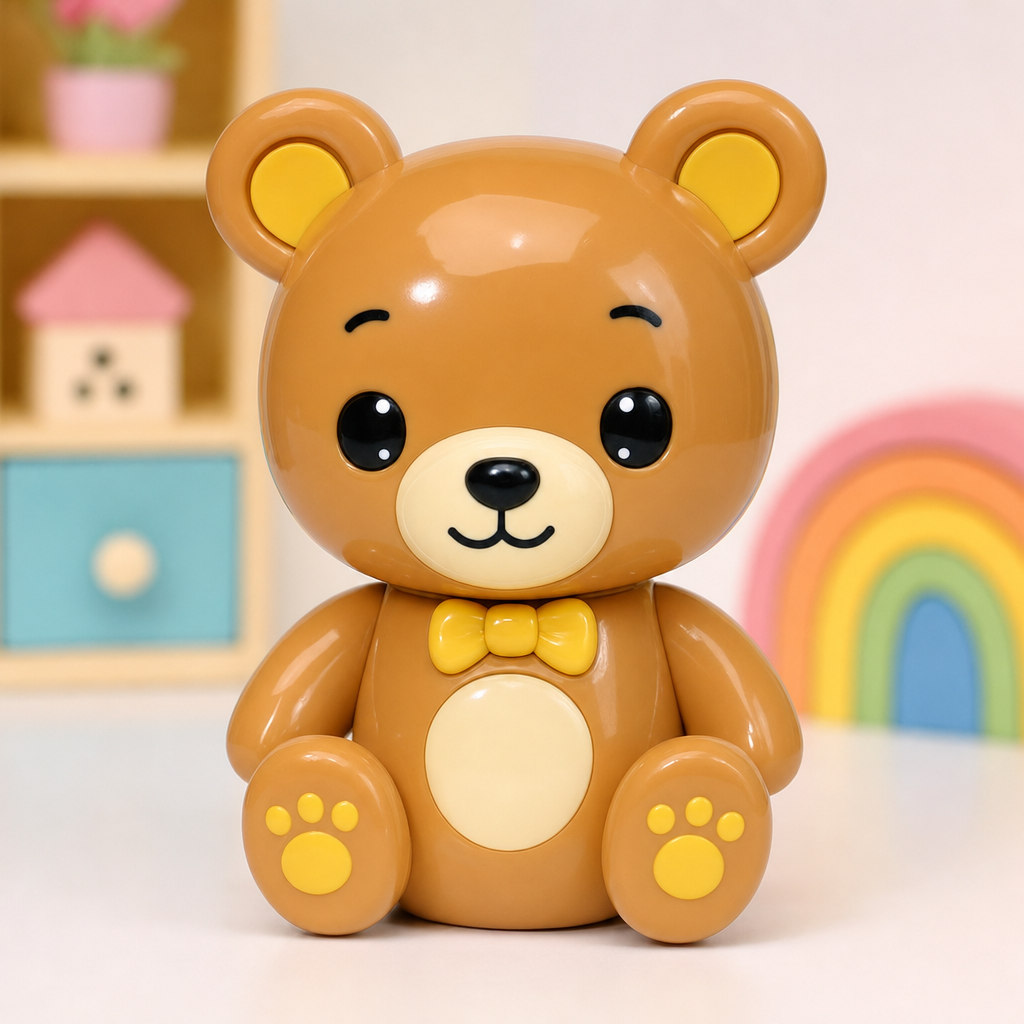
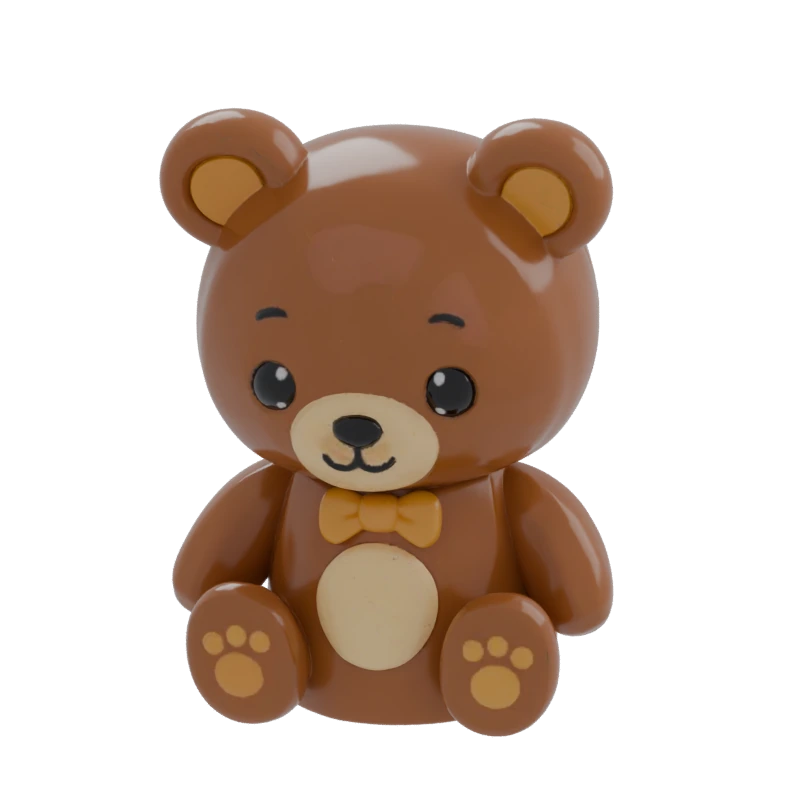
Bear figurine
 TencentARC · Image-to-3D model
Generate a textured 3D asset from one reference image. Choose shape detail, texture resolution, and a mesh budget, then inspect the exported result.
Choose an example to compare its reference image with the 3D result.
Keep the whole silhouette visible, use even light, and avoid overlapping subjects. The hidden side is inferred from your image.
1024 and 1536 control reconstruction resolution. Texture size controls surface appearance; compare the actual mesh as well as the painted detail.
Set the vertex target and clean-topology option for your destination. Inspect small parts and seams before moving into editing, games, or print preparation.
Pixal3D is TencentARC’s image-to-3D model. It reconstructs a textured 3D asset from one reference image. Quady3D offers a hosted creator; the official project also provides code and model weights.
The Quady3D Pixal3D creator accepts one reference image. Use a clear view of a complete object. For several complementary views, choose a model in the multi-image workflow instead.
The creator offers 1024 or 1536 reconstruction resolution, texture size, a target vertex count, and clean topology. Reconstruction detail and texture resolution affect different parts of the result.
No. Inspect the actual mesh, thin parts, UVs, seams, and hidden surfaces. A topology option does not guarantee watertight geometry, physical dimensions, rigging, or game-engine performance.
Yes. Choose the bear, sweater, or armchair to compare the reference image with its 3D result. Load the model to rotate it, download the original GLB, or use Try this image to open the same reference in the Pixal3D workspace.
The creator displays the current Quady3D credit total. Reconstruction resolution and other settings may change it. Check that total before submitting a generation.