


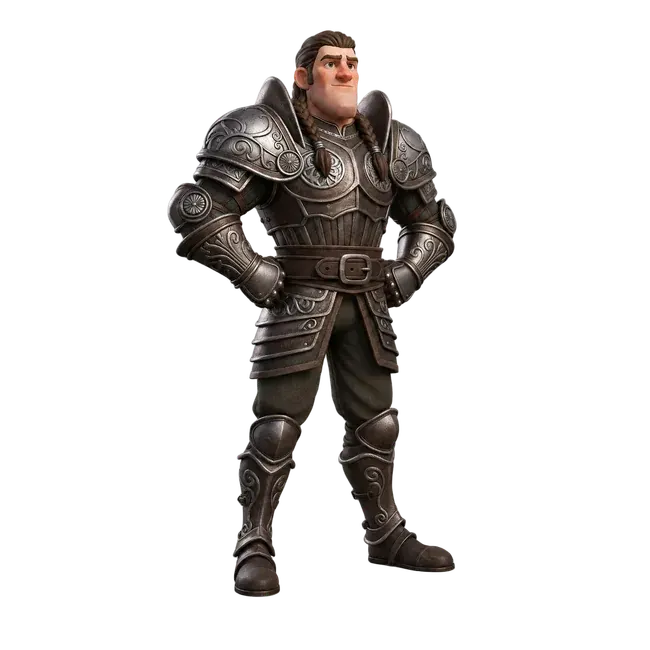


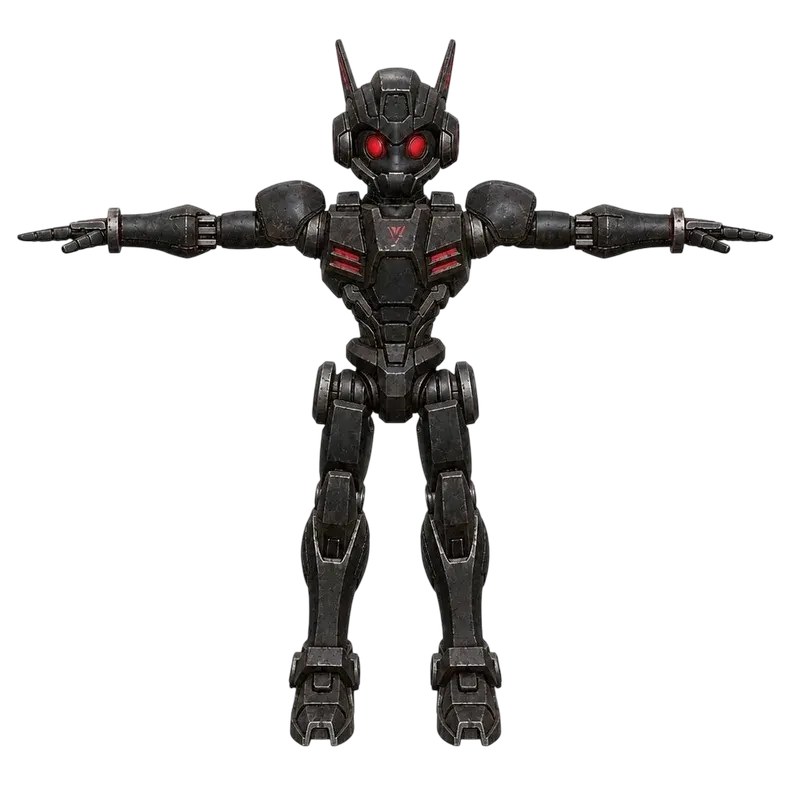


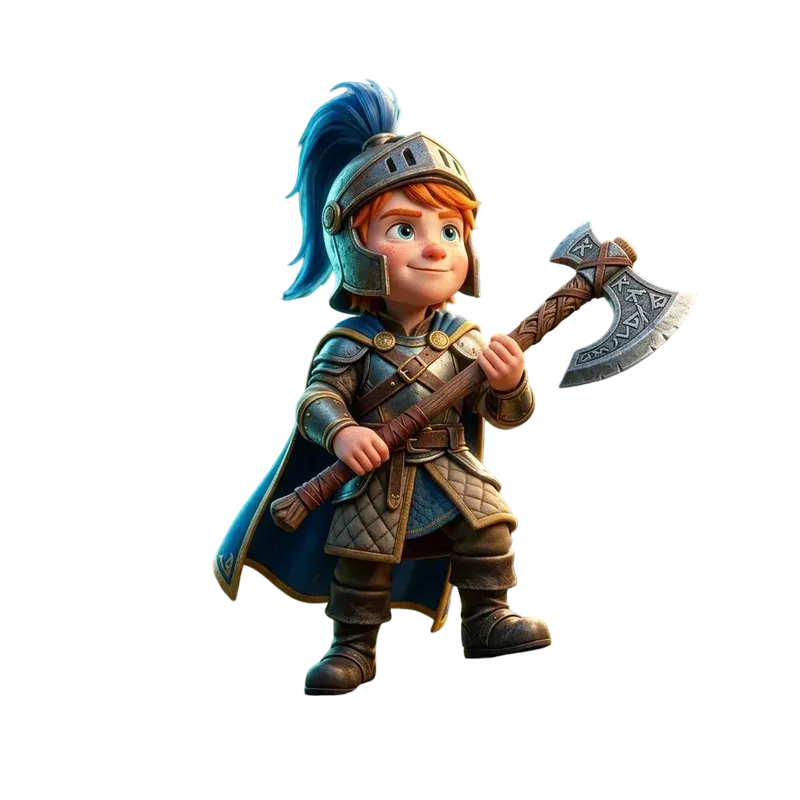





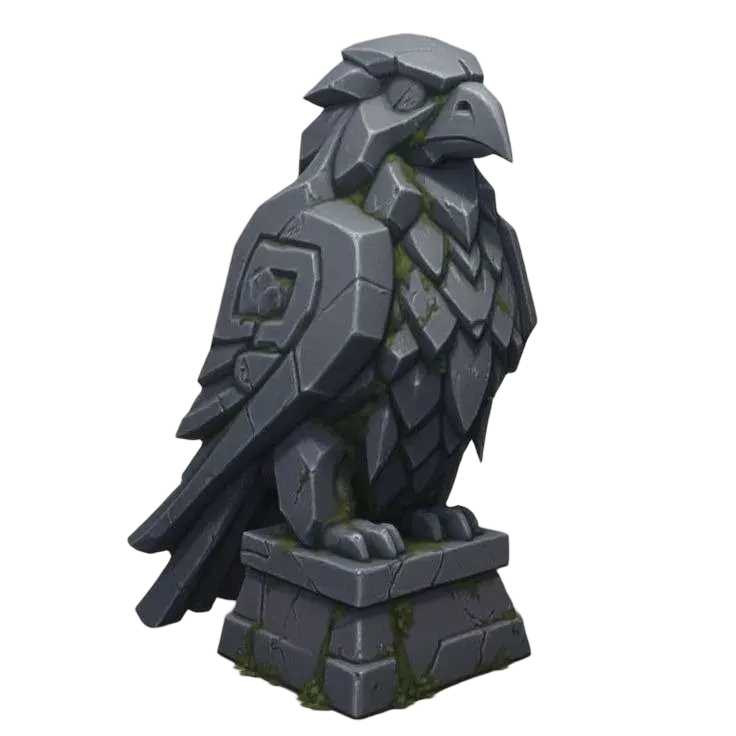
Create a reference for your next 3D asset
Describe a prop, character or object, then refine its look with text or an image. Build a clear 2D reference before you turn the subject into a 3D model. See a saved example ↓
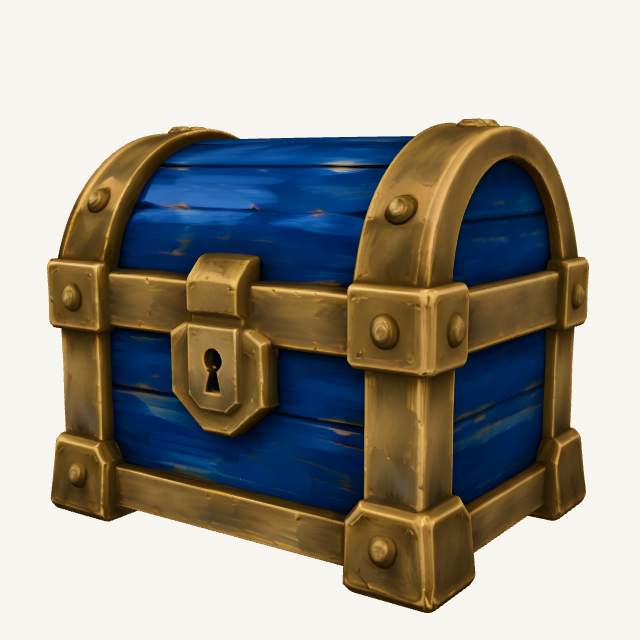 Hand-Painted Game Asset · Style example
- Describe one object
Start with its shape, material and style. For a game prop, ask for a centered subject, simple lighting and a clear background.
- Choose a model and style
Select an image model and available preset, or switch to image-to-image mode to guide the result with a reference.
- Inspect and continue
Generate using the displayed credits. Choose a result, refine it if necessary and continue to image to 3D when the reference is ready.
Try a real example
Hand-painted game-asset style preview. Use the style presets as a starting point, then inspect your generated reference before creating a mesh.
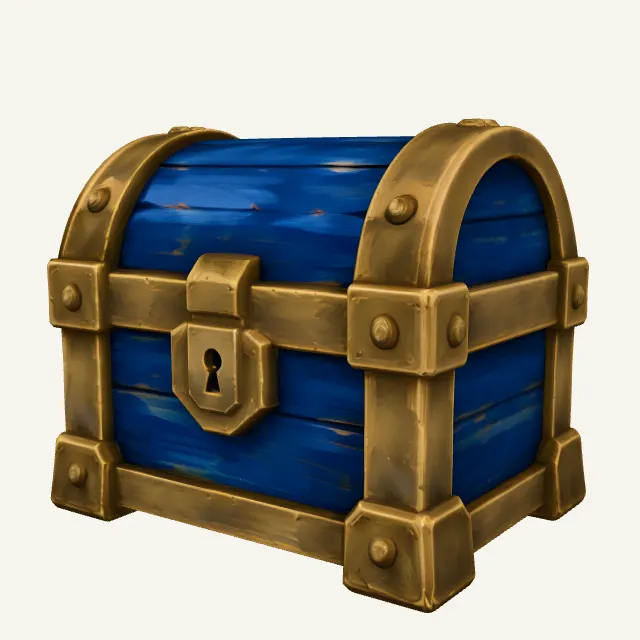
Start with a prompt or reference image. Inspect a 2d image for the next step before moving to the next editing step.
Explore the example in AI Reference Image Generator ↑Prepare your next editing step
| Explore the asset's style | Try low-poly, hand-painted or stylized directions. Describe a single object, its materials and its silhouette so the reference has a clear purpose. |
|---|---|
| Refine an existing reference | Use image-to-image mode when you already have a starting image. Supported reference counts, sizes and editing options depend on the selected model. |
| Continue with the subject | Choose a result for the next step in image to 3D. Inspect its silhouette and visible surfaces first; an image is a reference, not a completed 3D asset. |
Formats, compatibility and processing limits
| 2D output | This page generates images. Creating a mesh is a separate image-to-3D task, with its own model choice and credit cost. |
|---|---|
| Reference quality | Avoid hidden limbs, several overlapping objects and strong perspective distortion. Background removal cannot recover surfaces that are not visible. |
| Game scene preparation | Create references for individual reusable assets. A reference image is not an editable, assembled game scene or an engine-ready level. |
Questions about AI Reference Image Generator
Can I generate reference images for a 3D model?
Yes. Describe an individual asset or refine an existing image, then inspect the result before using it for image-to-3D generation. A clear silhouette and visible subject make a more useful reference.
Does this generate a 3D model directly?
No. The image generator returns 2D images. Continue to image to 3D to create a mesh; that is a separate generation task and uses its own credits.
What should a game-asset reference include?
Describe one prop or character, its main forms, material and visual style. Prefer an unobstructed subject, consistent lighting and a simple background. Keep useful details large enough to read.
Can I edit a reference image?
Yes. Switch to Image to Image and choose a model that supports your reference and edit. The controls show its supported inputs and available options.
More questions (1)
How much does image generation cost?
The selected model and settings determine the credits. The tool shows the cost before you run. An account and sufficient credits are required for new generations.