










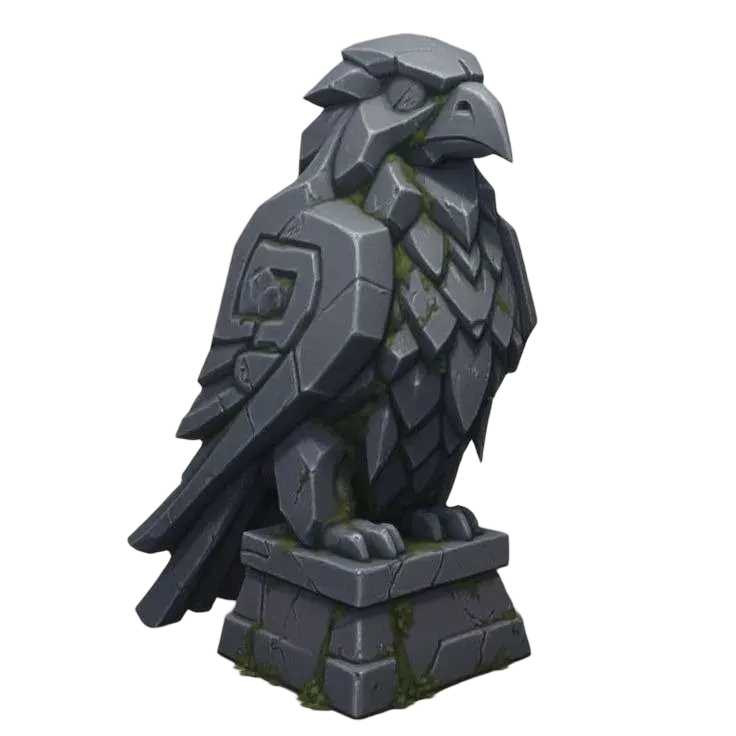
Simplify a 3D model's colors
Turn a textured GLB into a model with a smaller palette. Choose the color setting and inspect how the result changes small accents, shading and surface detail. See a saved example ↓
Upload a model, choose an example, or select a model from History.
- Add a textured GLB
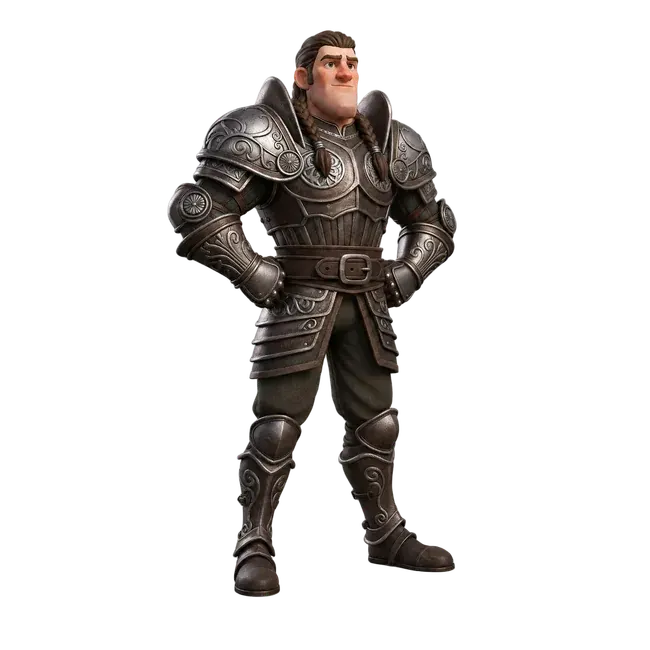
Upload your model or explore the pumpkin-traveler example. Keep the source so you can compare the original colors.
- Choose the palette setting
Set the number of colors using the available controls. Review the credits shown before starting a new task.
- Review the colored model
Inspect color boundaries, small accents and material appearance. Download the output and verify its color support in your next app.
Try a real example
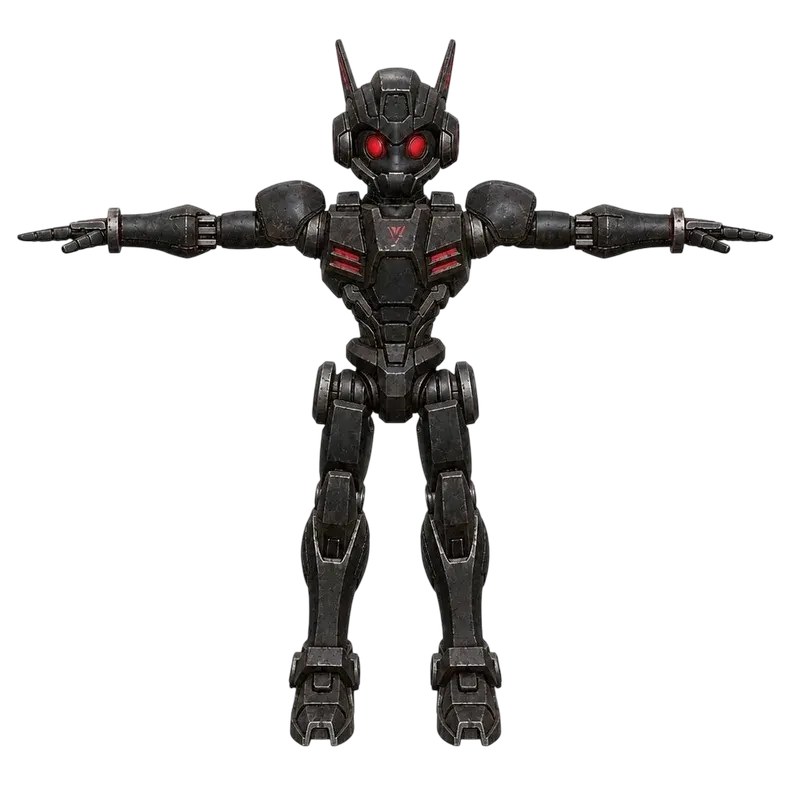
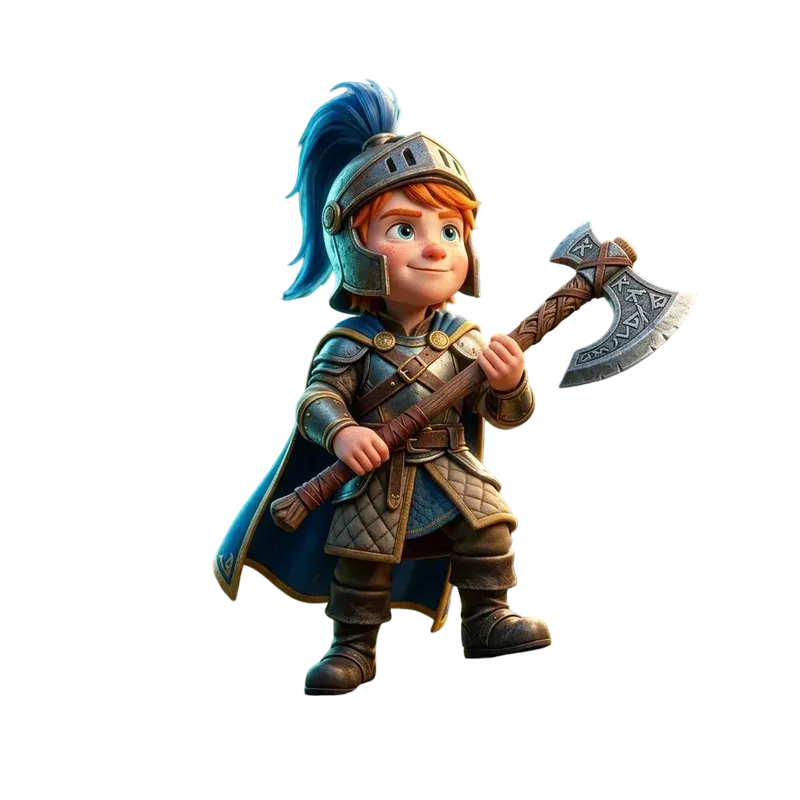
A saved Hi3D Multicolor output. Four dominant colors cover most vertices; small accent colors remain. The output can appear paler than the original texture.
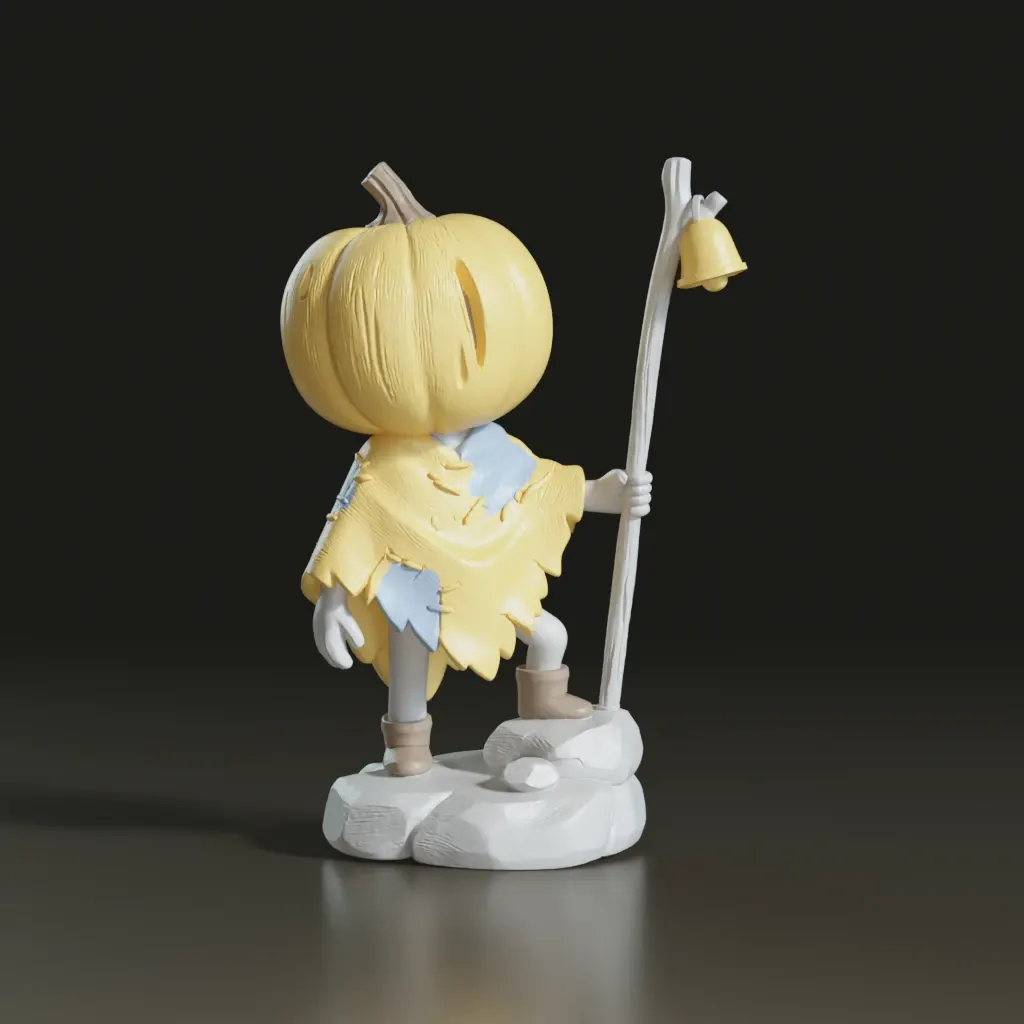
Start with a textured glb. Inspect a model with a smaller palette before moving to the next editing step.
Explore the example in 3D Model Color Simplifier ↑Prepare your next editing step
| Start with a simpler palette | Reduce a textured asset's color variation for a clearer visual direction. Inspect how the chosen setting affects major regions and small details. |
|---|---|
| Check the actual color result | Review the source and output from several angles. A requested palette size does not mean every color will occupy an equal or useful area. |
| Prepare your next step | Use the result for further material work in Blender or as a starting point for print preparation. Confirm how your next application imports the colors. |
Formats, compatibility and processing limits
| Color simplification | The tool changes the palette of an existing textured model. It does not generate a new mesh from text or recolor a 2D image. |
|---|---|
| Color storage | The saved example stores output colors on vertices. Verify vertex-color support and appearance in the application where you plan to use it. |
| Multicolor printing | Palette reduction alone does not assign filament slots, create a sliced print job or guarantee AMS compatibility. Inspect the file and finish preparation in your slicer. |
Questions about 3D Model Color Simplifier
What does Hi3D Multicolor do?
It simplifies the colors of an existing textured GLB using a limited palette. You choose a color setting, process the file and inspect the result before continuing your workflow.
Does choosing eight colors guarantee eight equal regions?
No. The saved eight-color example has four dominant colors and four very small accent colors. The source, shading and model output affect how the palette is distributed.
Is this a multicolor 3D printing slicer?
No. It prepares a simplified color model. You still need to check scale, geometry, color import and filament mapping, then slice the print in a suitable application.
Can I change the entire material style instead?
Use Retexture when you want a new surface appearance guided by text or an image. Color simplification is for reducing the existing palette rather than specifying a new material style.
More questions (1)
Does a new color task use credits?
Yes. An account and sufficient credits are required to run Hi3D Multicolor. Explore the saved example first and check the cost shown before submission.