












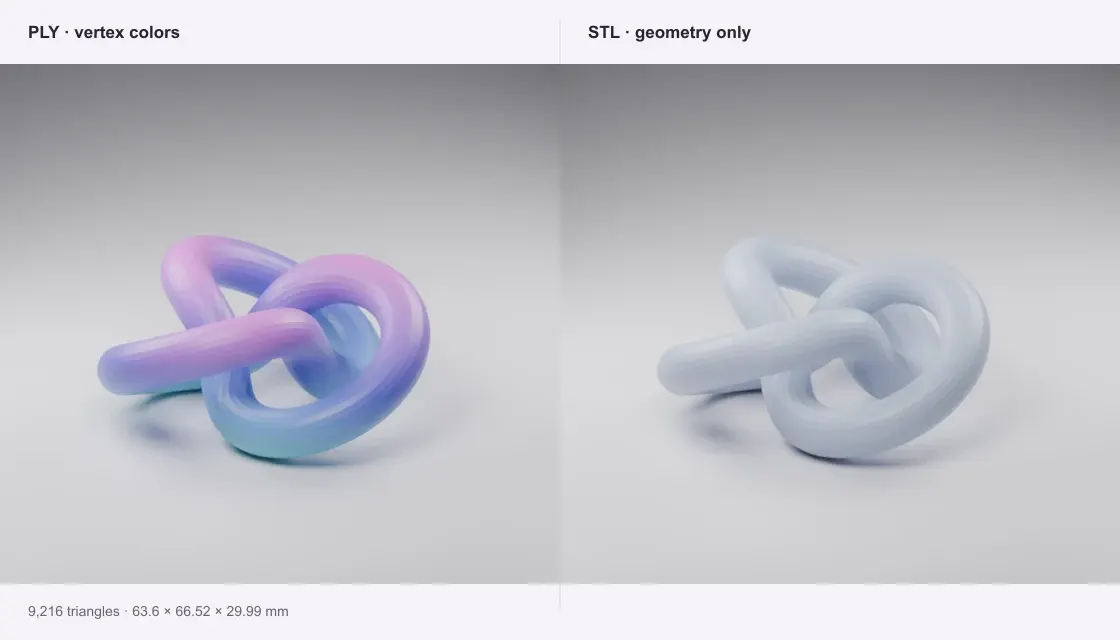
Colored knot mesh
A colored PLY surface becomes a plain binary STL. Its 9,216 triangles and dimensions remain unchanged; the vertex colors are deliberately omitted.
Turn a PLY surface mesh into STL geometry. Check the size before handing it to your slicer.
Private · Free · No account
Open a file to preview and download.
Your file stays on this device.
Open a file or try an example.
Geometry only. PLY colors are omitted.
A colored PLY surface becomes a plain binary STL. Its 9,216 triangles and dimensions remain unchanged; the vertex colors are deliberately omitted.
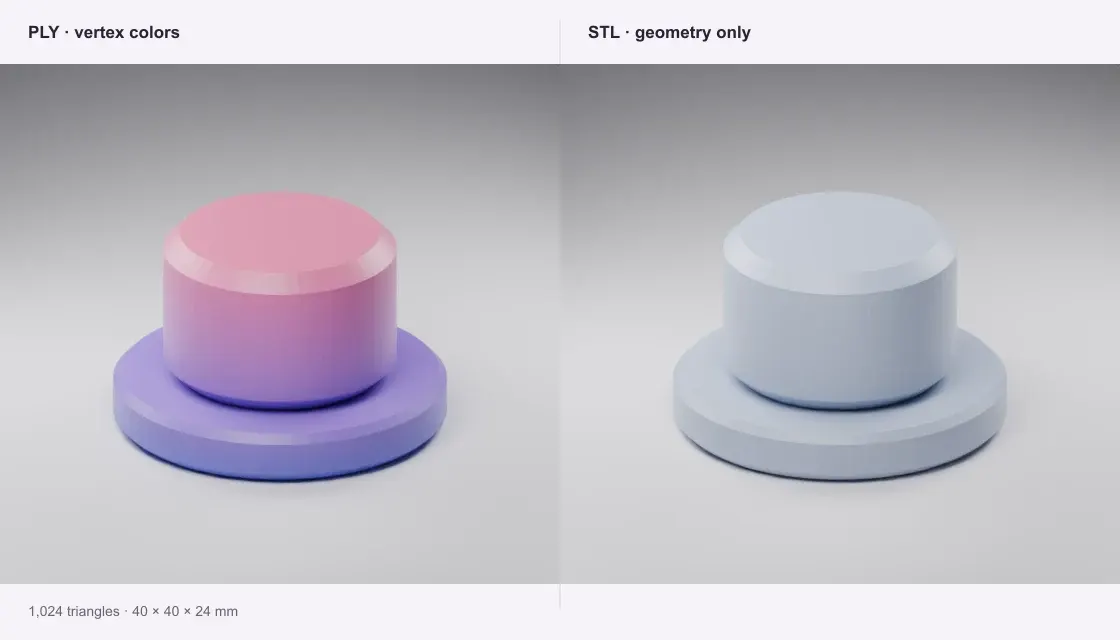
A binary little-endian PLY containing the 1,024-triangle desk marker. Its original 40 × 40 × 24 mm bounds remain intact.
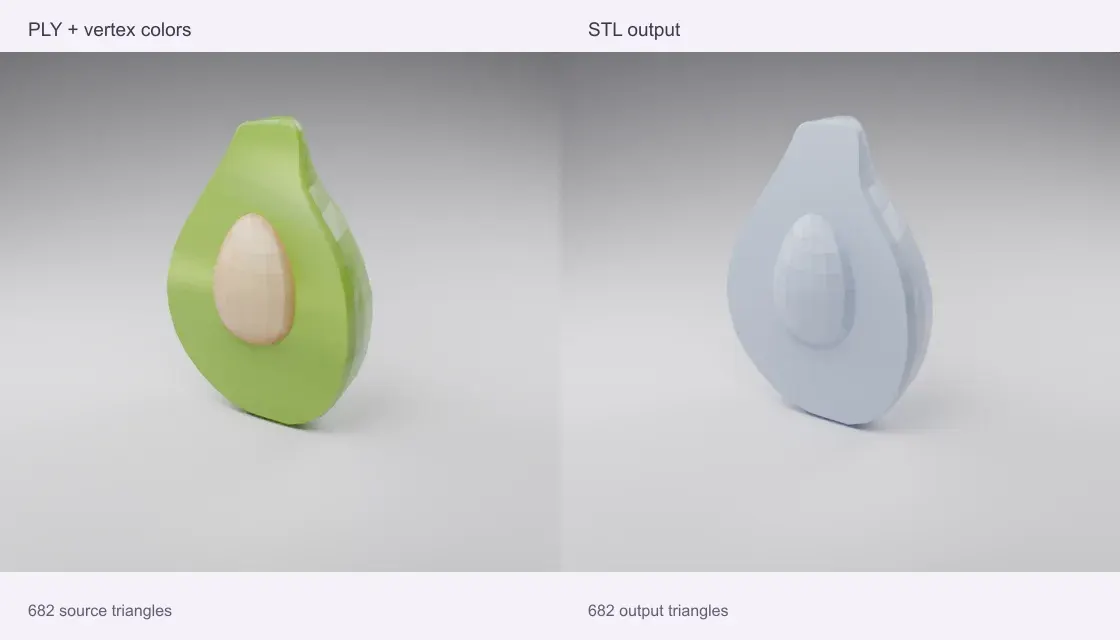
A vertex-color PLY prepared from Microsoft’s CC0 avocado, scaled to a 100 mm longest side. The 682-triangle STL keeps the surface and dimensions, while dropping color.
Source: Microsoft · Khronos sample assets · CC0-1.0
Quady3D samples and credited public models, processed with this converter. Images are renders of the actual sample meshes, rather than photographs of physical prints.
Select a surface mesh with faces. A vertex-only point cloud is identified before conversion.
PLY does not declare units. Choose mm, cm, inches or meters to match the source app.
Download the checked binary STL, then inspect and repair scan defects before slicing.
A point cloud has vertices but no surface faces. STL requires triangles. Reconstruct a mesh in MeshLab or CloudCompare first, export that surface as PLY, and then convert it here. The tool refuses vertex-only files instead of creating an empty STL.
No. Standard STL stores only surface triangles and normals. Keep the PLY as your color master. The preview shows the plain output geometry so it matches the downloaded STL.
No. Conversion preserves the surface and does not reconstruct missing regions or certify printability. After conversion, use STL Repair to inspect defects, and review the sliced layers before printing.
PLY 1.0 ASCII, binary little-endian and binary big-endian surface meshes are supported. Triangle and planar polygon faces are accepted. Malformed headers, truncated bodies, invalid indices and non-planar polygons are rejected.
Conversion runs on your device in a browser worker. No account or generation credits are needed. Sample buttons download public examples; your own files are never sent to a conversion server. The limit is 100 MB of input and one million output triangles; smaller files work better on phones.